
AI previews for tailors
Help them see
themselves in it.
Their next suit.
Seen before it’s made.
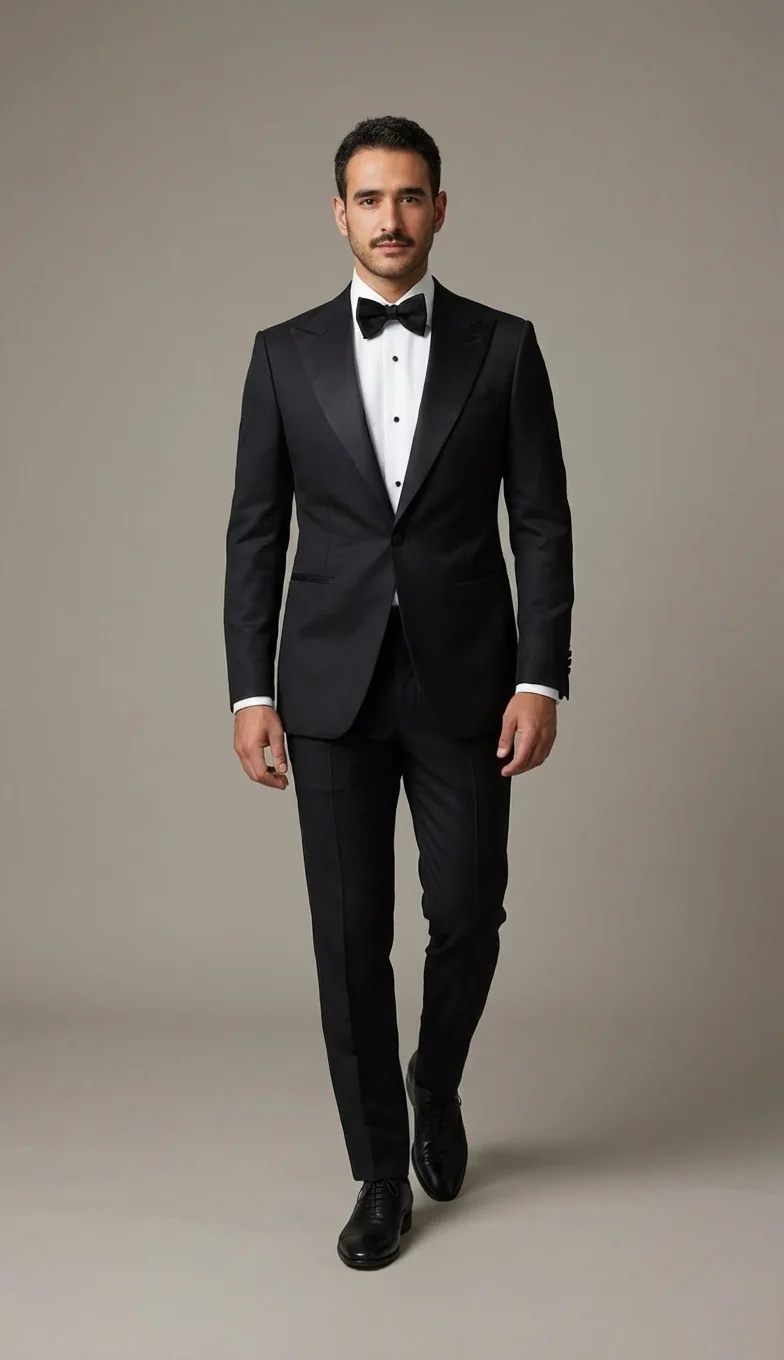
Bring your collection to life on your client. Give them a lookbook made for them.
Create your first look20 free credits. No credit card needed.

 Original photo
YOUR CLIENT
Every look
starts with them.
Start with one photo.
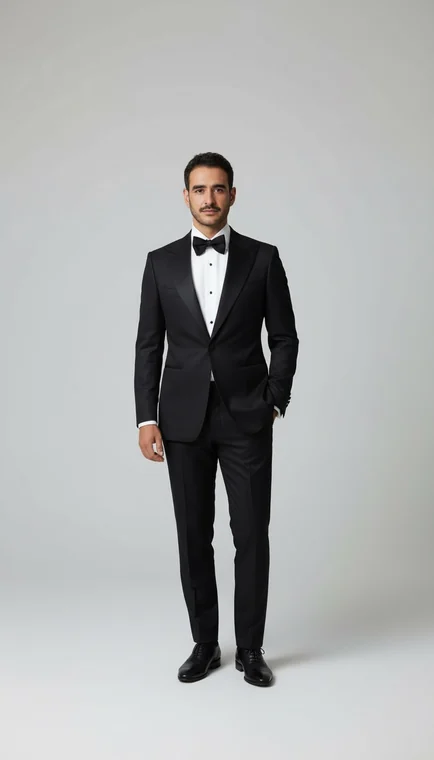
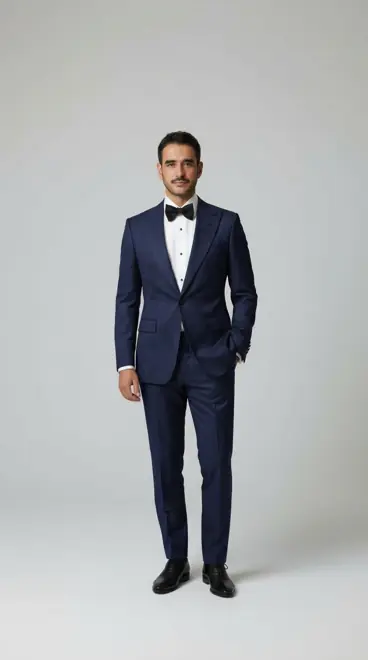
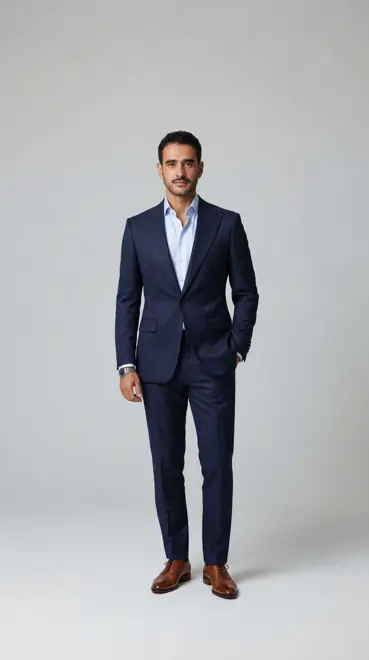
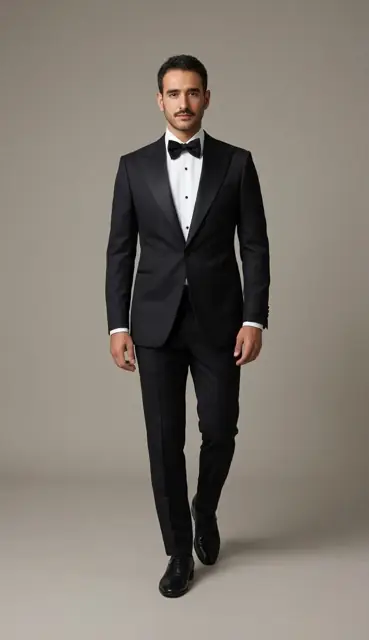
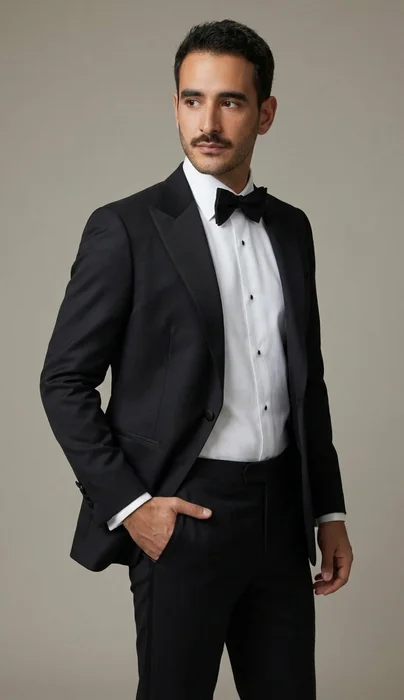
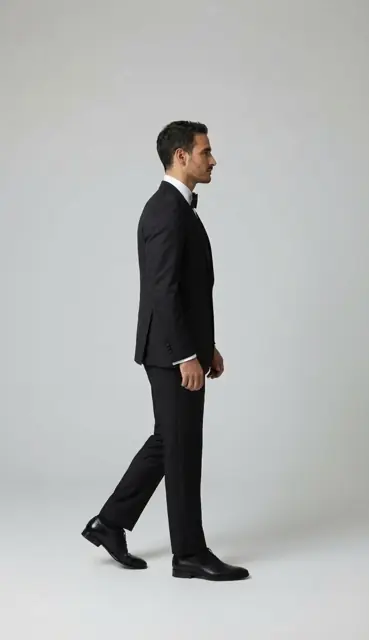
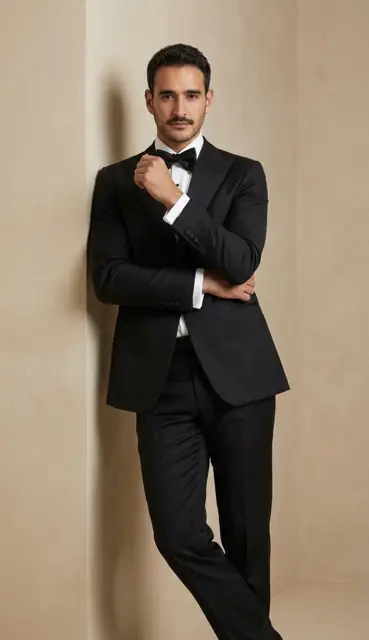
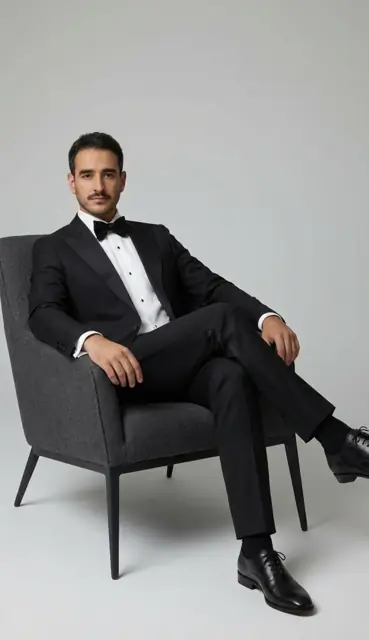

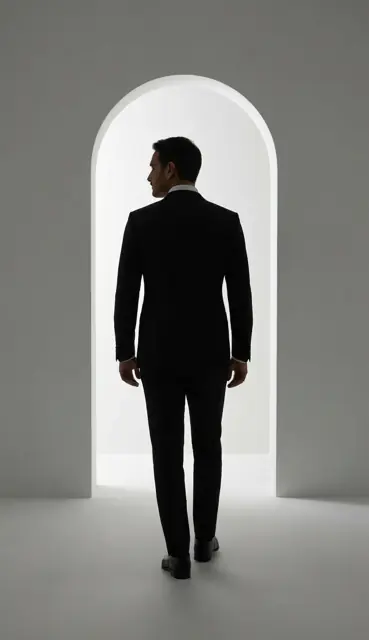
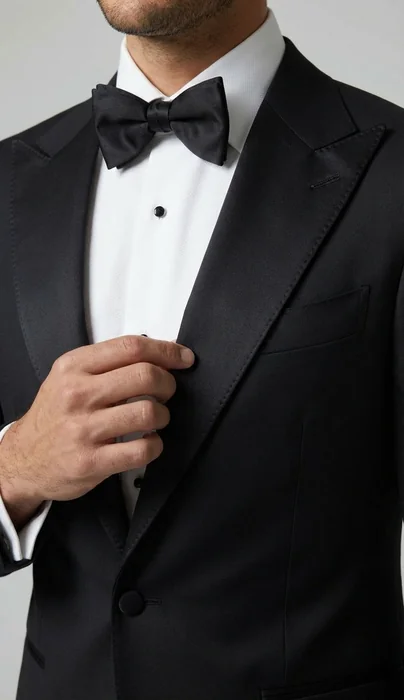
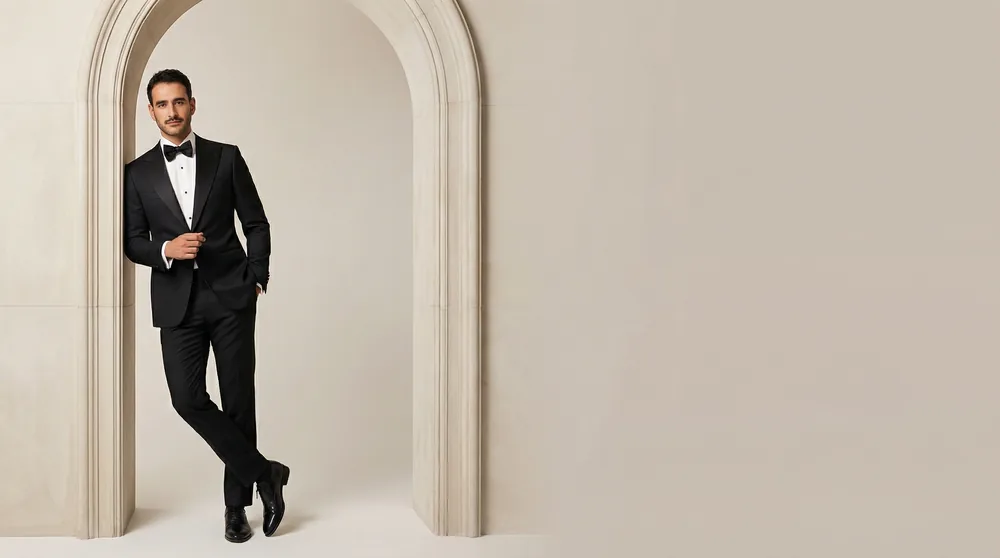
Start with a client photo.
A fitting, together.
Their phone. Your showroom. Follow a client from their first photo through a personal fitting and a finished lookbook.
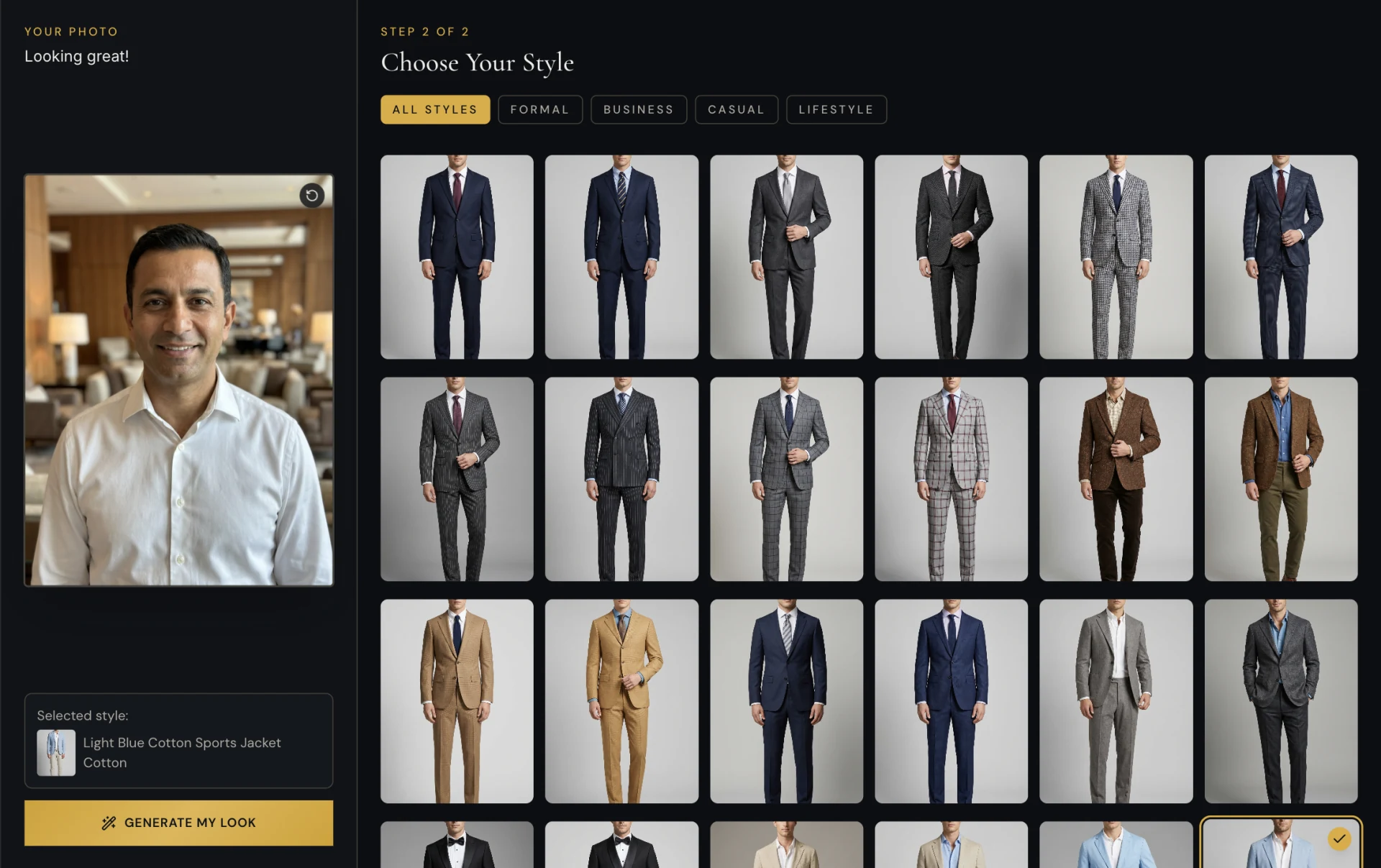
Help them see beyond the swatch.
Show how a fabric changes the finished garment. Give your client a clearer picture before they choose the cloth.
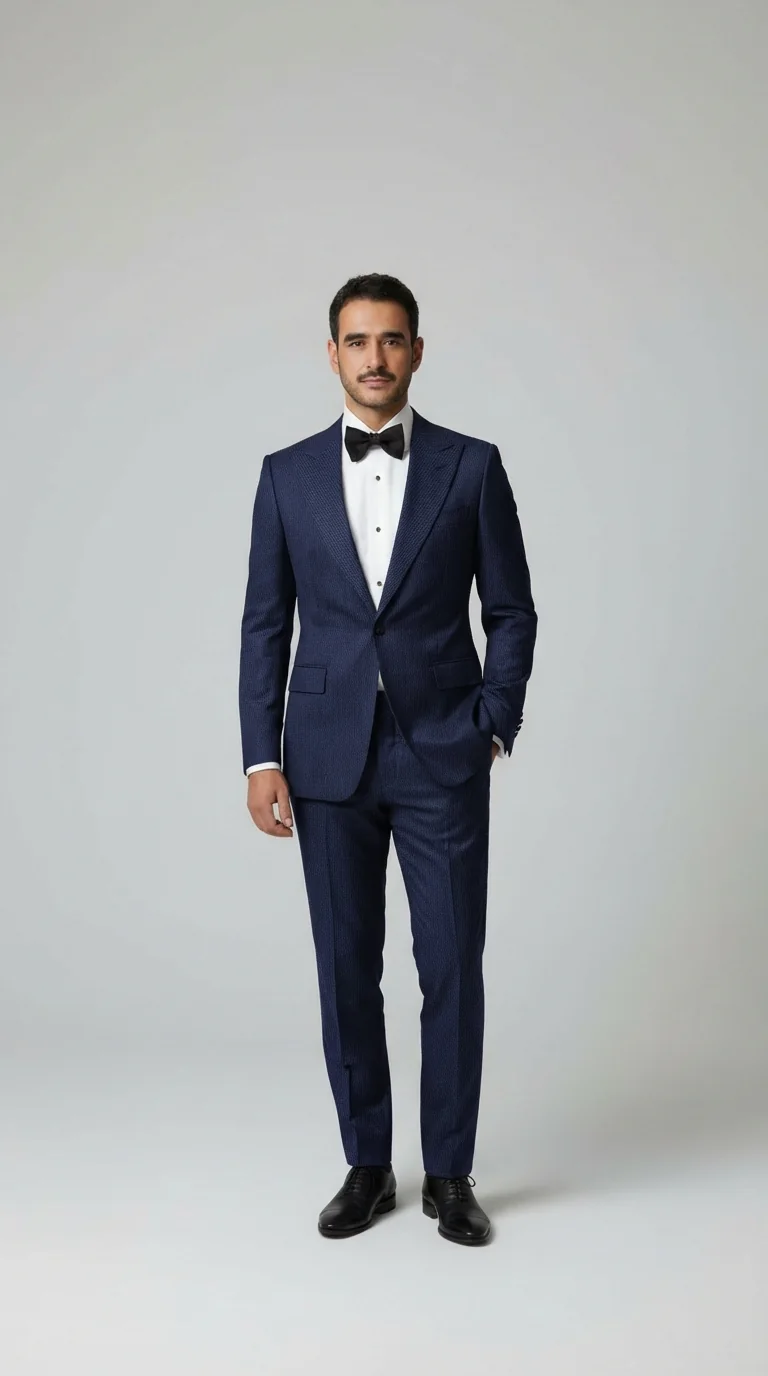
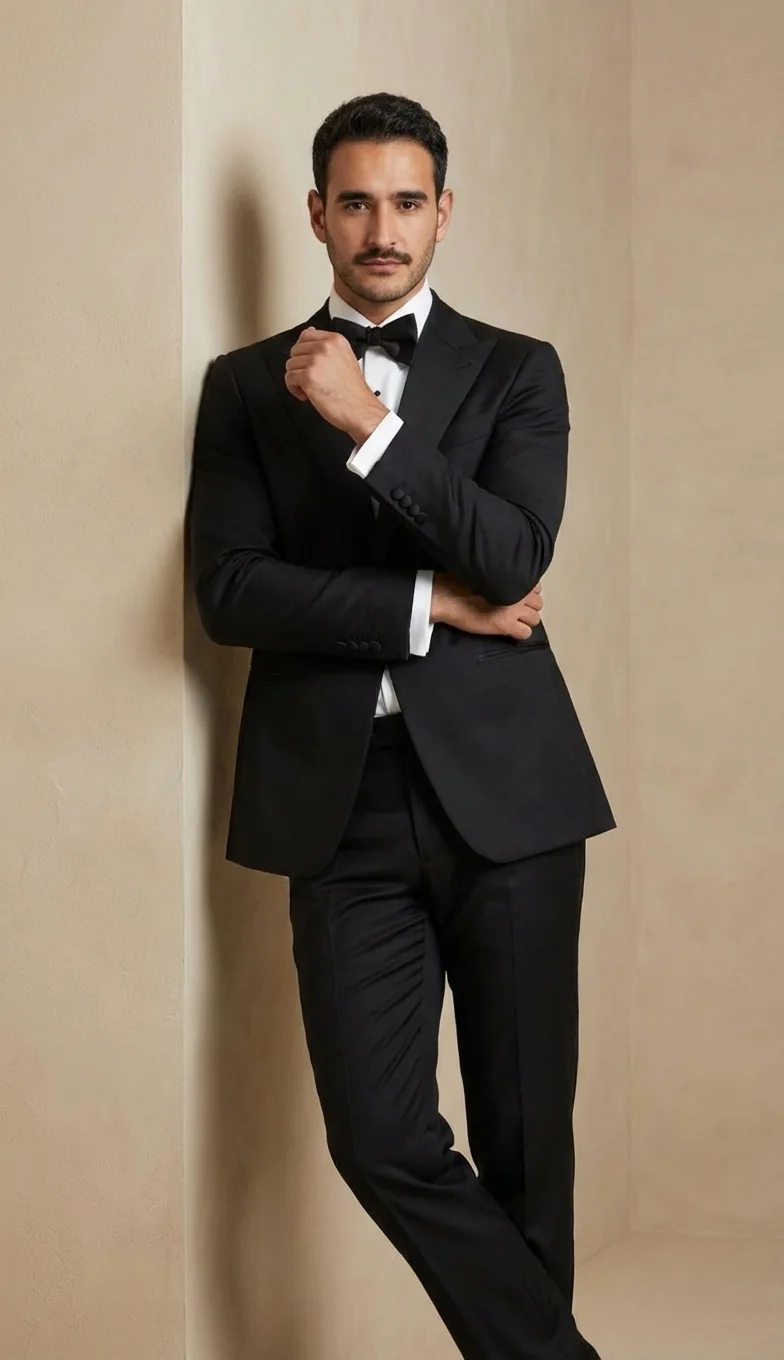
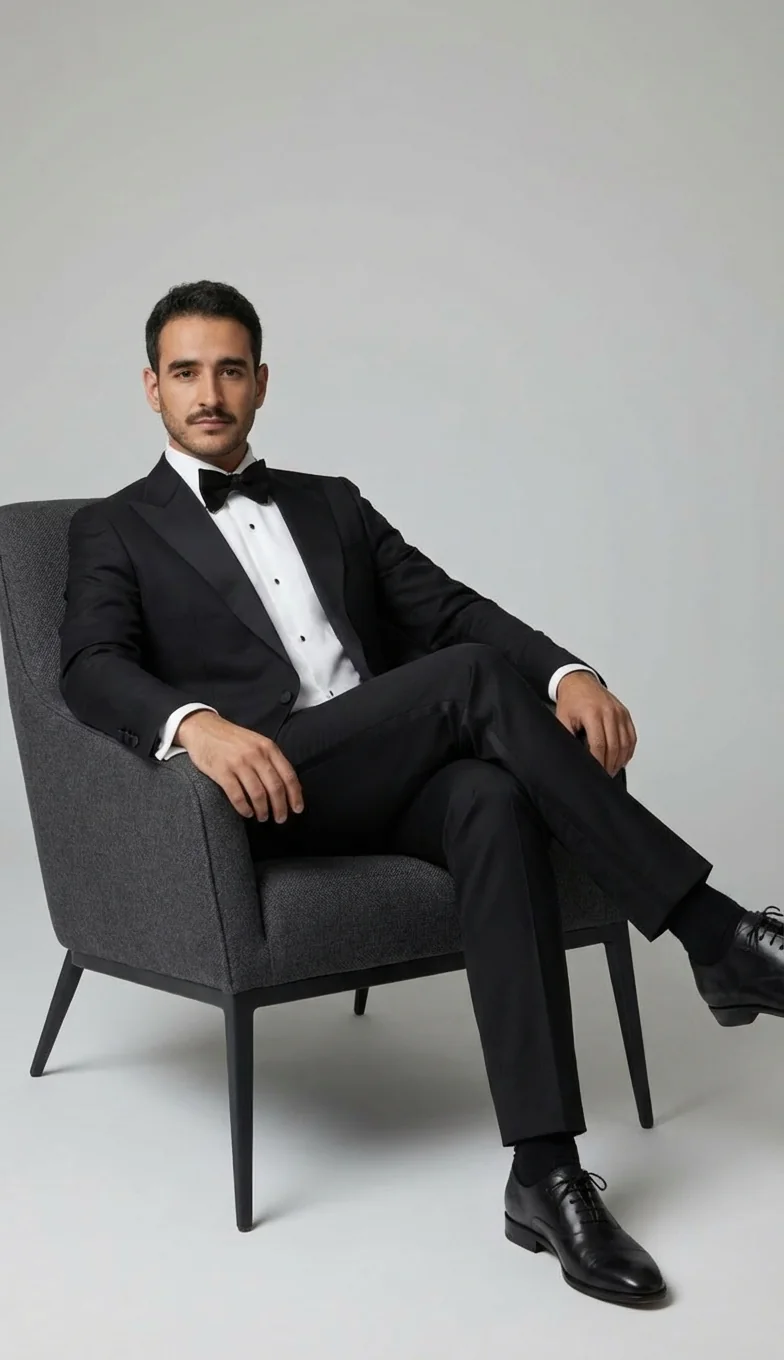
One client. Every angle.
Give the look room to move. Create a collection of poses that brings the outfit and its details into view.

Make the presentation personal.
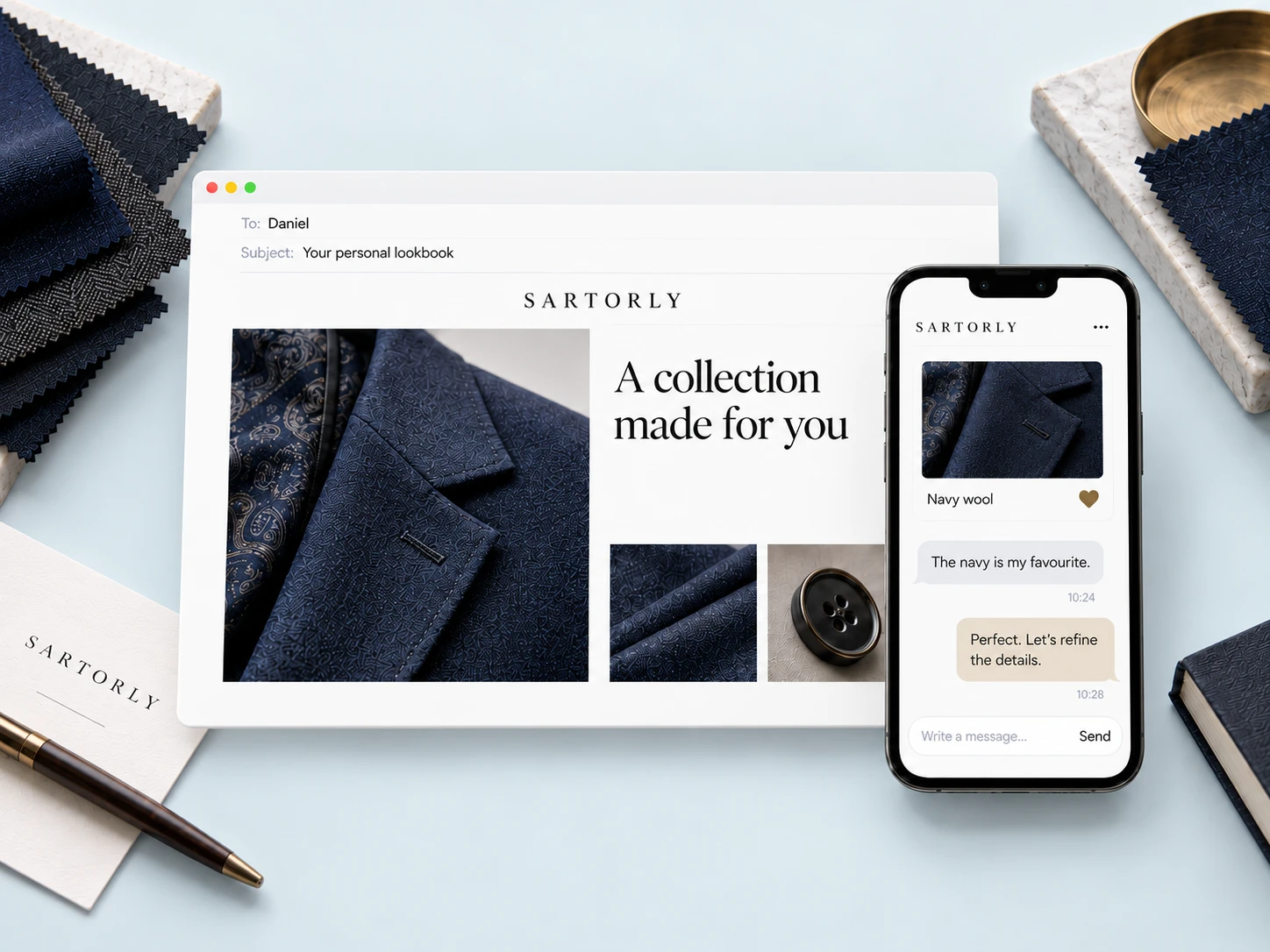
Bring the photographs together in a lookbook with your branding. A beautiful collection your client can return to.
Keep the conversation going.
Send the lookbook by email or share its link. Your client opens it on their phone, saves a favorite, and talks through the details with you.

Your collection comes with you.
Start with your shop’s website. Review the pieces we find, organize them by category, and bring them into your next fitting.
Everything you sell.
Ready to work with.
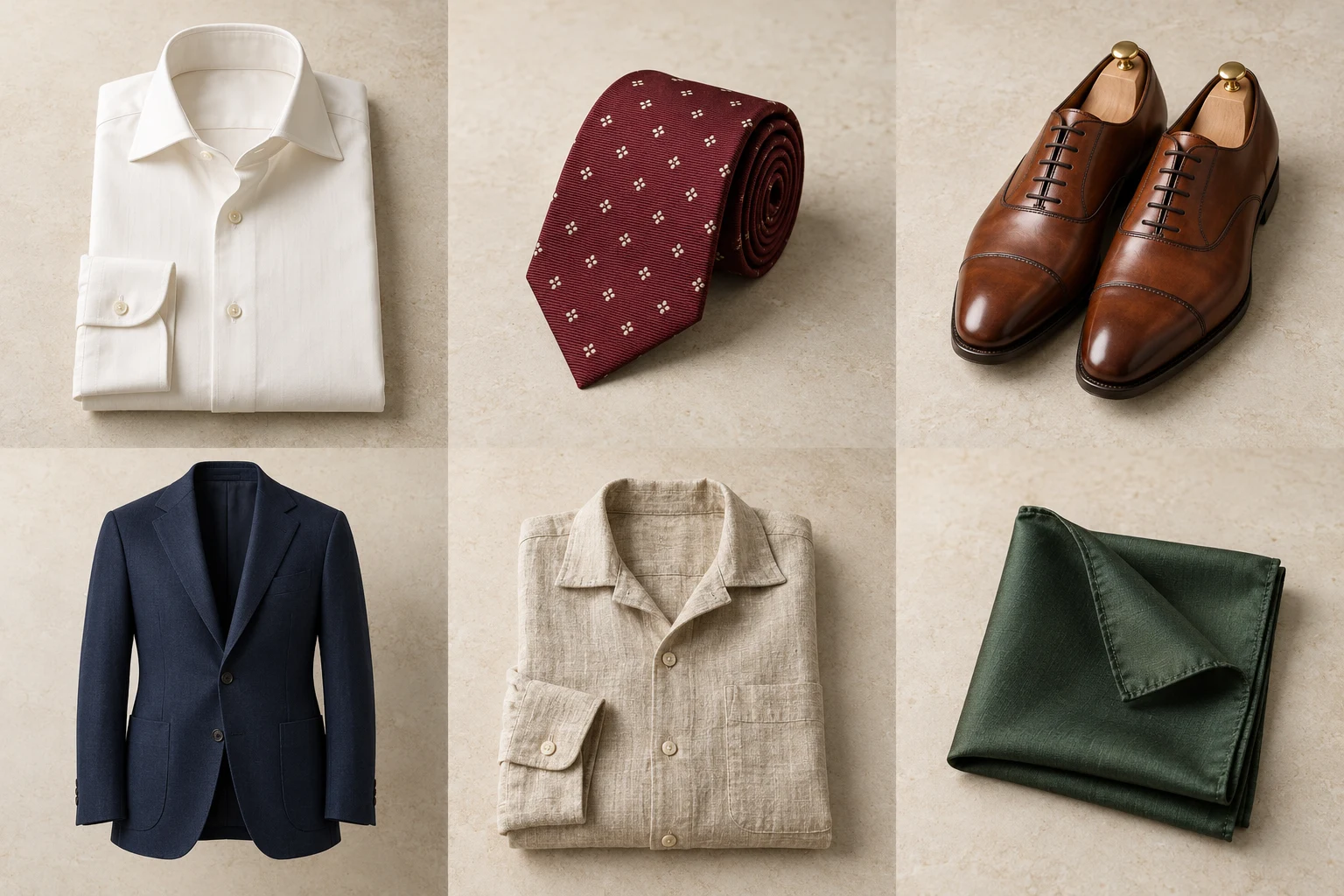
Keep garments, fabric swatches and accessories in one inventory. Add photos, edit item details and organize the pieces you use in fittings.
- Photos, categories and tags
- Prices and SKUs alongside each item
- Active status you can change as your collection evolves
- Ivory shirtShirts
- Burgundy tieAccessories
- Cognac shoesFootwear
- SKU
- SH-IV-001
- Category
- Shirts
Pick up where
the last fitting ended.
Record the measurements you take, with notes for each session. Keep their history on the client profile, ready for the next appointment.
- Work in centimeters or inches
- Save named sessions and fitting notes
- Copy measurements or export them as a PDF

Autumn fitting
14 October 2026 · by Jamie Chen
- Chest
- 100cm
- Waist
- 86cm
- Sleeve length
- 62cm
- Inseam
- 81cm
A little more room at the waist. Keep the relaxed jacket fit.
Every store connected.
A role for everyone.
Bring your locations into one workspace. Invite your team by email, assign their stores and keep the right client work with the right people.
- Admin, Manager and Staff roles
- Store access you can manage
- Client records and lookbooks for their stores
Chelsea team
People with access- Alex MorganAdminFull company administrative access
- Jamie ChenManagerTeam and client management
- Sam PatelStaffFittings and lookbooks in their stores



Admins see every store. Managers and staff see the stores you assign.
Your first session
Start with a photo.
The rest can follow.
You don’t need to set up your entire shop to see a result. Create an account, use your free credits, and make your first fitting with an outfit from the built-in collection.
- 1
Create your free account
20 credits included. No payment details.
- 2
Upload a photo & choose an outfit
Try it on yourself before using a client photo.
- 3
Generate your first fitting
See the credit cost before you generate. Build a lookbook when you’re ready.
Who is Sartorly for?
Tailors, made-to-measure businesses and menswear shops that want to show a client an outfit before it is made or purchased. You create the images; your client receives a lookbook they can open on their phone.
What do I need to create my first image?
A clear photo of yourself or your client is enough to start. Choose an outfit from the built-in collection, then generate a fitting image. You can add your own garments and fabric swatches as you go.
Can I bring in my own inventory?
Yes. Add your shop’s website, review the products we find, and choose what to bring into your collection. You can also upload garment photos and fabric swatches directly.
Can I try it before paying?
Yes. A new account includes 20 free credits, with no credit card needed. The app shows the credit cost before you generate.
Does this replace a physical fitting?
Sartorly helps a client visualize a style, fabric and outfit. The images are AI-generated previews. You still take measurements, assess fit and make the final tailoring decisions.
How does my client receive their lookbook?
Send a designed email with a cover image and viewing link, or copy the lookbook URL to share yourself. Clients can open it in their browser without installing an app or creating an account.
The consultation continues
Give them something to come back to.
Send a personal lookbook. Keep their favourites and feedback together.
20 free credits. No credit card needed.