

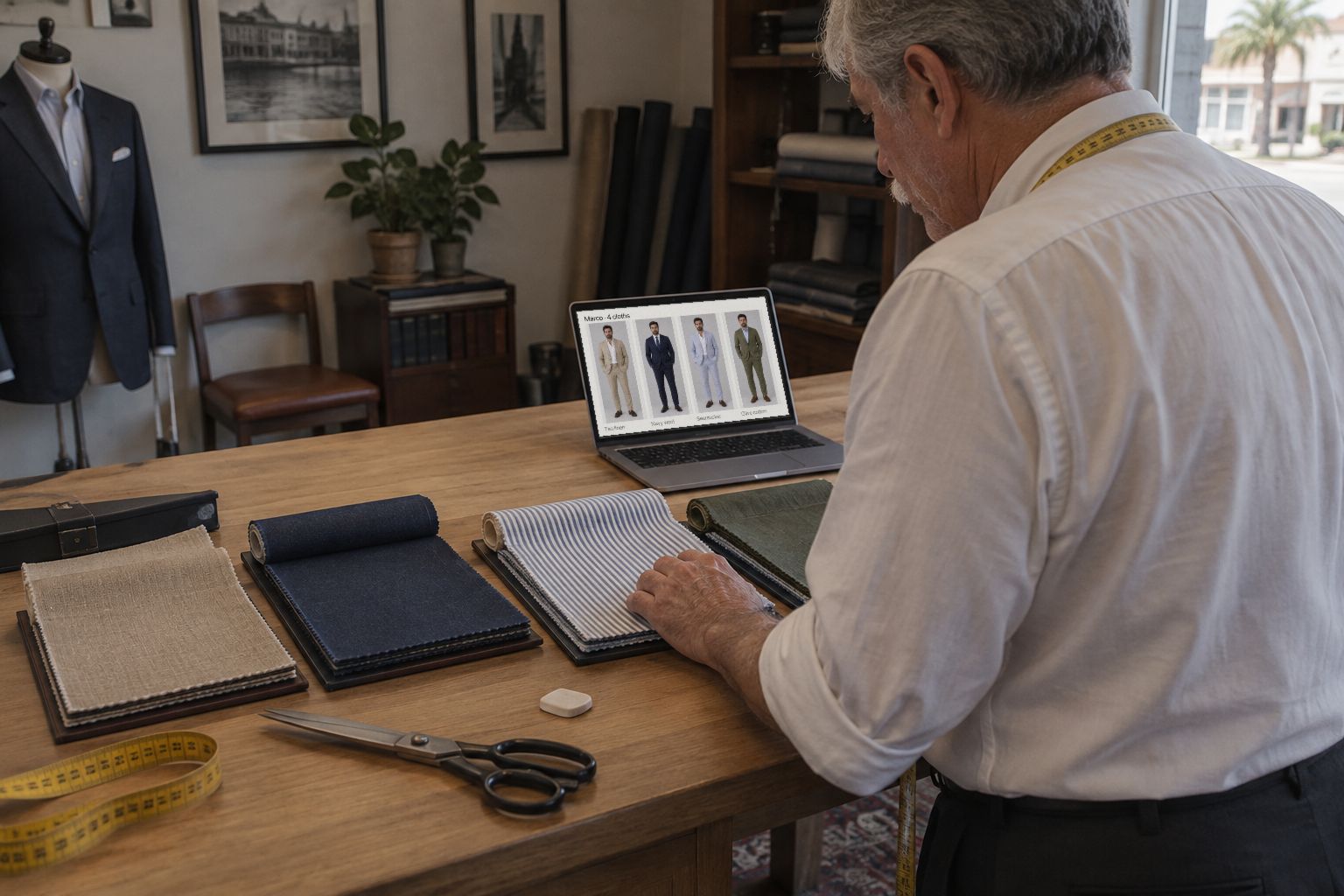
He can’t choose between the navy and the grey from a 5 cm swatch. Show him both on his own picture, and ten more, in the time it takes to pour a coffee.
Every tailor knows the moment. The client has the navy in one hand and the grey in the other, and he holds them up to the mirror one after the other. He likes both. He can’t see either as a suit. So he says he will think about it.
Here is how to put twelve cloths on the same client in Sartorly, and what to do with them afterwards.
Two Ways to Change the Cloth
1. A different style
Each style in Choose Your Style is a whole outfit: Navy Solid, Charcoal Herringbone, Grey Flannel, Brown Tweed, Light Blue Cotton and the rest of the Sartorly Collection, plus any looks you add under My Templates. Picking another style and pressing Generate My Look dresses him in it: one credit each.
Use this when the difference is the whole outfit: a formal navy against a casual tweed jacket, a wedding suit against a summer jacket.
2. A swatch on the same suit
When he has chosen the cut and only the cloth is open, keep the suit and change the swatch. In the editor, under Swatches, press Browse fabrics. Pick a cloth in Choose a Pattern and press Apply Pattern. It goes on the jacket and the trousers, one credit each time.
Every swatch starts from his original photo, with the suit you already chose as the reference. The fifth cloth is no further from his face than the first.
What About Colour?
For a plain colour you don’t have as a swatch, ask for it. In the editor, write it under Describe a change ("make the jacket bottle green") and press Apply. One credit per version, and every version stays under Version history, so you can click between them while he decides.
Running It in the Consultation
- Narrow it down by hand first. Let him pick six to eight bunches from the book. Twelve cloths on screen is plenty; forty is a way to lose him.
- Put them on while you talk. Each one takes well under a minute. Measure him while they come in.
- Show two at a time. Click between versions in the strip. People choose between two far more easily than among twelve.
- Keep the two finalists. Build the lookbook from the one he leans towards; the version of the other stays in the strip if his wife prefers it.
1
credit per cloth
12
cloths in this article
0
metres cut
Then send it. A lookbook in the cloth he picked, with the runner-up alongside if you like, is something he can show at home, which a swatch never is.