

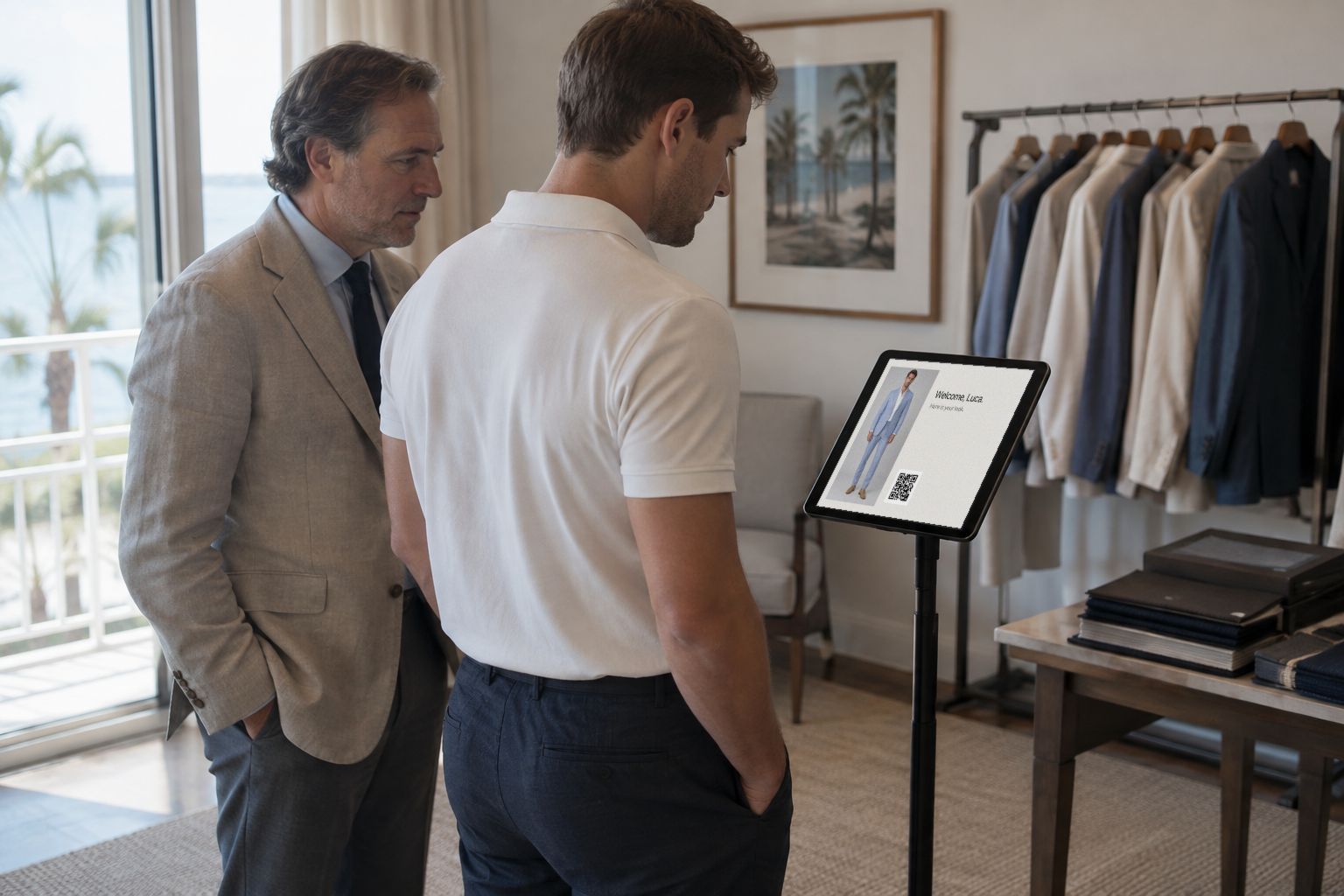
Put a tablet on the table. A guest scans the code, sends a photo from his own phone, and sees himself in your suit on the screen a minute later. How to set it up and run it on the day.
At a trunk show you have more guests than hands. Half of them are browsing the rails, a few are waiting for you, and the ones who would buy need a reason to stay. The kiosk gives them one: they scan a code, send a photo, and see themselves in your suit while you finish with the client before them.
Setting It Up
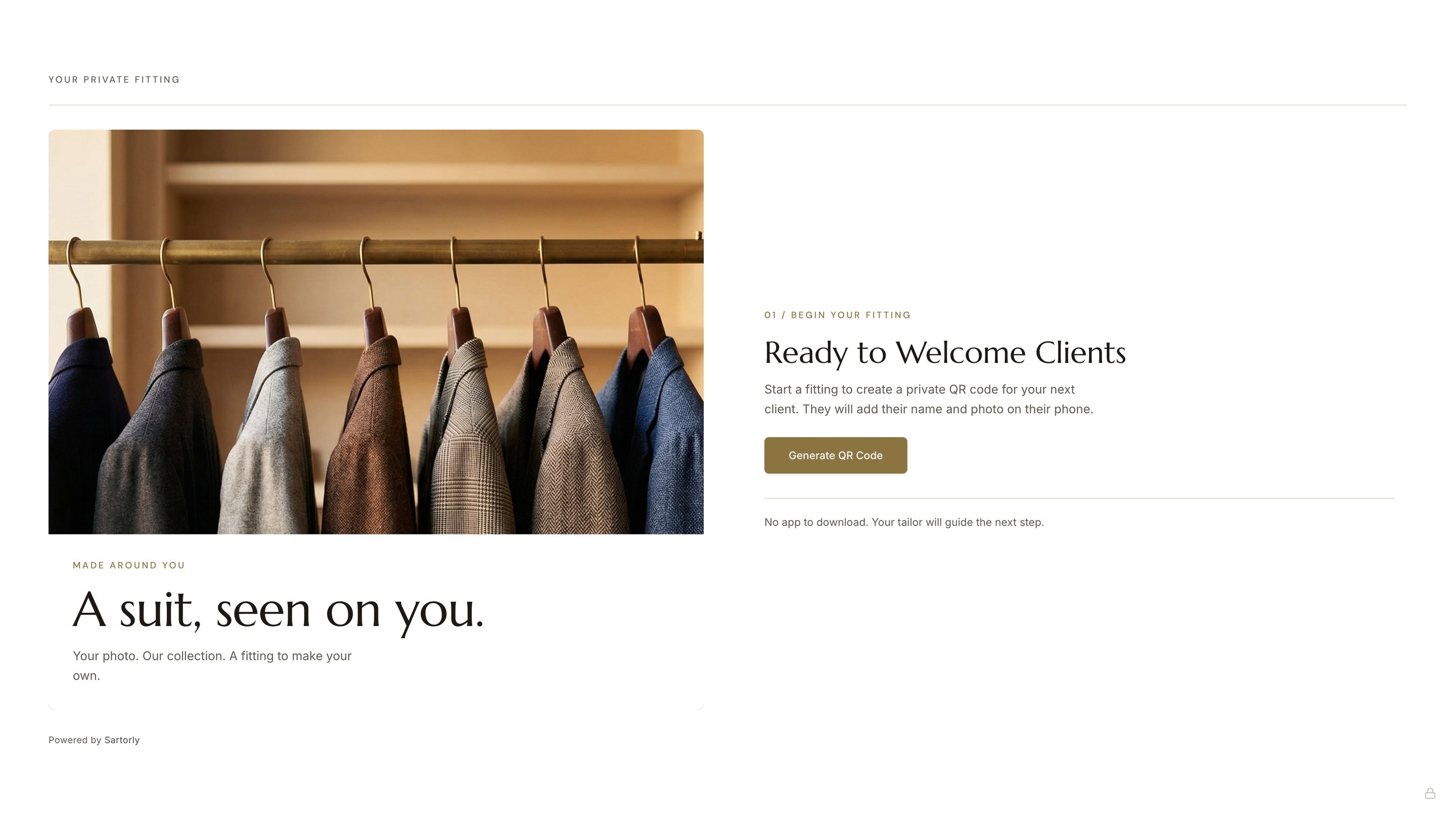
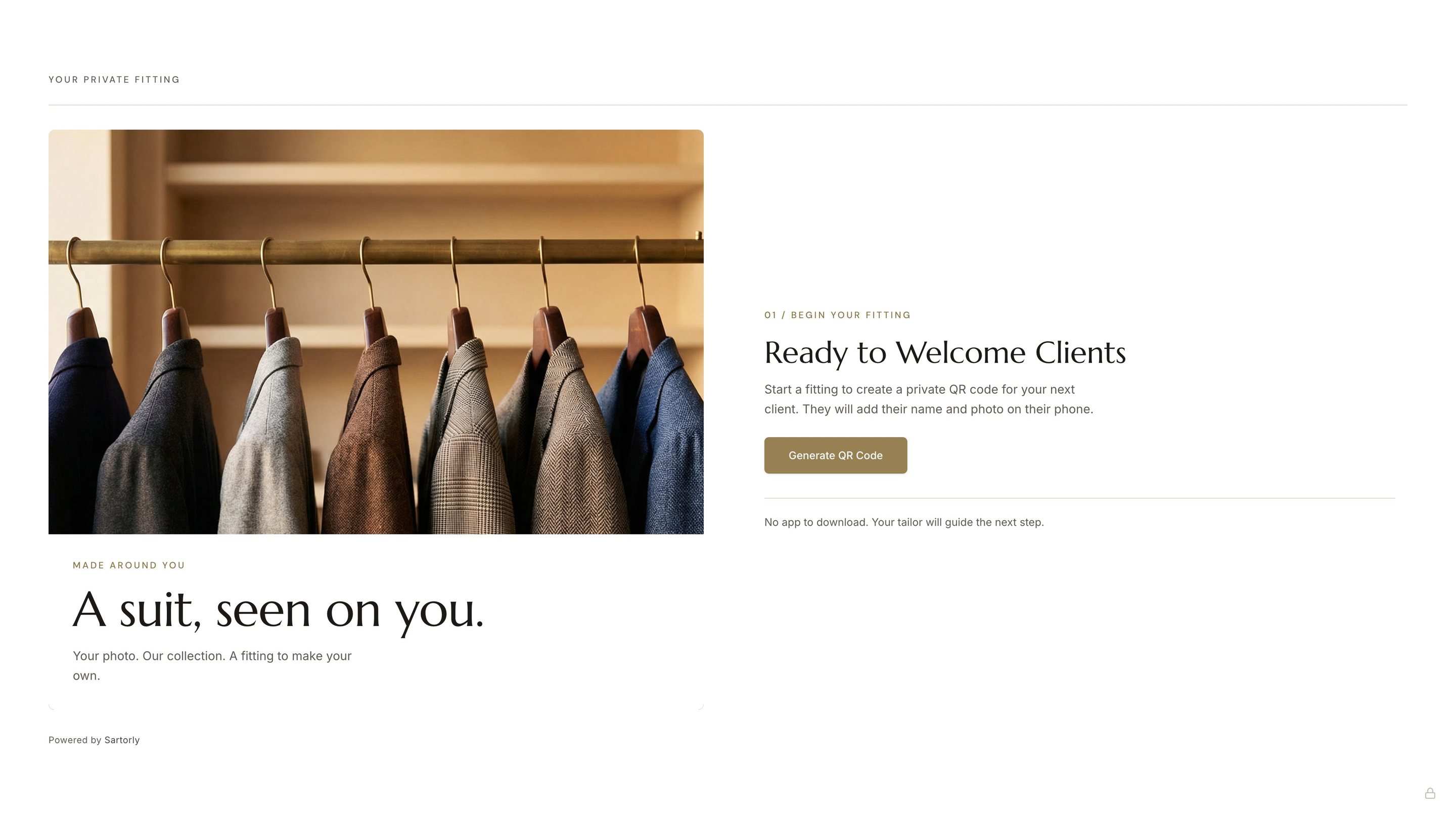
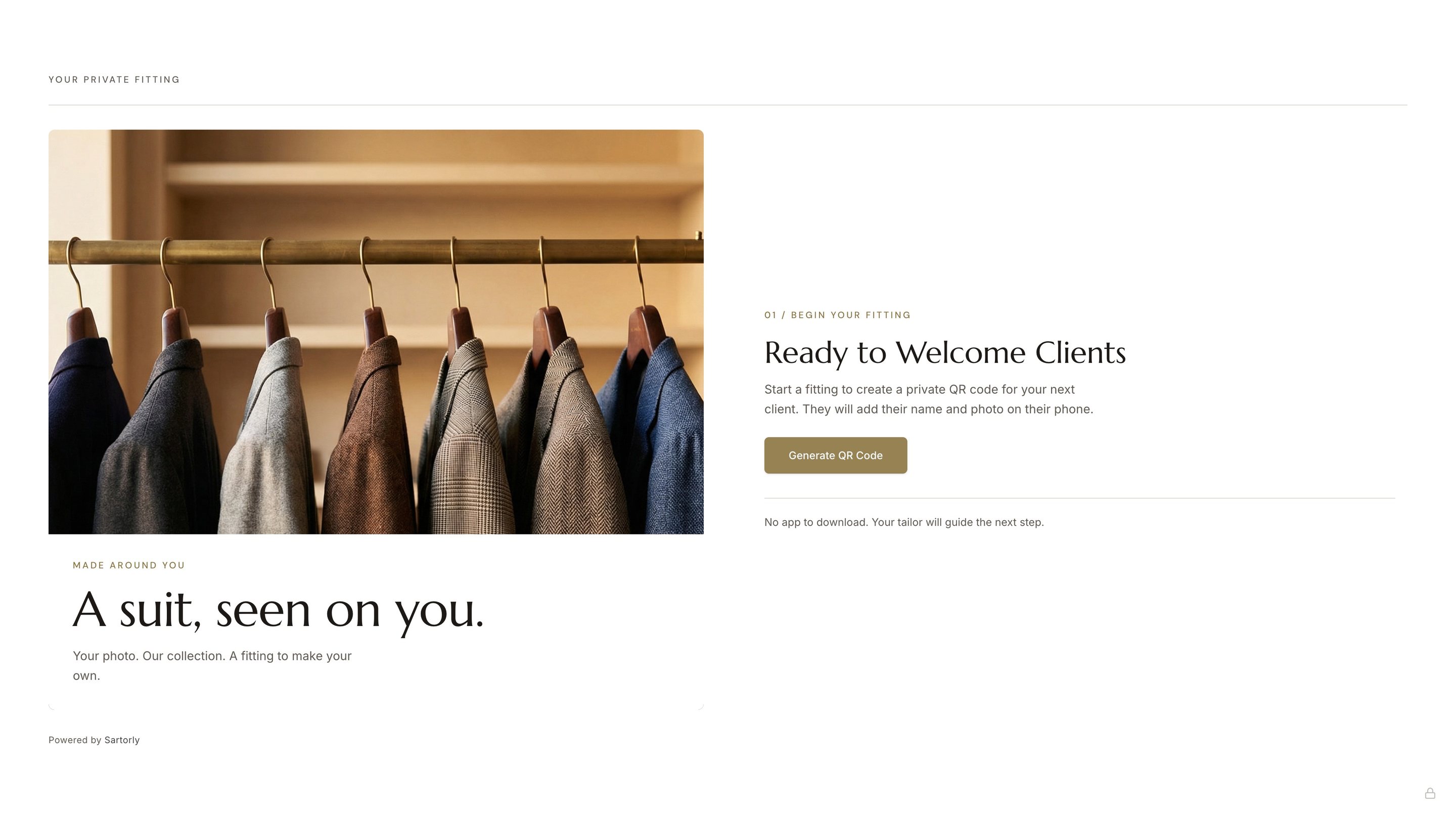
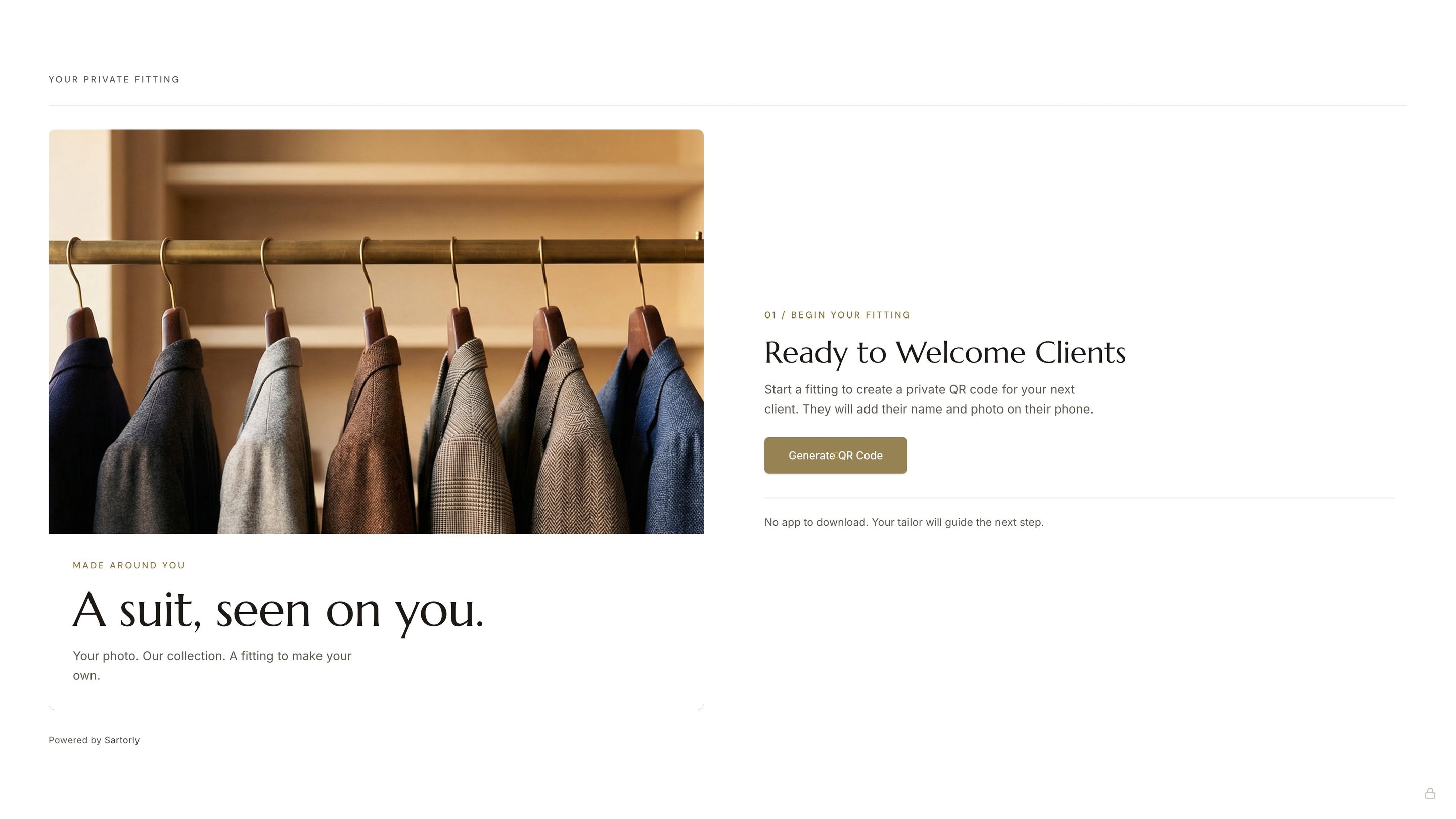
- On a tablet or laptop, sign in to Sartorly and open the Kiosk. If you have more than one store, pick the store it belongs to.
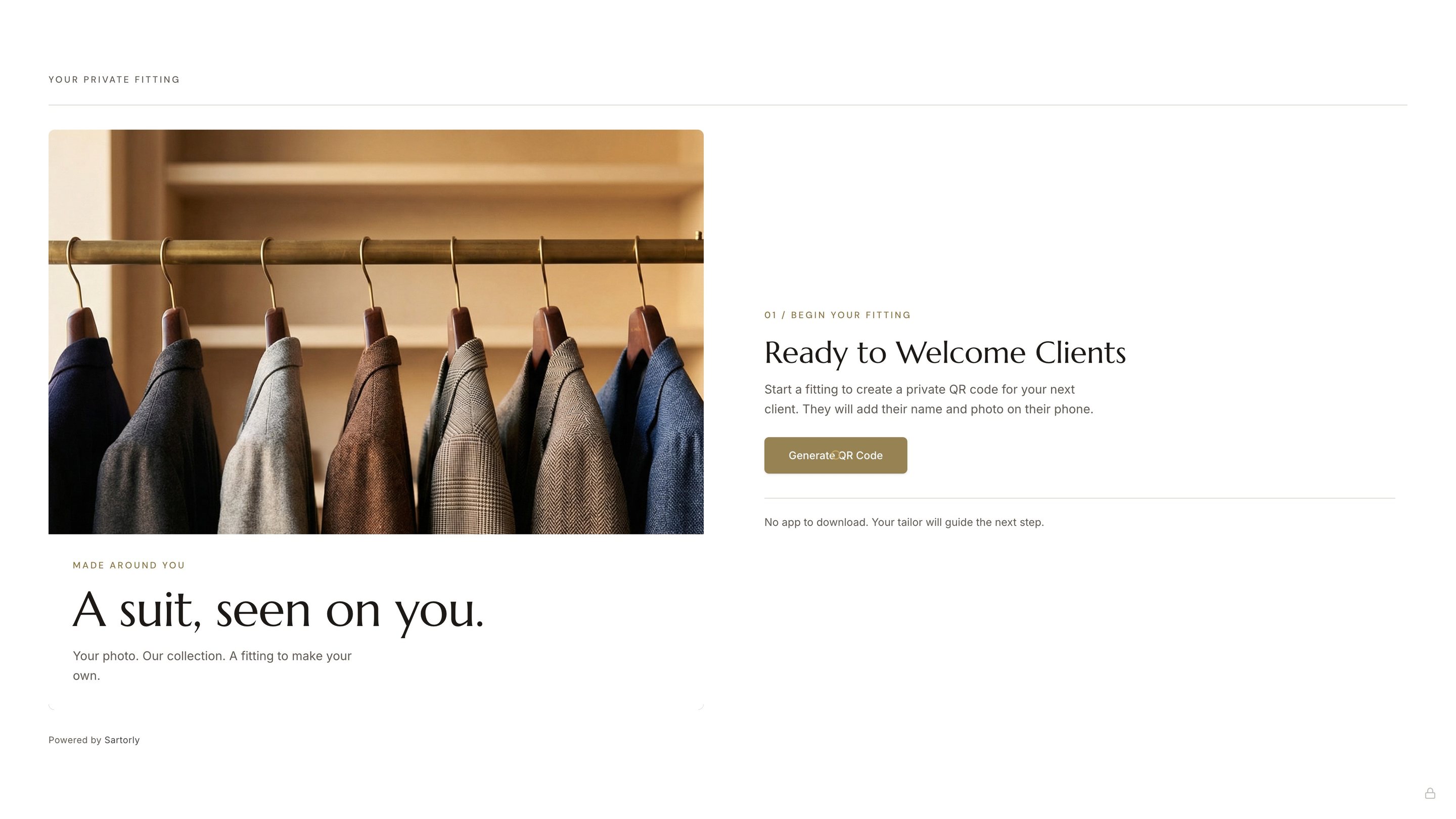
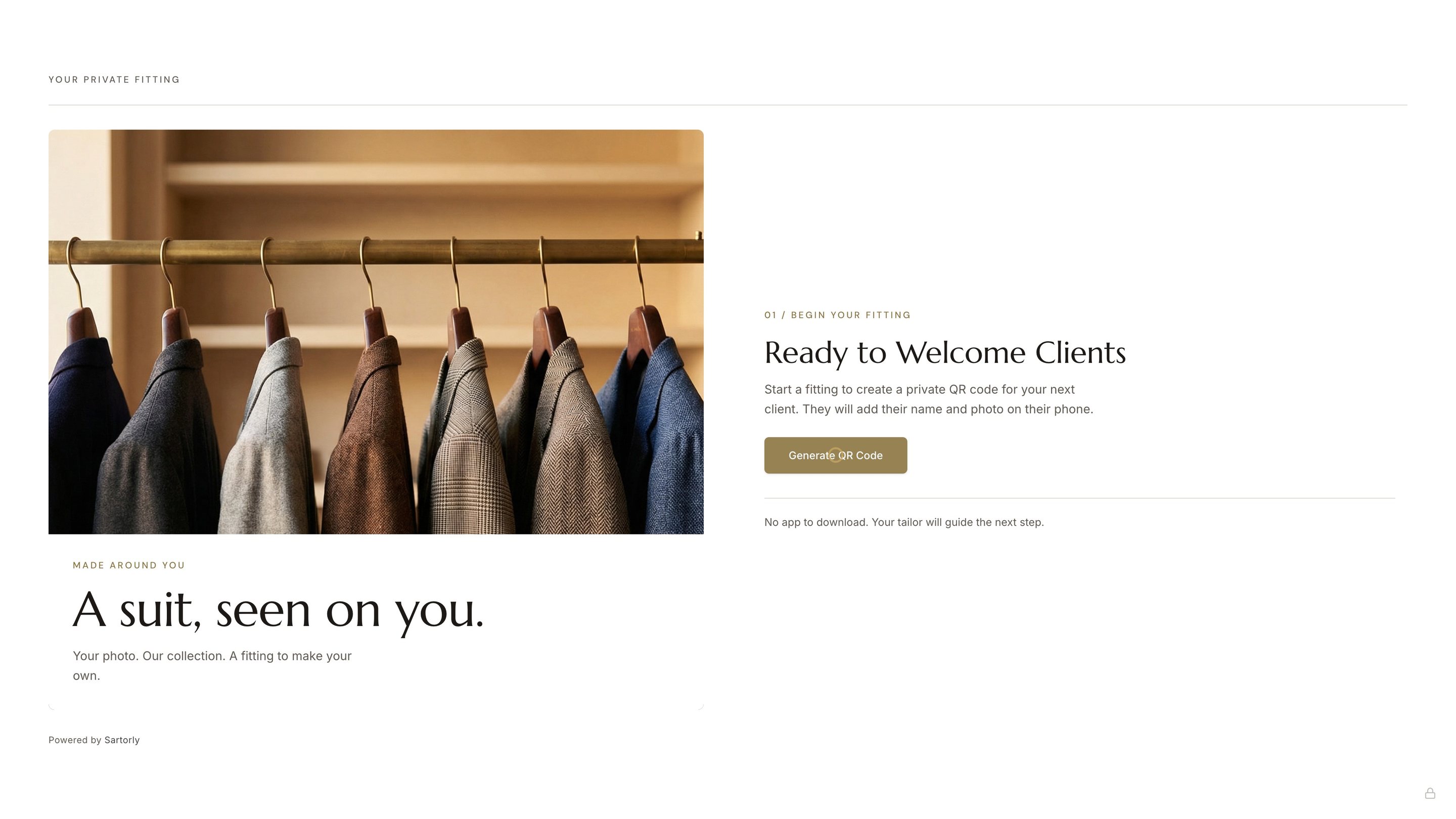
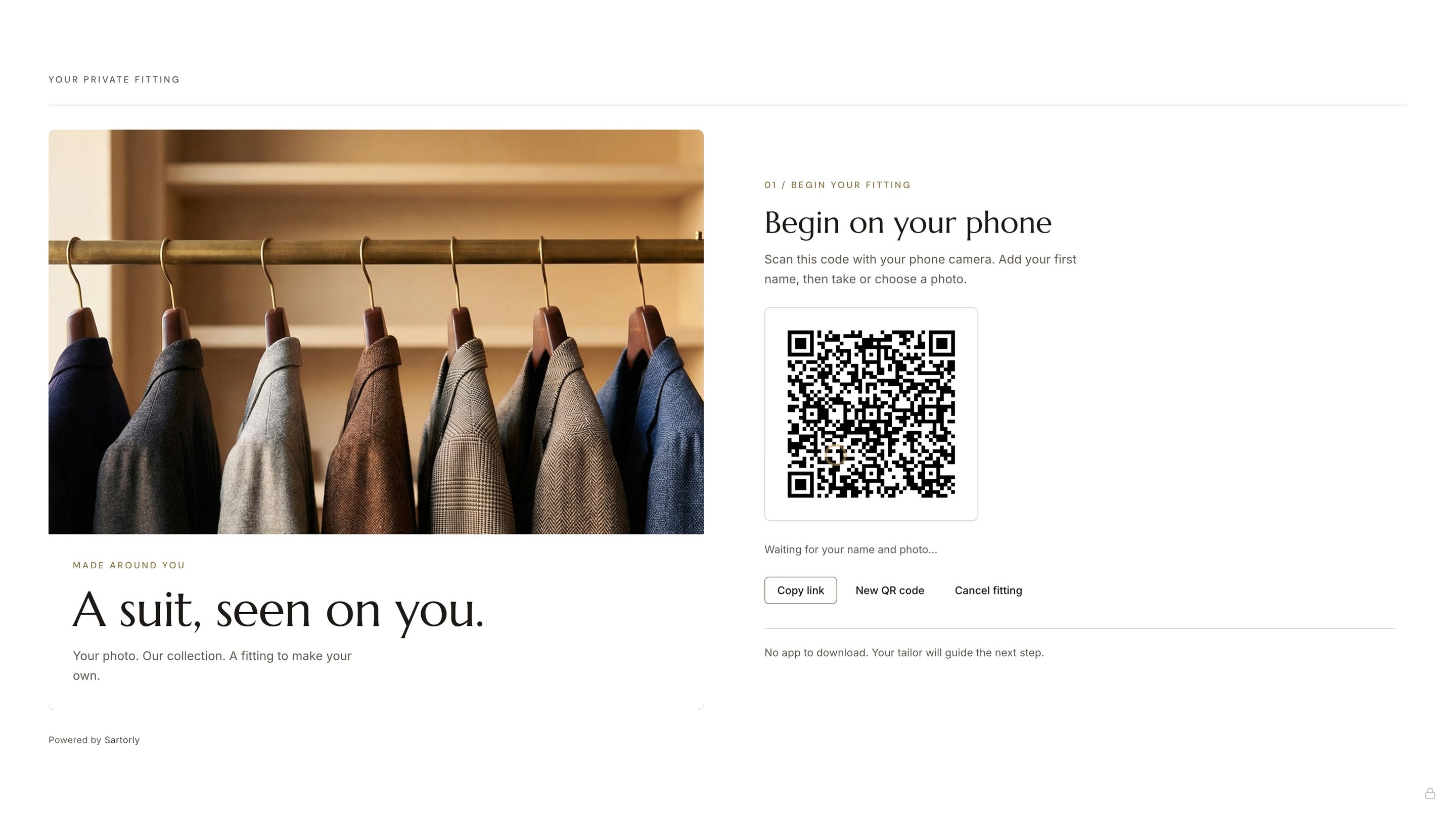
- Press Generate QR Code. The screen shows the code under “Begin on your phone”, and “Waiting for your name and photo…” until he has sent it.
- Stand it where people queue or wait, at eye level, near a plain wall they can stand against.
What the Guest Does
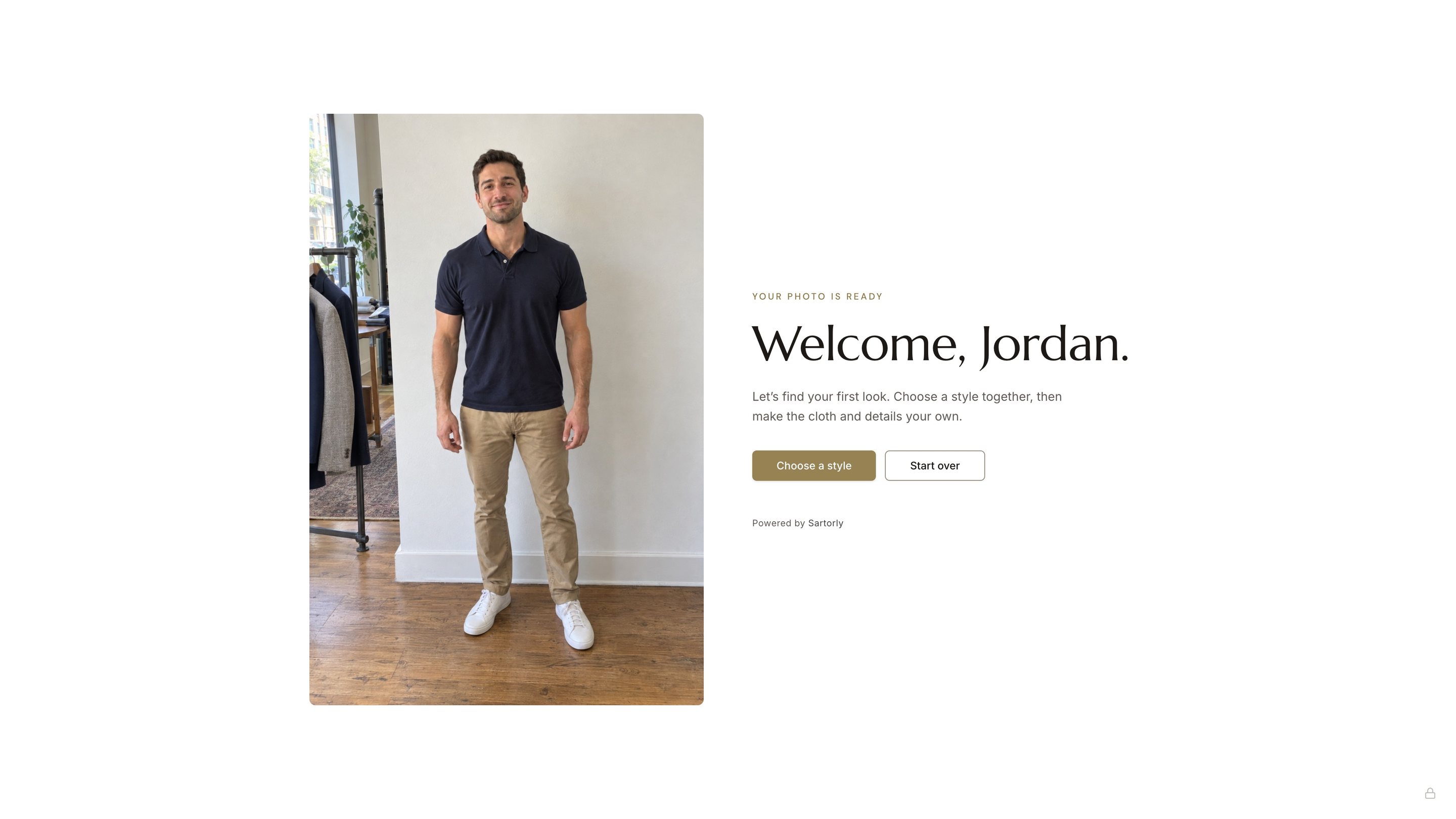
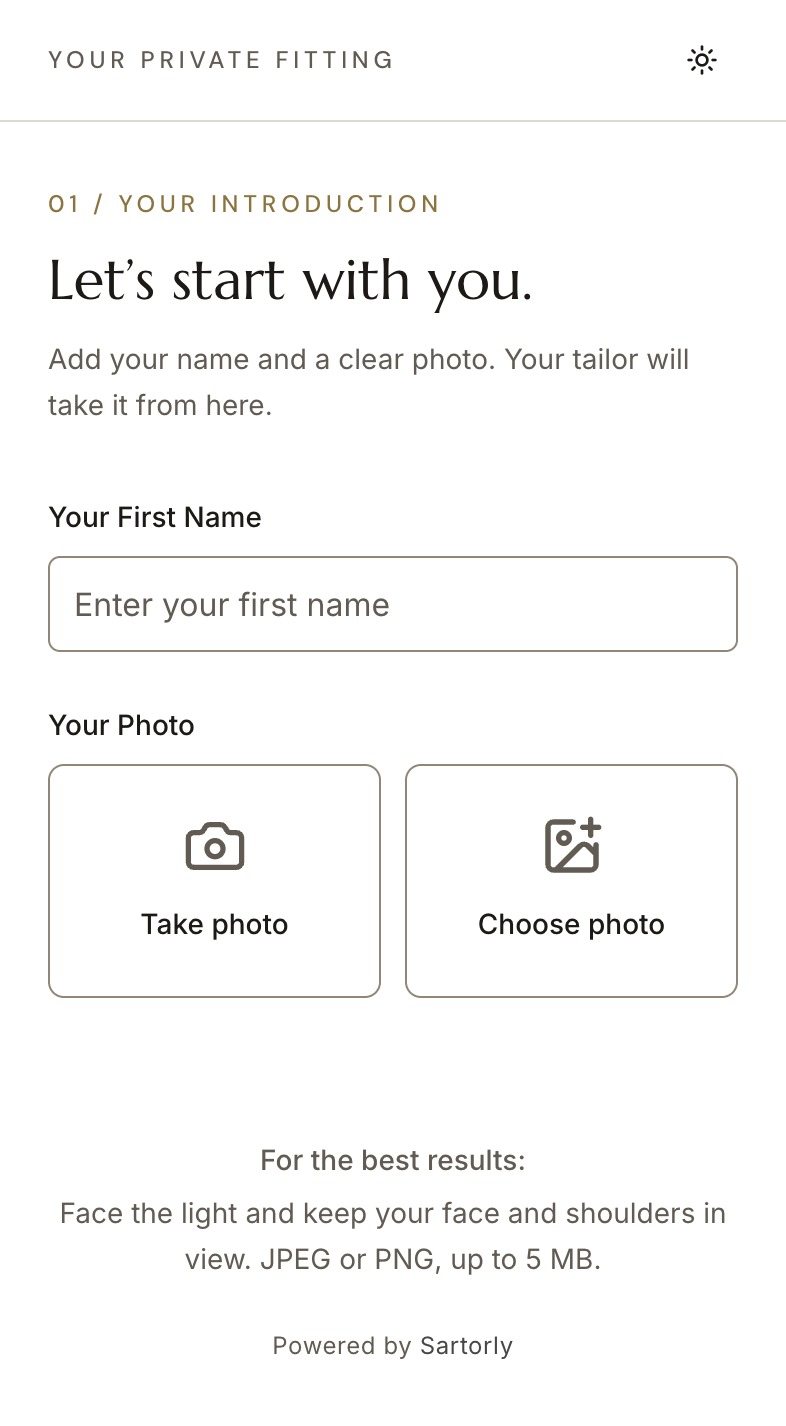
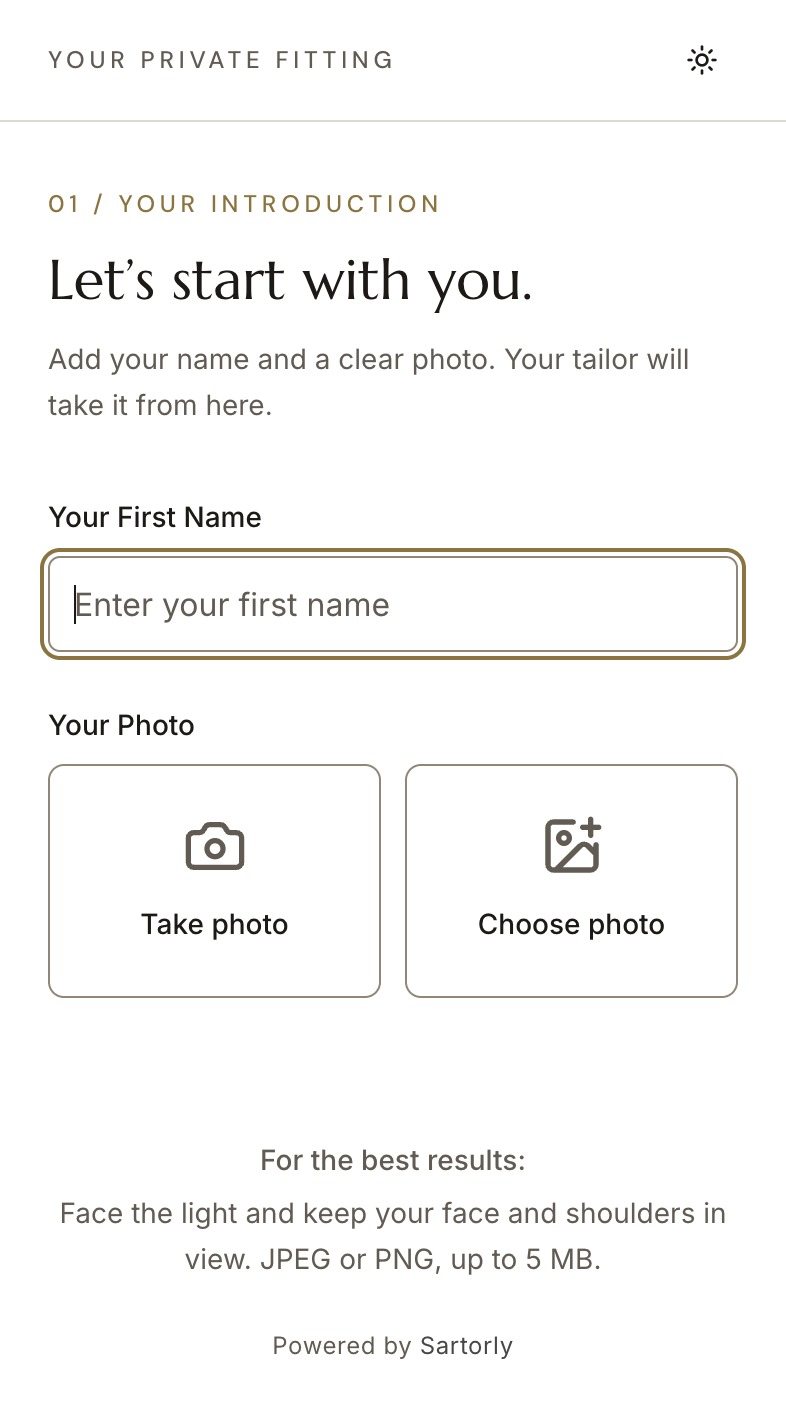
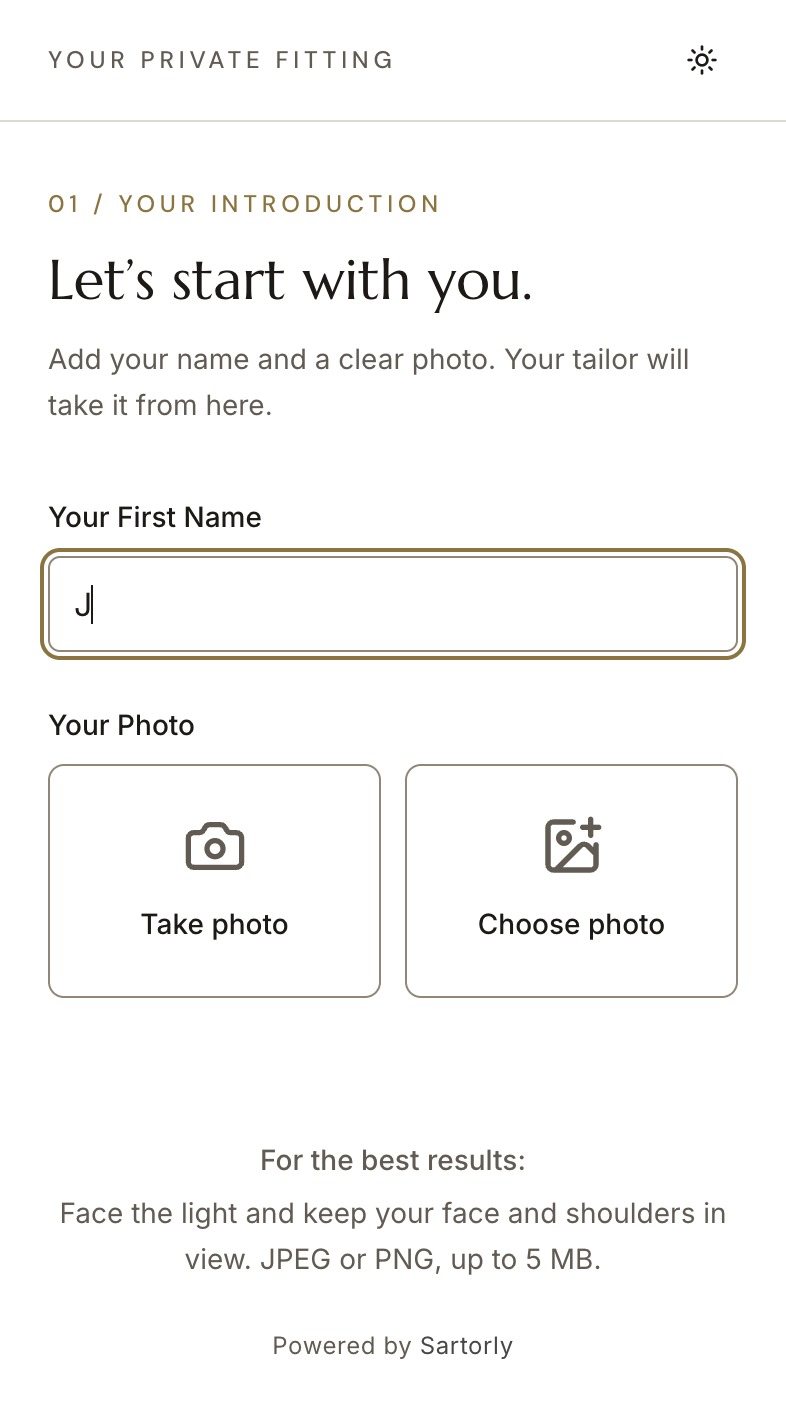
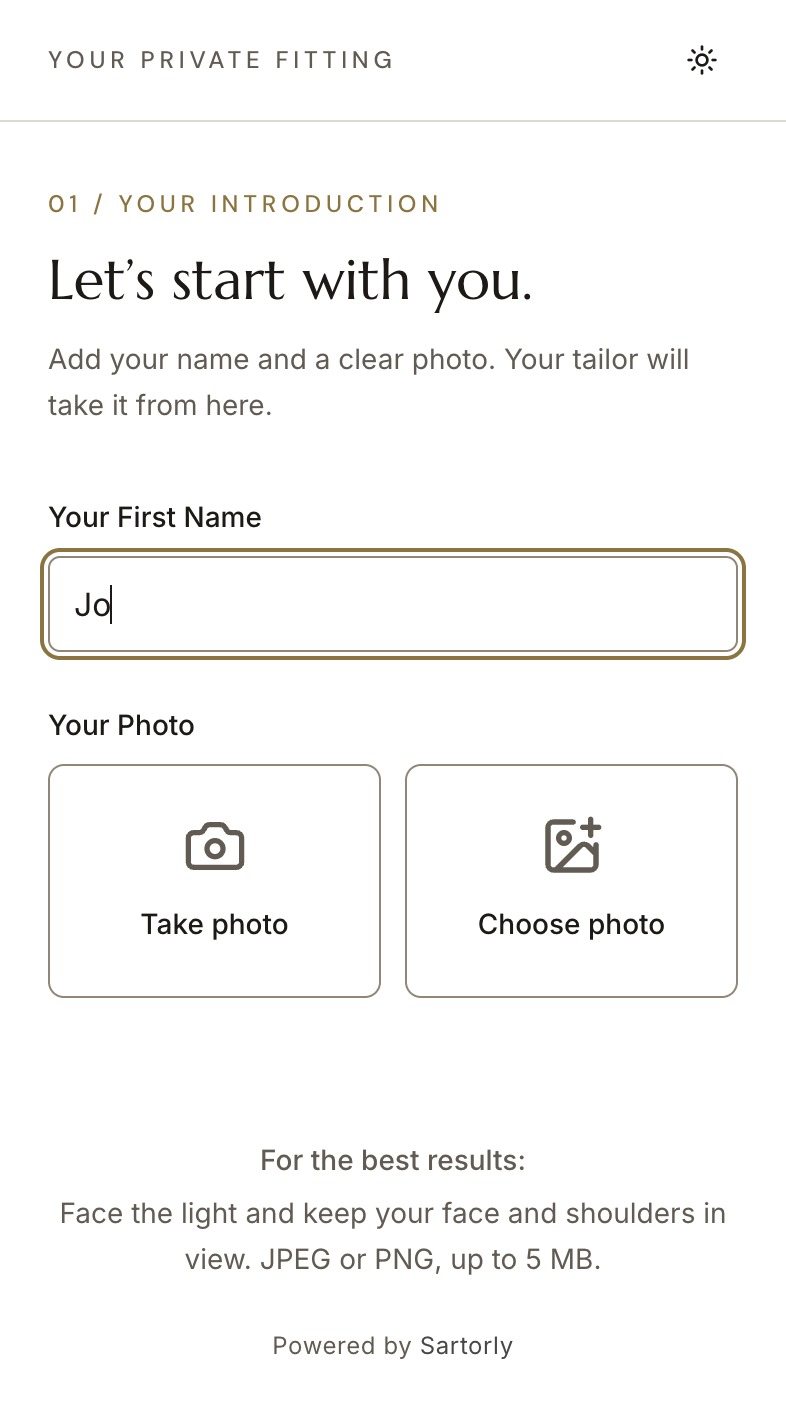
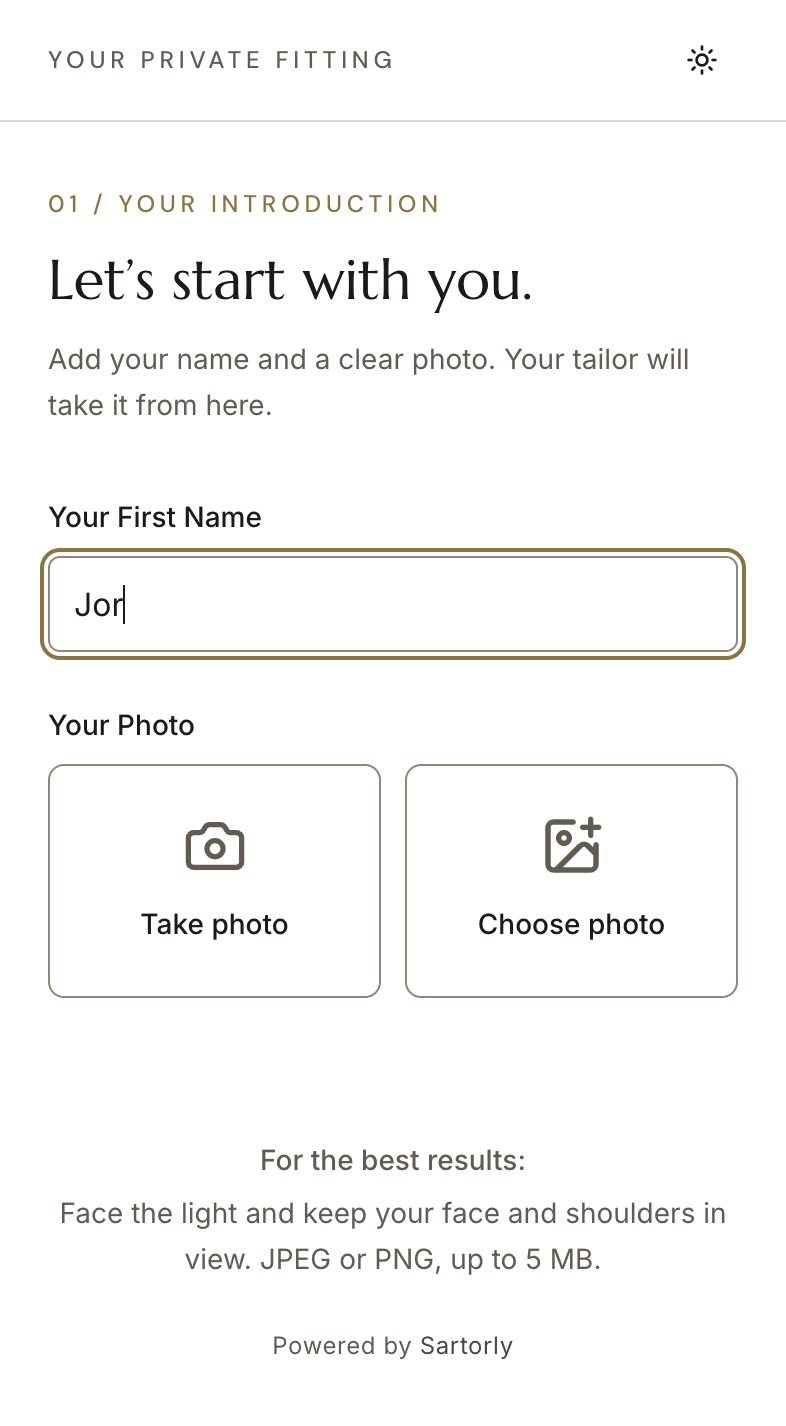
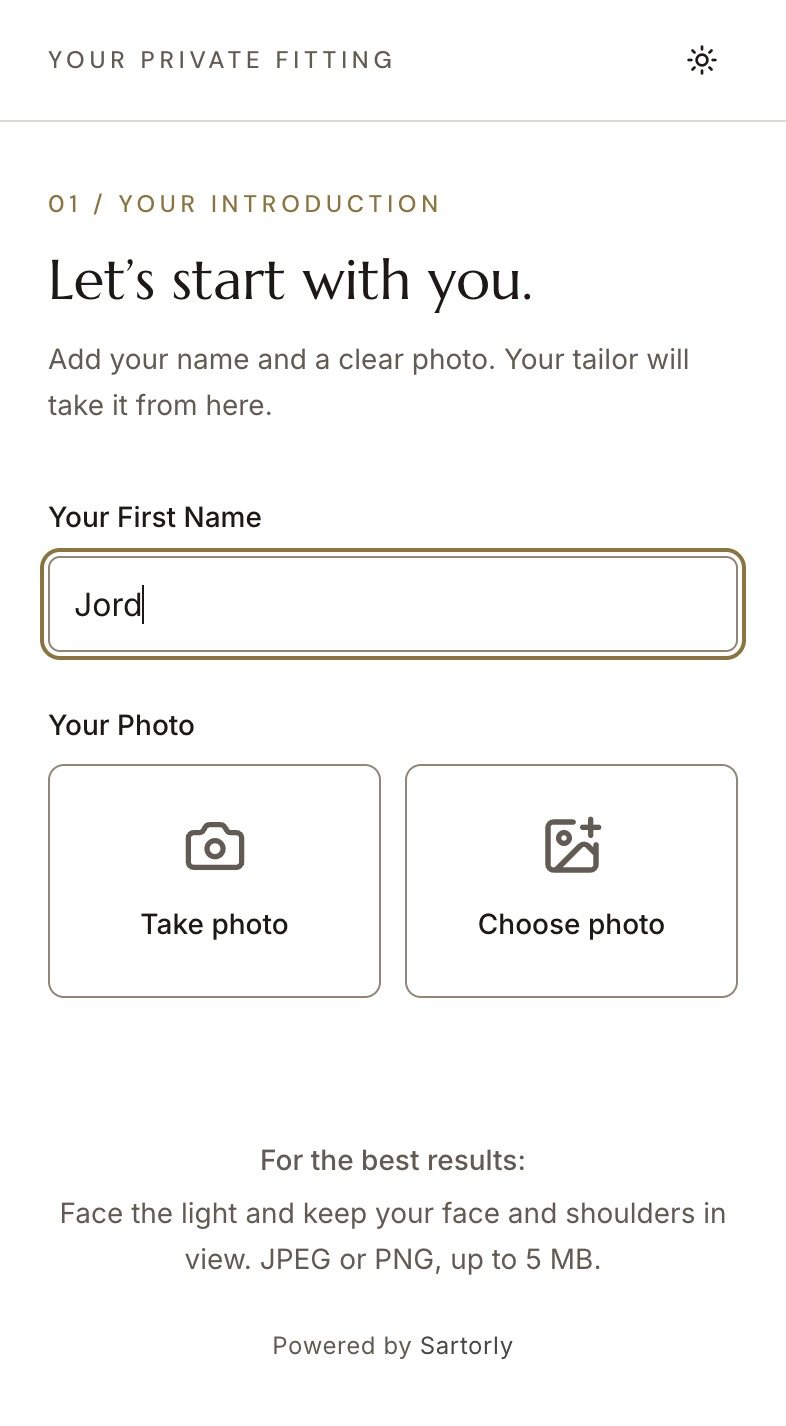
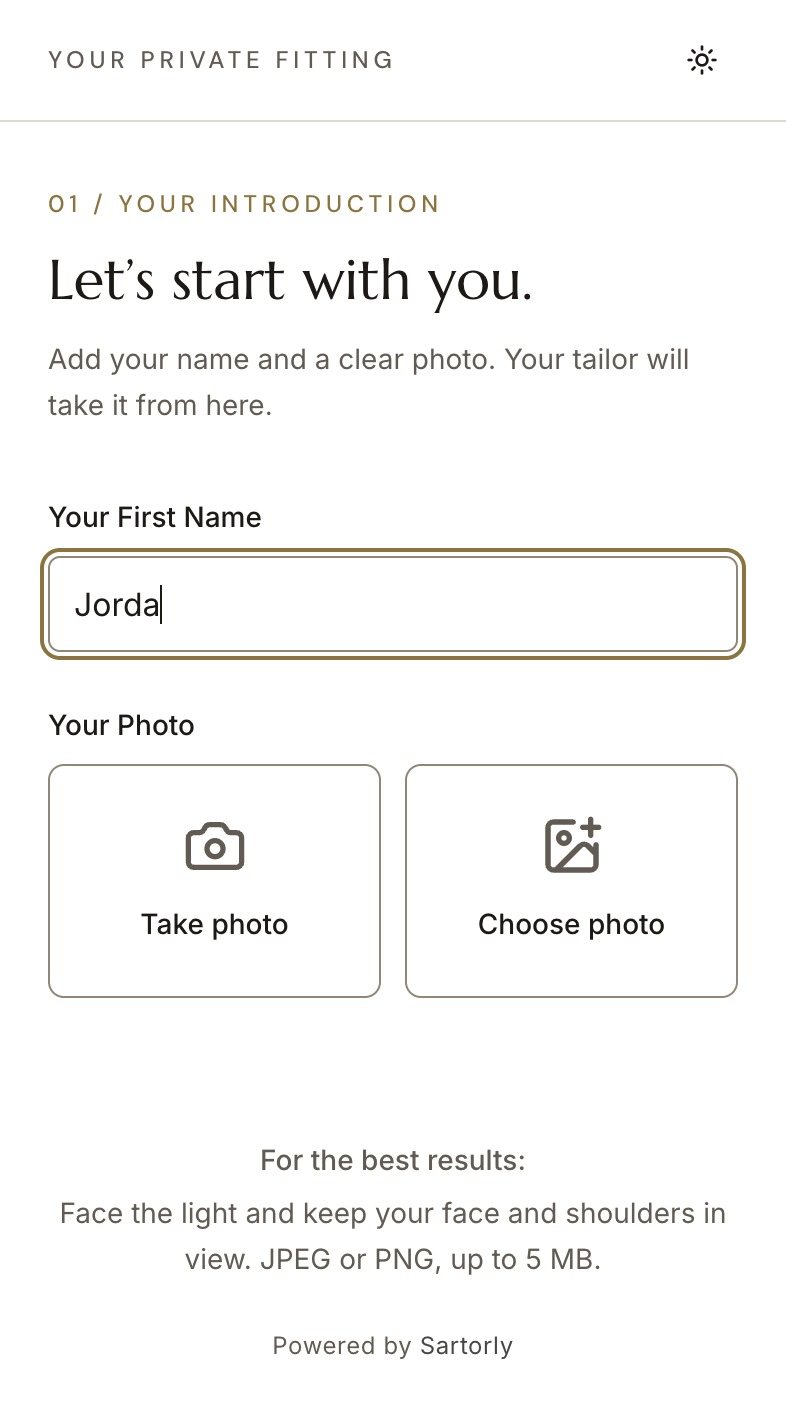
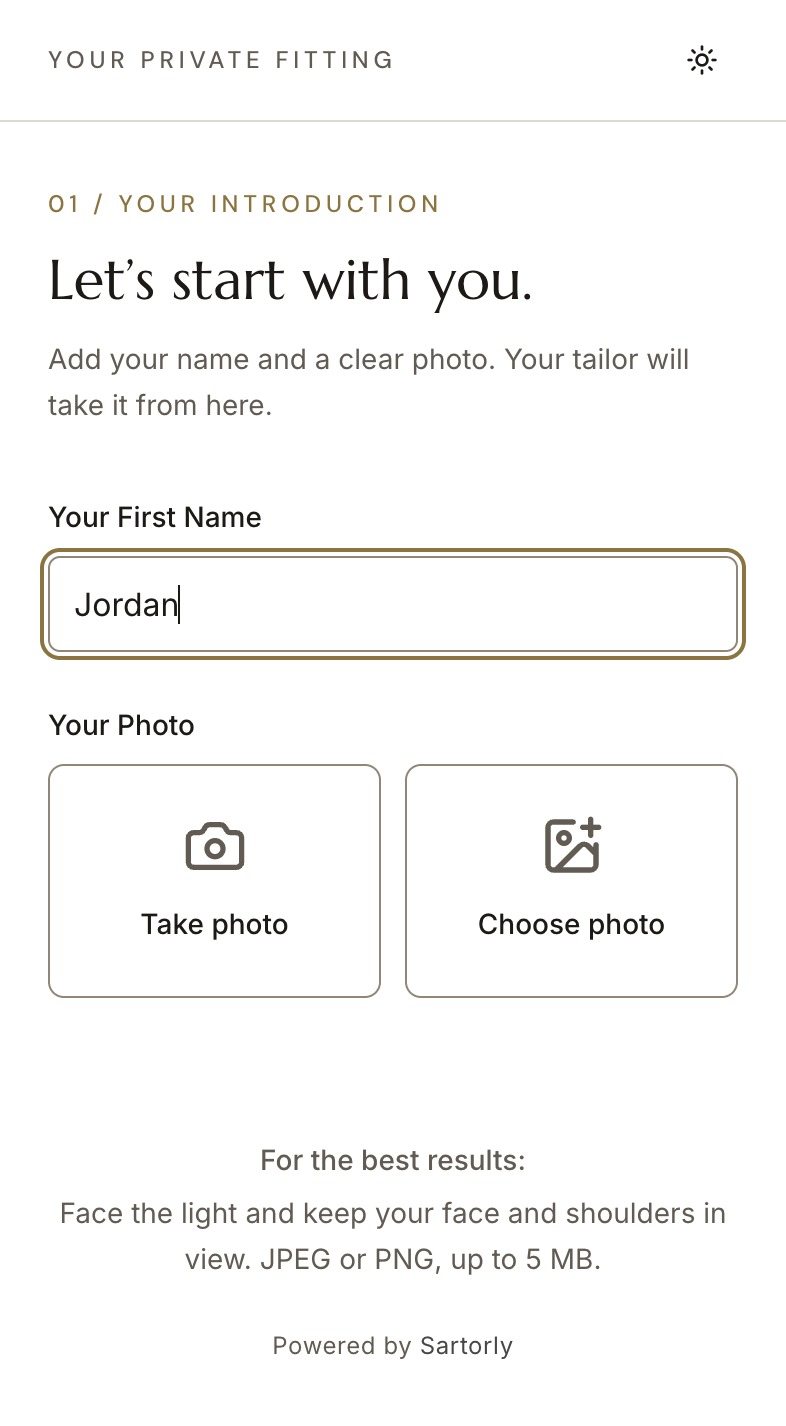
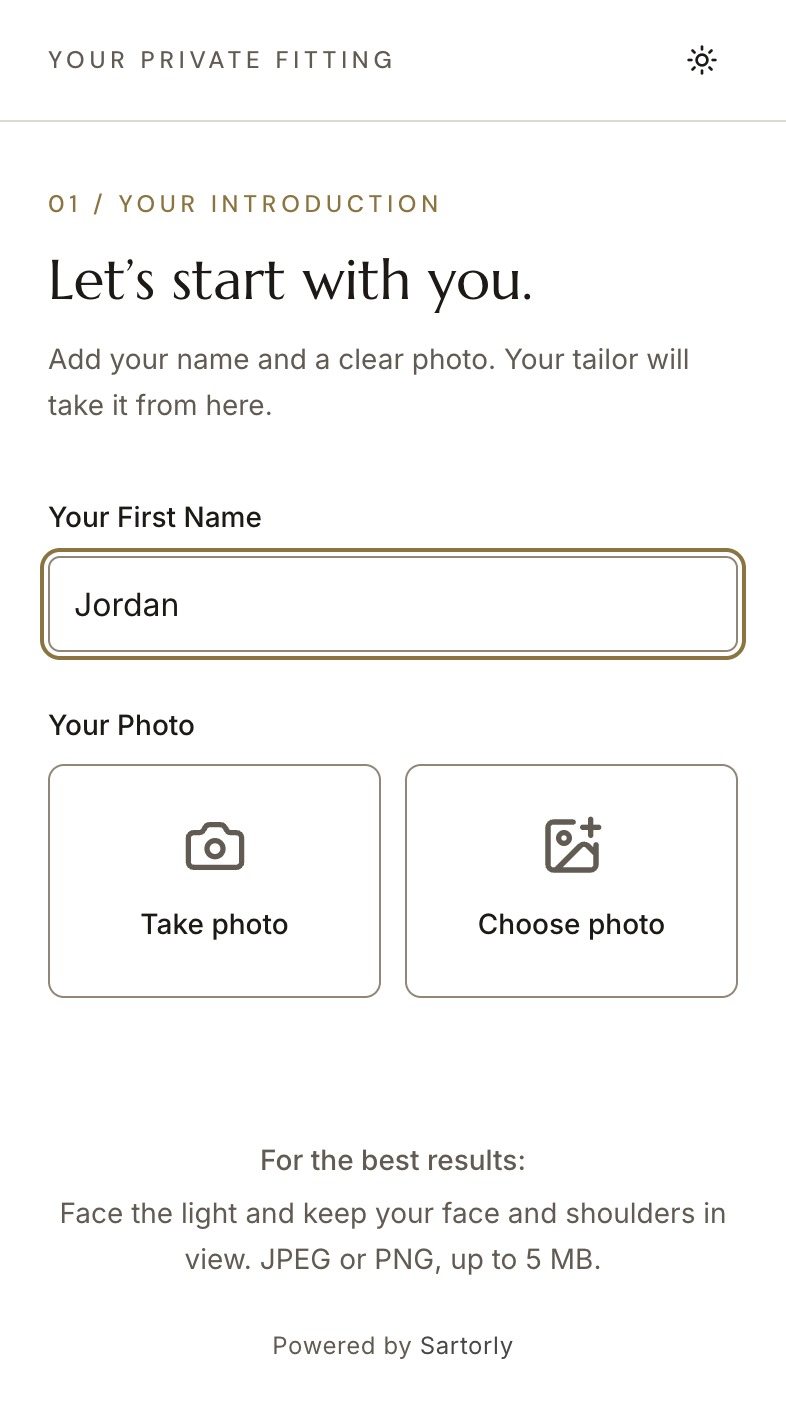
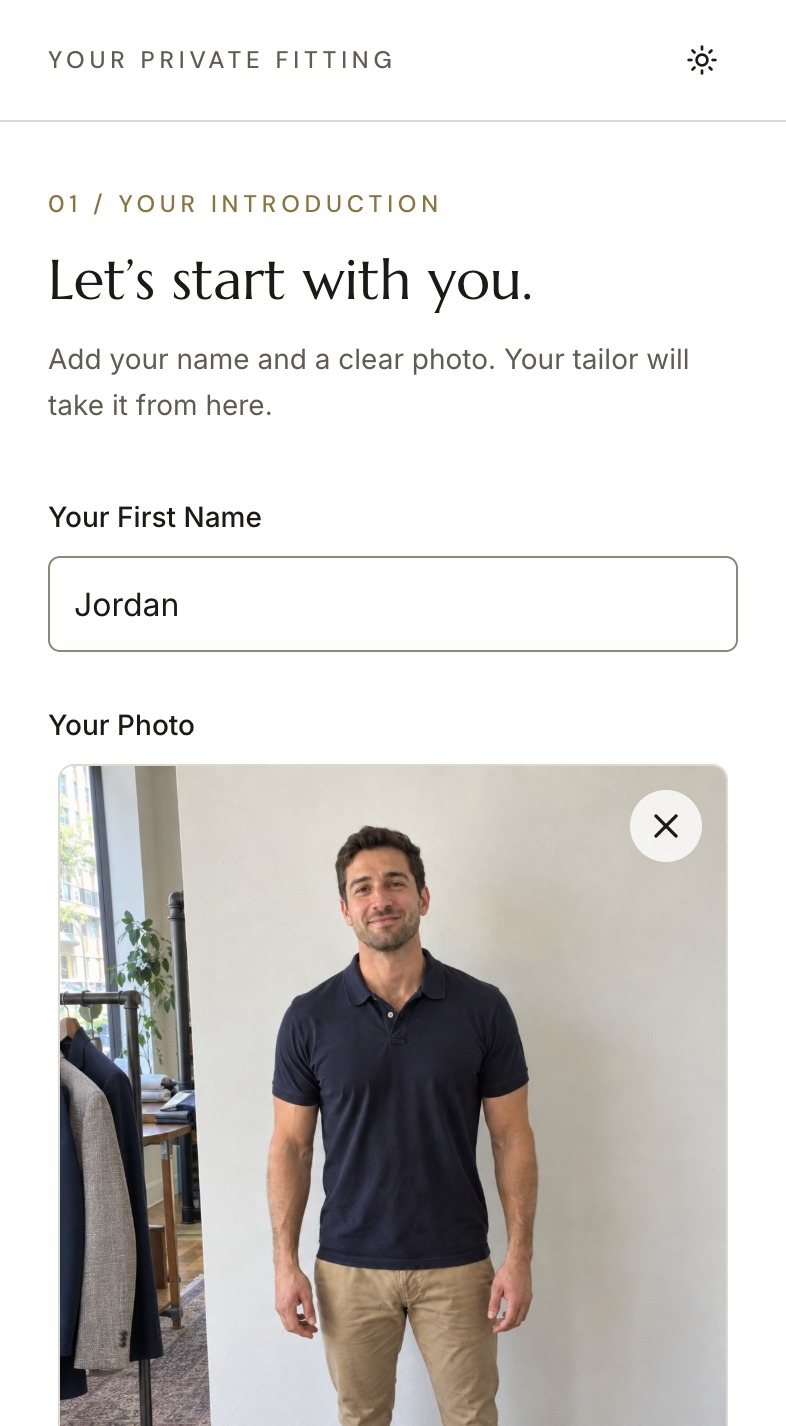
You press Generate QR Code and he scans it with his phone’s camera. A page opens in his browser, nothing to install, asking for his first name and a photo: Take photo or Choose photo. He presses Send photo, and the kiosk greets him by name with his photo: “Welcome, Jordan.”
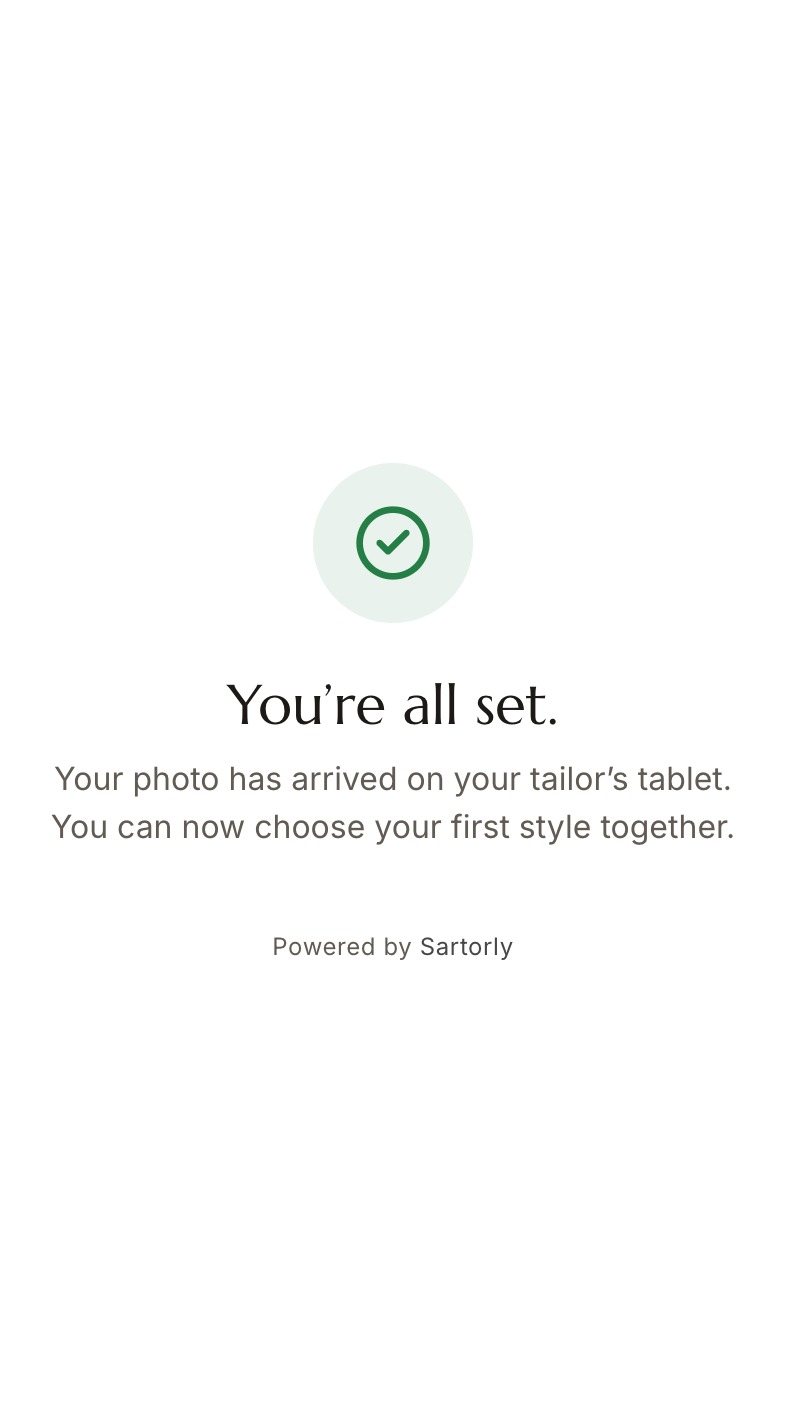
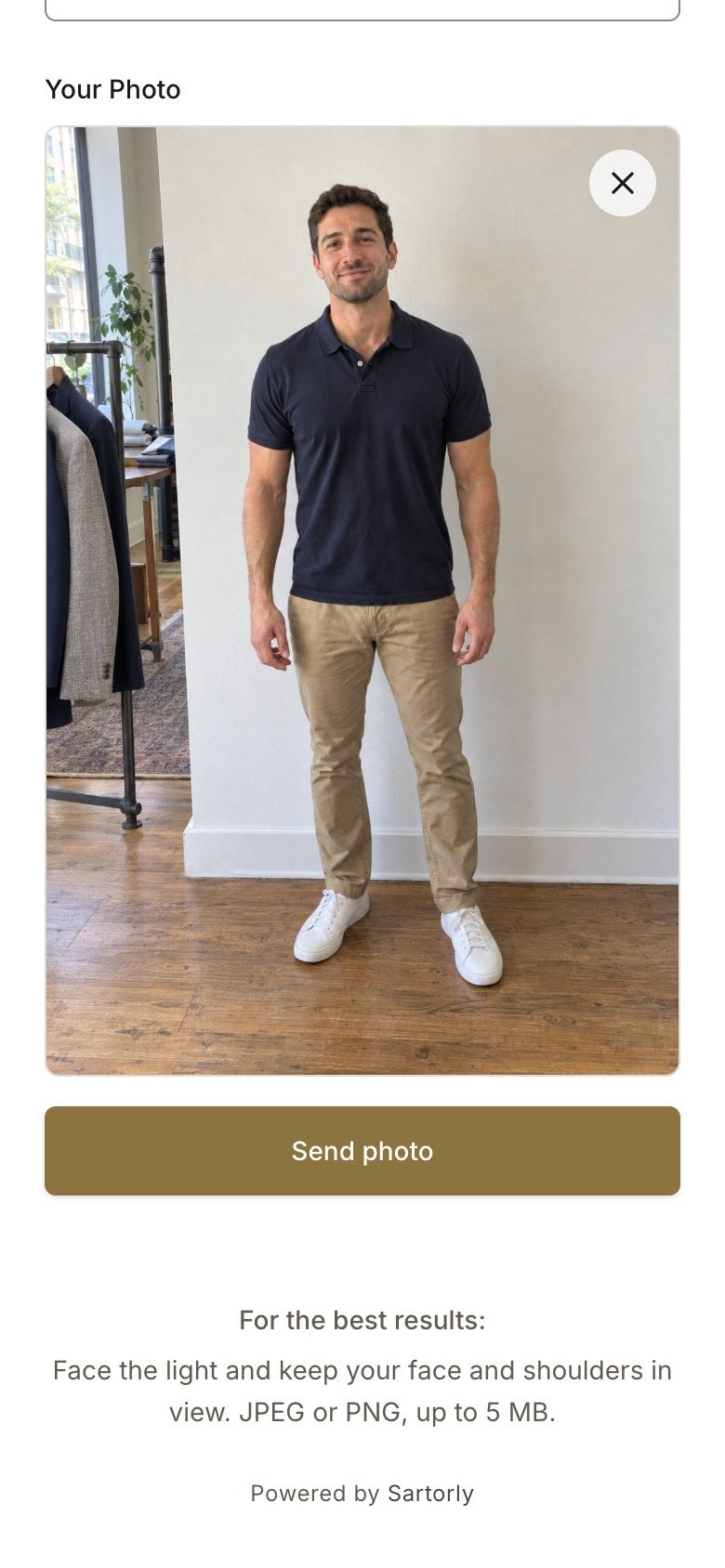
His Look
Let’s Go takes his photo straight to the styles. He, or you, picks one, and Generate My Look dresses him in it for one credit. From there it is the normal studio: refine it, open the editor, build the lookbook, send it to him.
What Keeps It Tidy
- One photo per code. Once a guest has sent his photo, the code is used; the next guest gets a new one. A second scan of the old code says the photo is already in.
- Codes expire. An unused code stops working after 24 hours. New QR Code replaces it at once and the old one stops working.
- Start Over on the greeting screen clears it for the next guest if someone walks away.
- Only photos. The upload page accepts JPEG and PNG images and needs a name before it will continue.
Running It on the Day
- Staff it lightly. Someone should say "scan this and see yourself in the tweed". The kiosk does the rest.
- Choose the styles in advance. If the show is about your new tweeds, add them as your own templates beforehand and point guests to My Templates.
- Budget the credits. A look is one credit. Fifty guests is fifty credits; a lookbook for the ones who order is fourteen more each.
- Follow up the same week. Everyone who tried it has a look waiting in your studio. Build a lookbook for the interested ones and send it while they remember the evening.
The guest who waited fifteen minutes to talk to you now spent them looking at himself in your suit.