

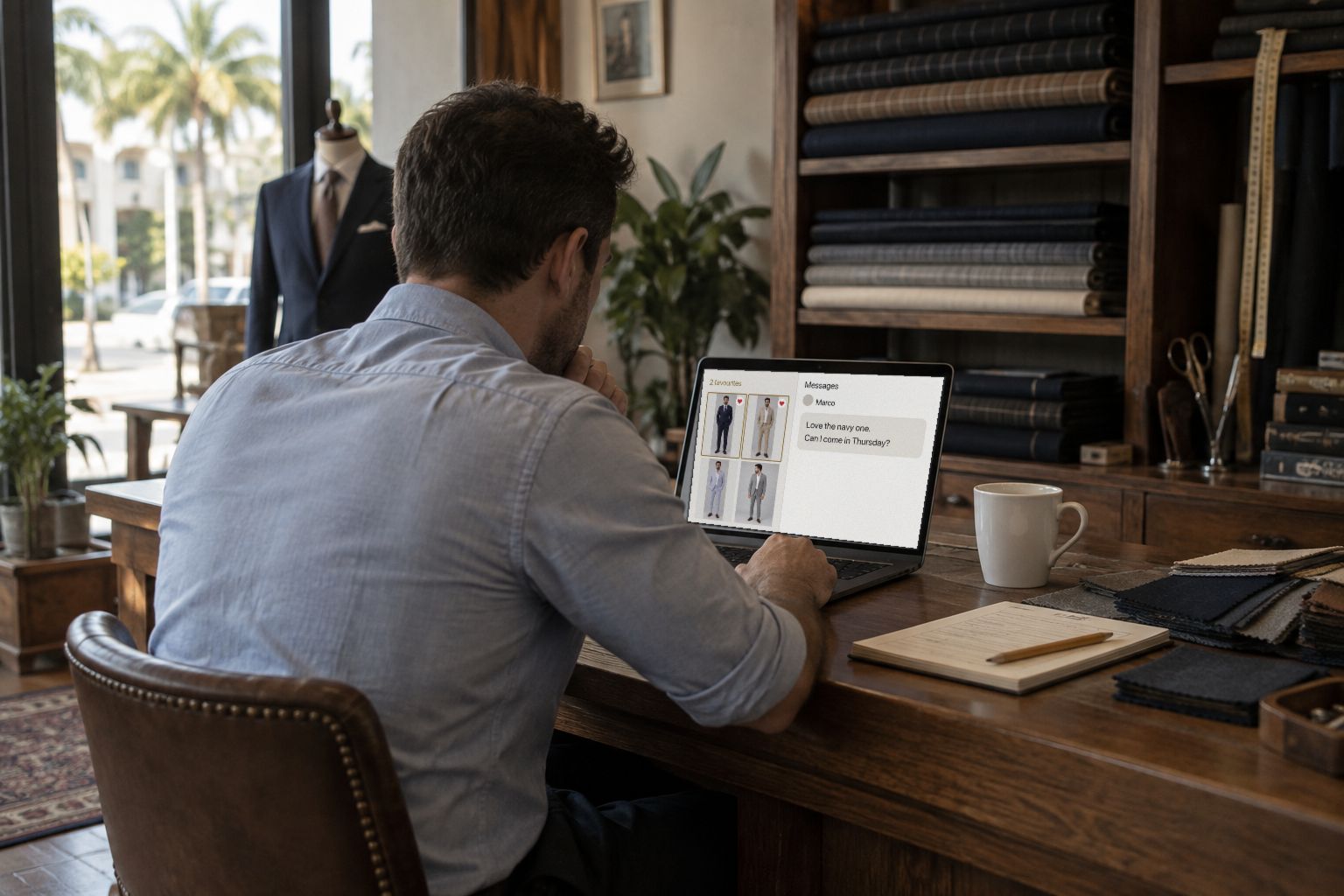
A PDF gets lost in his inbox. A link opens on his phone, asks for a password if you want one, lets him heart the looks he likes and write to you, and tells you when he has looked. How to send it, and how to follow up.
You made him a lookbook. Now it has to reach him in a form he opens, shows his wife, and answers. A PDF attachment does none of those well. This is how Sartorly sends a lookbook, what your client sees, and what comes back to you.
Sending It
From the layout preview, press Send to Client. The form asks for four things:
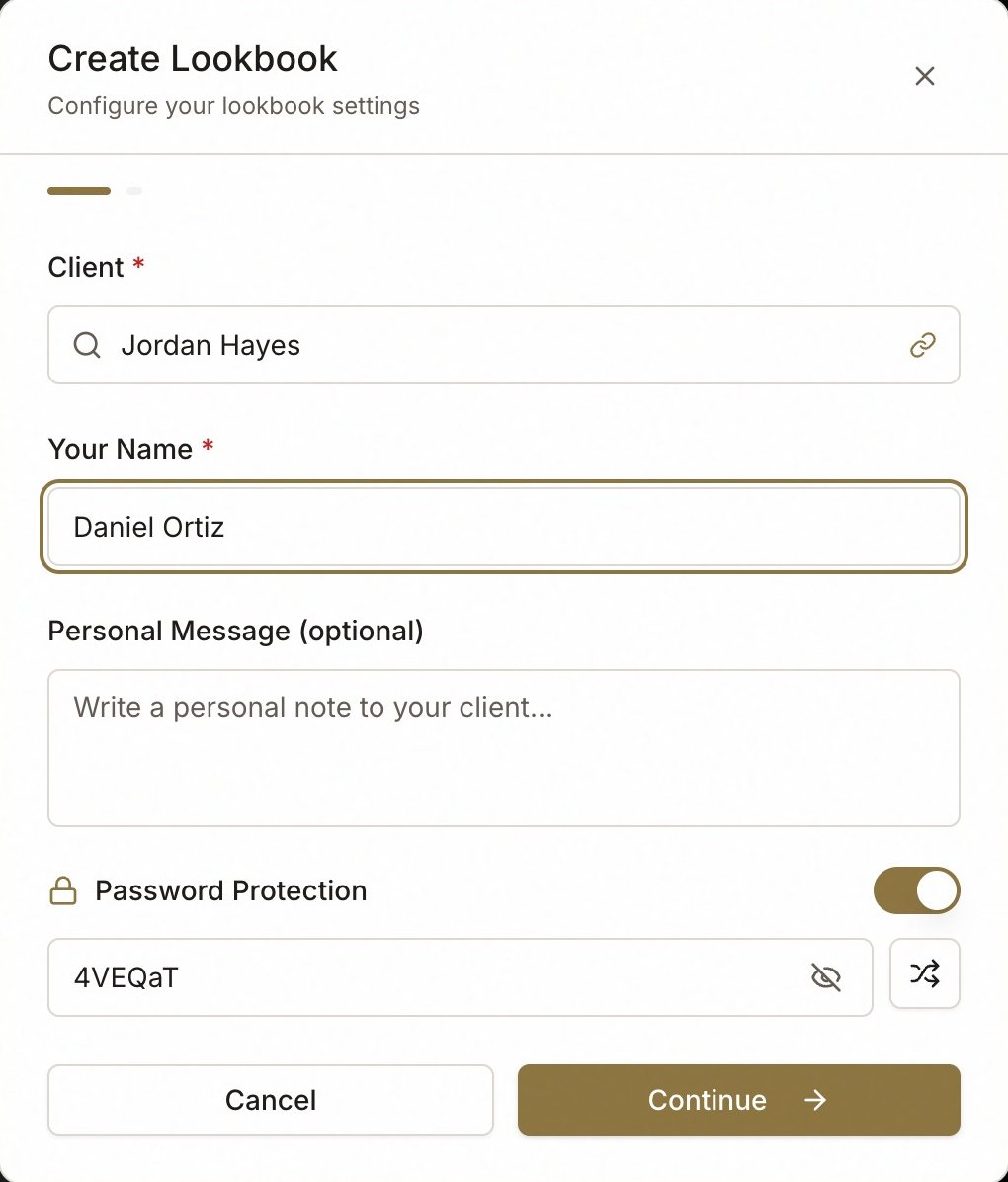
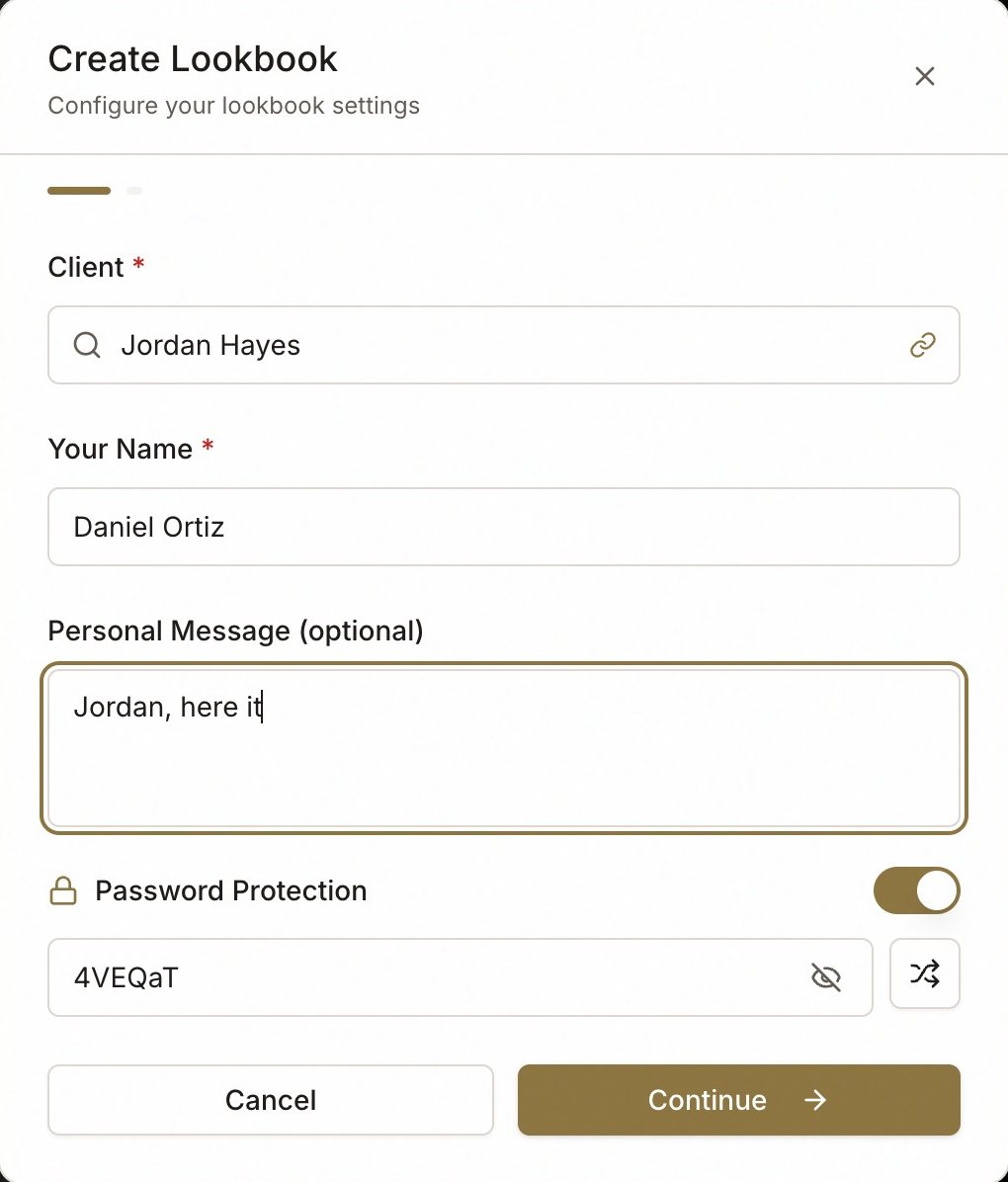
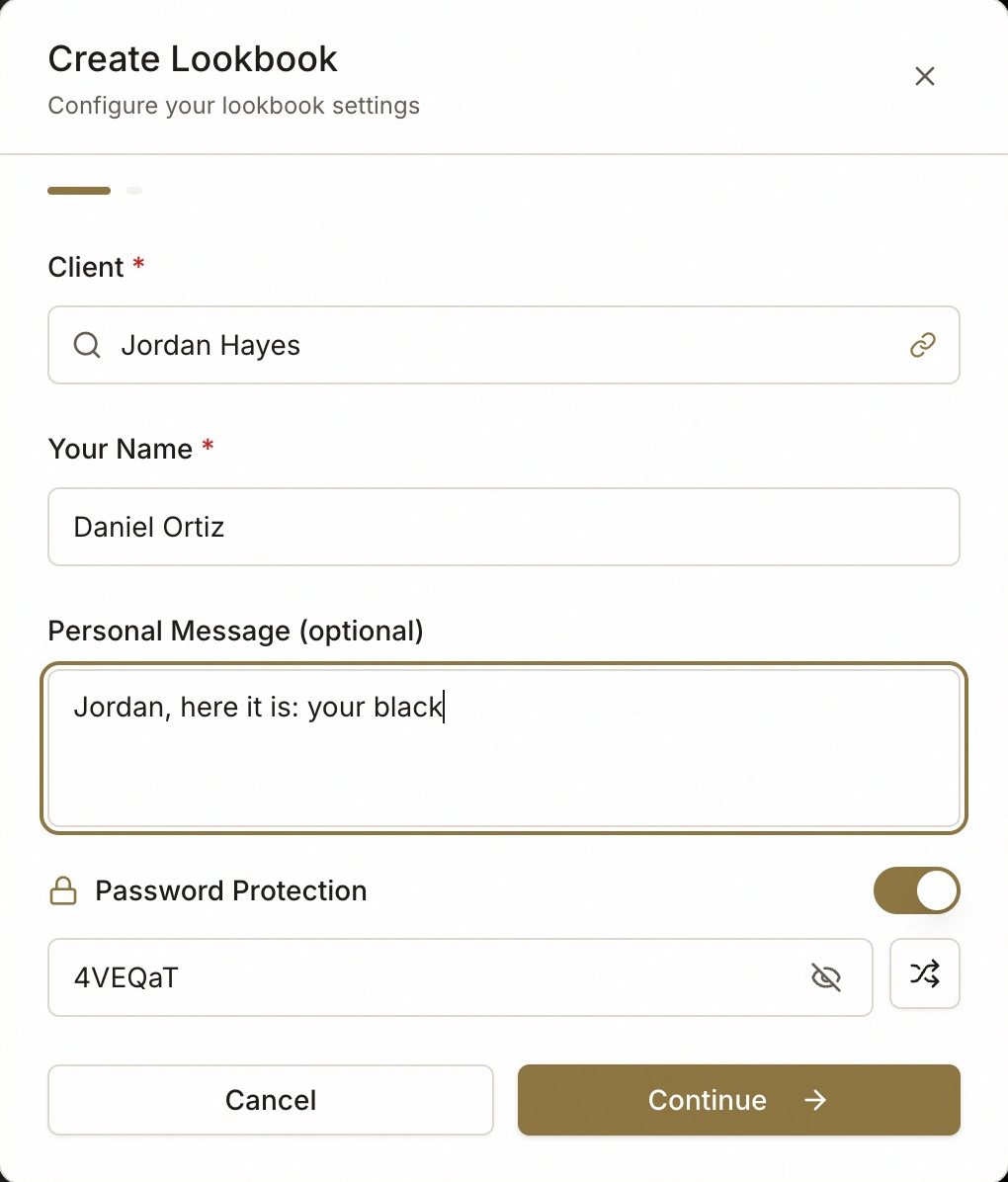
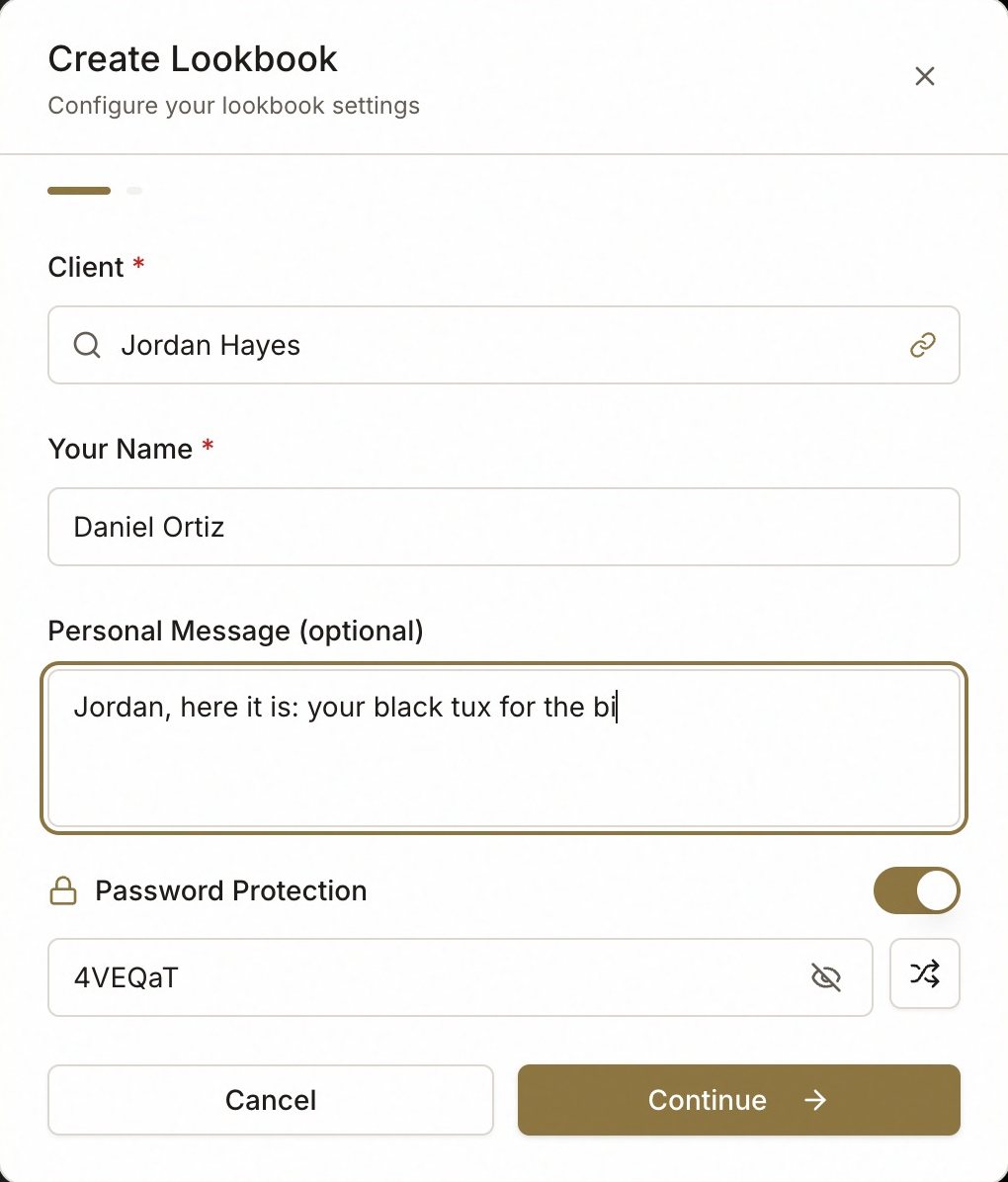
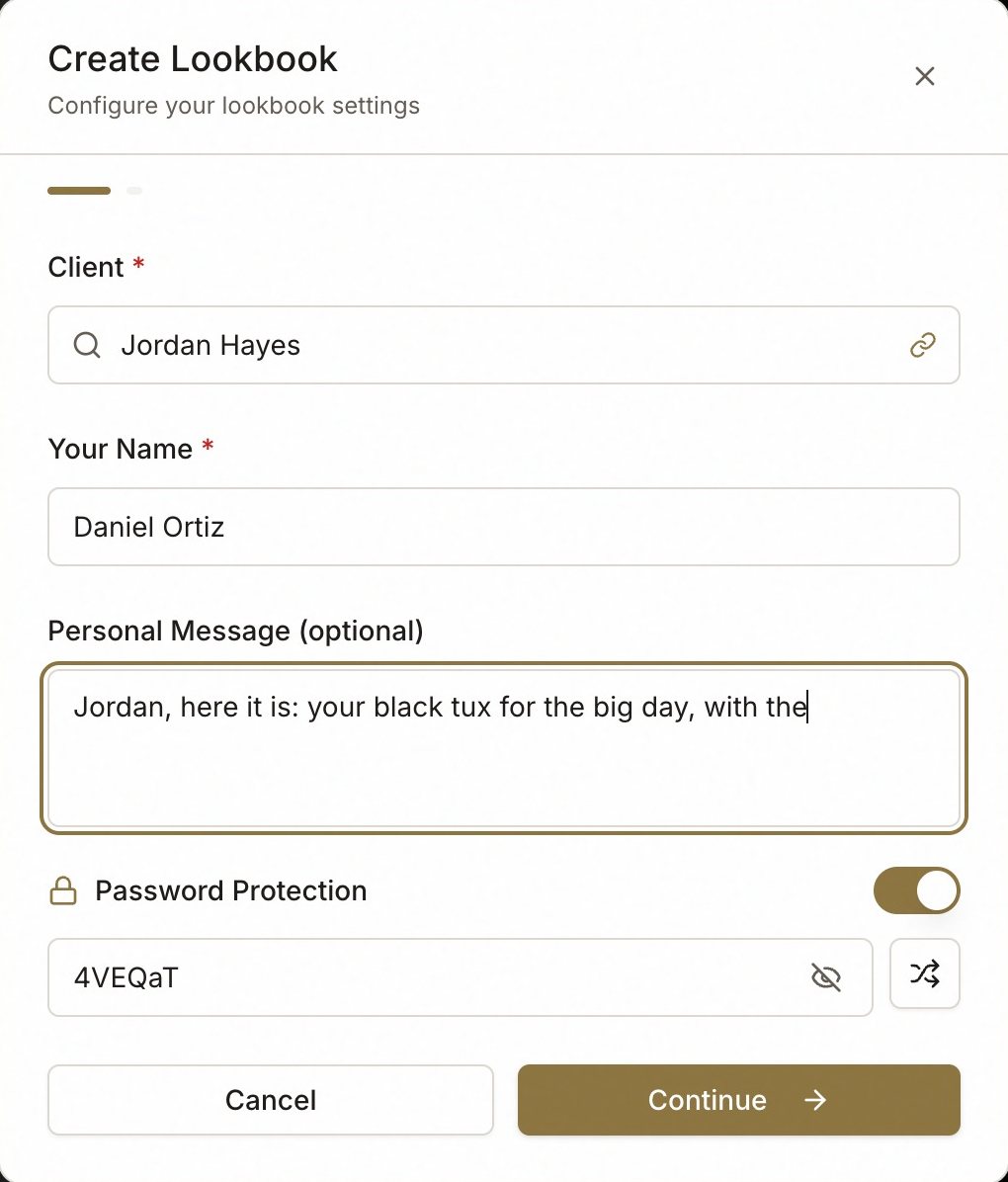
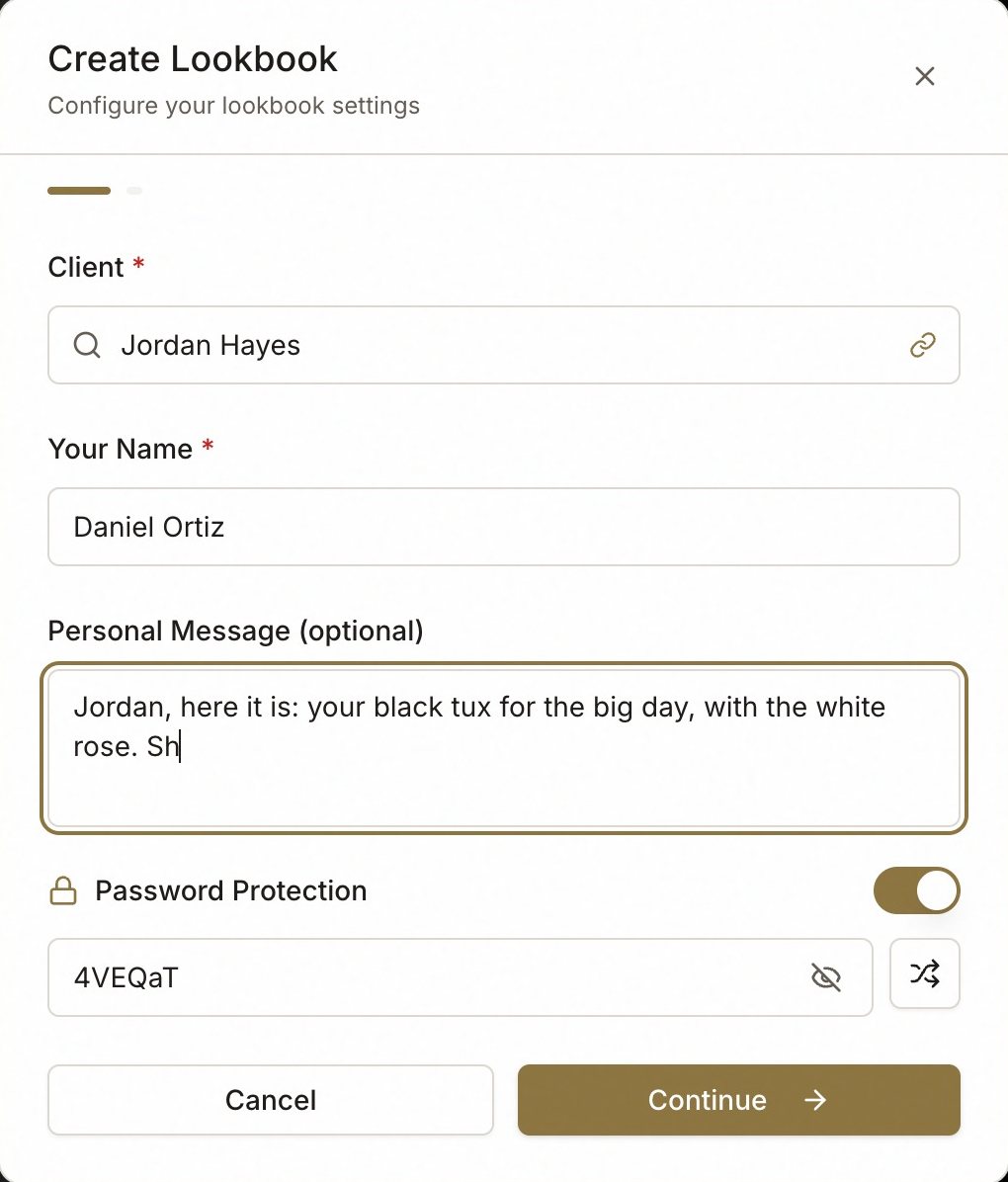
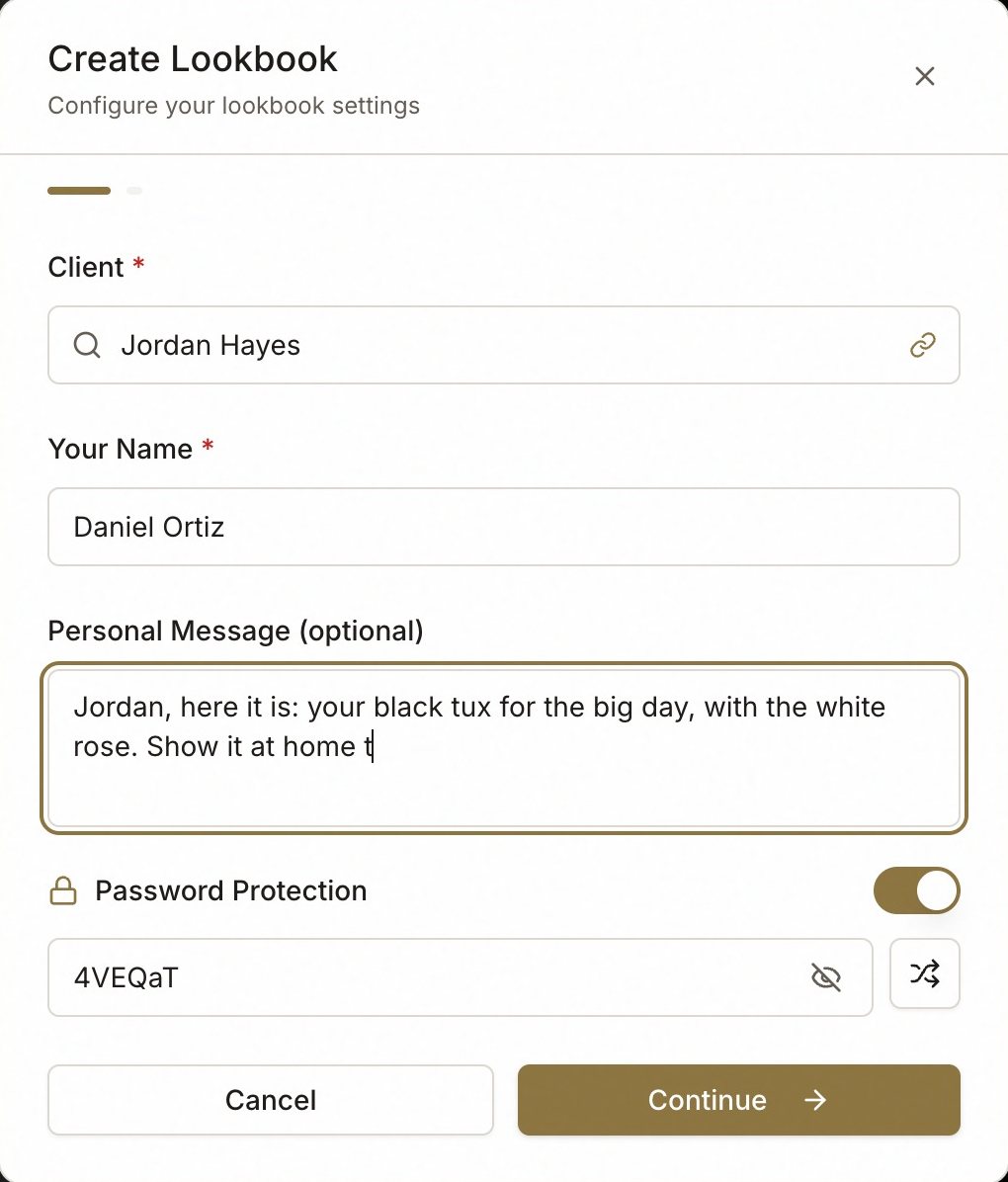
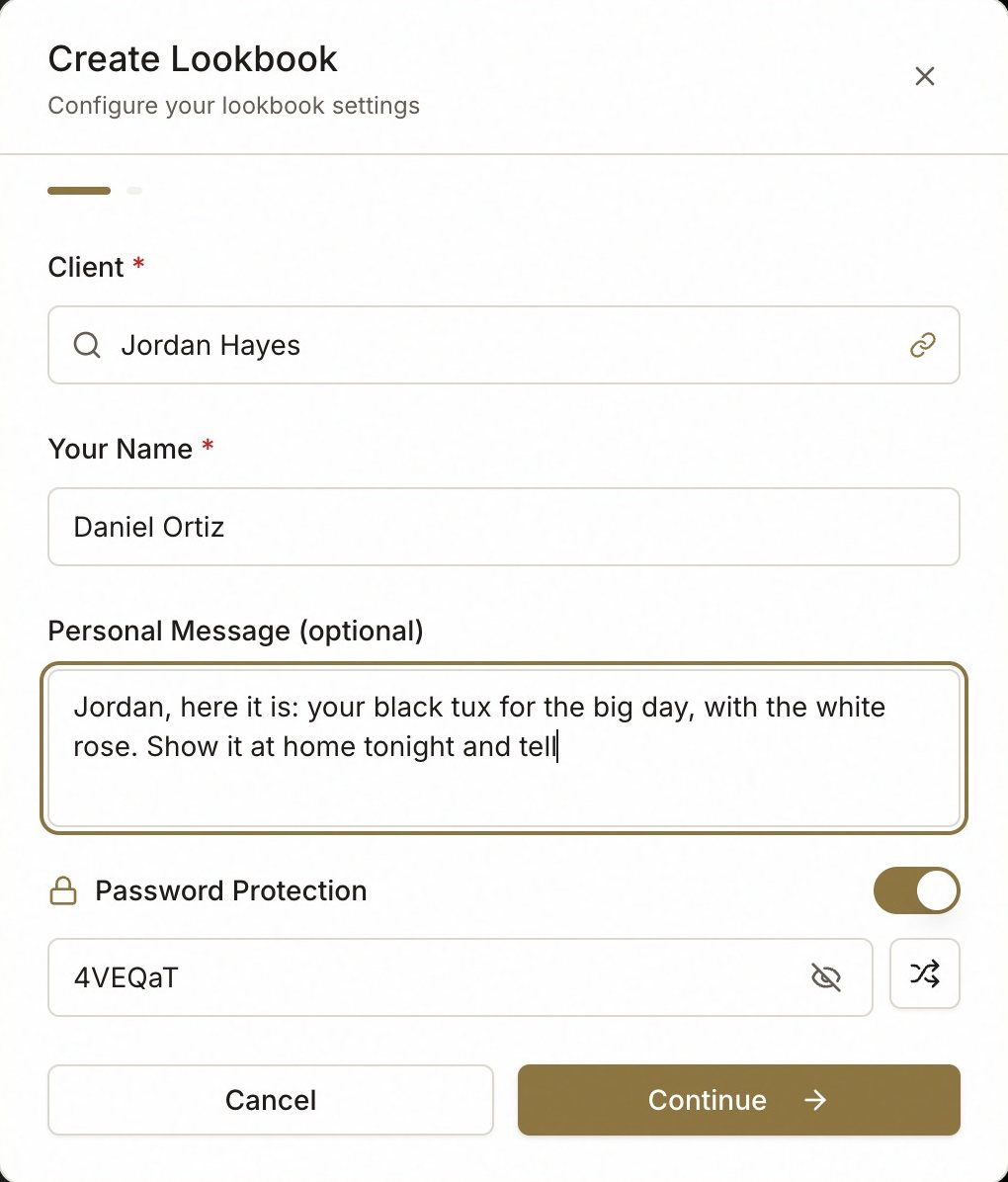
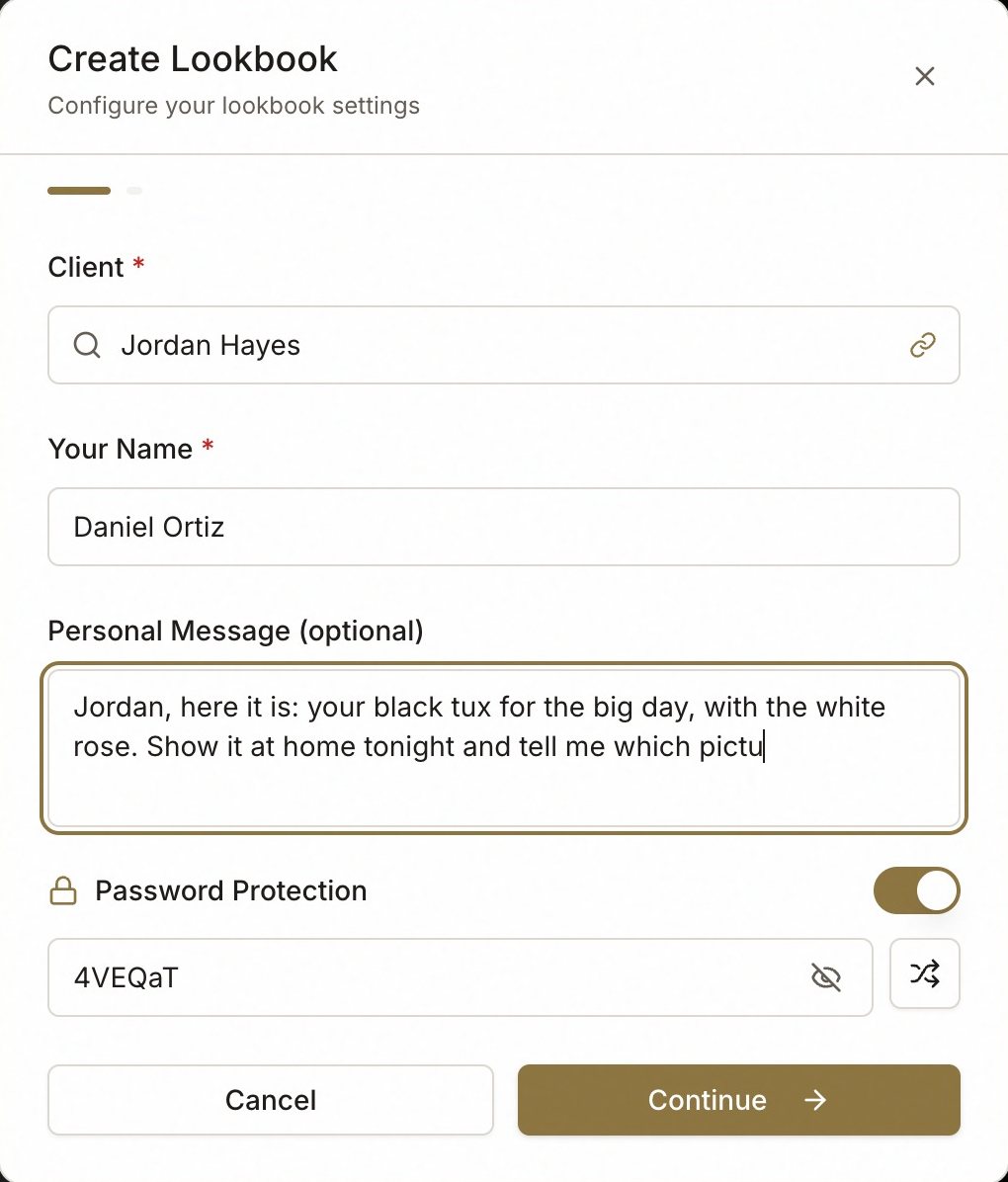
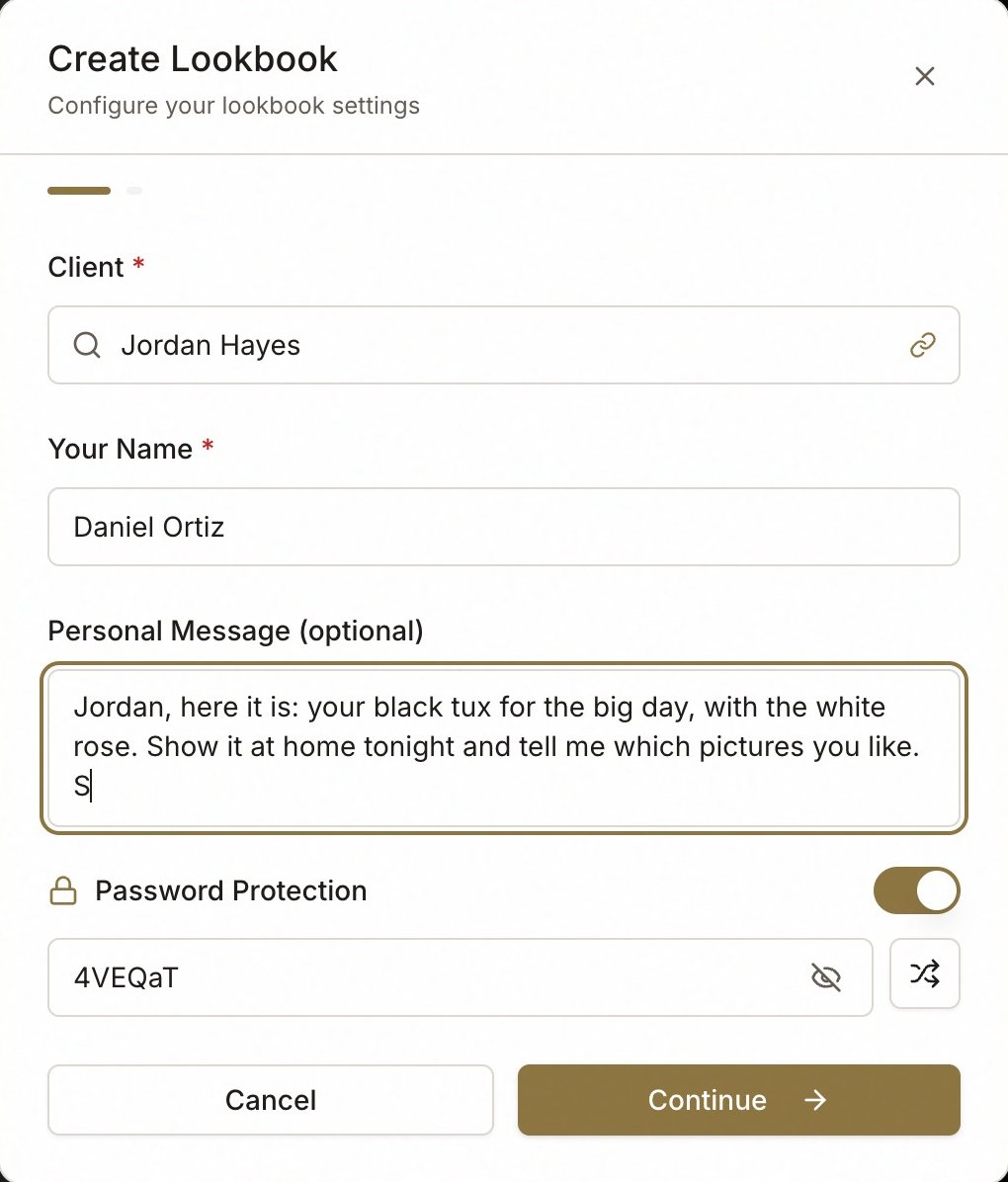
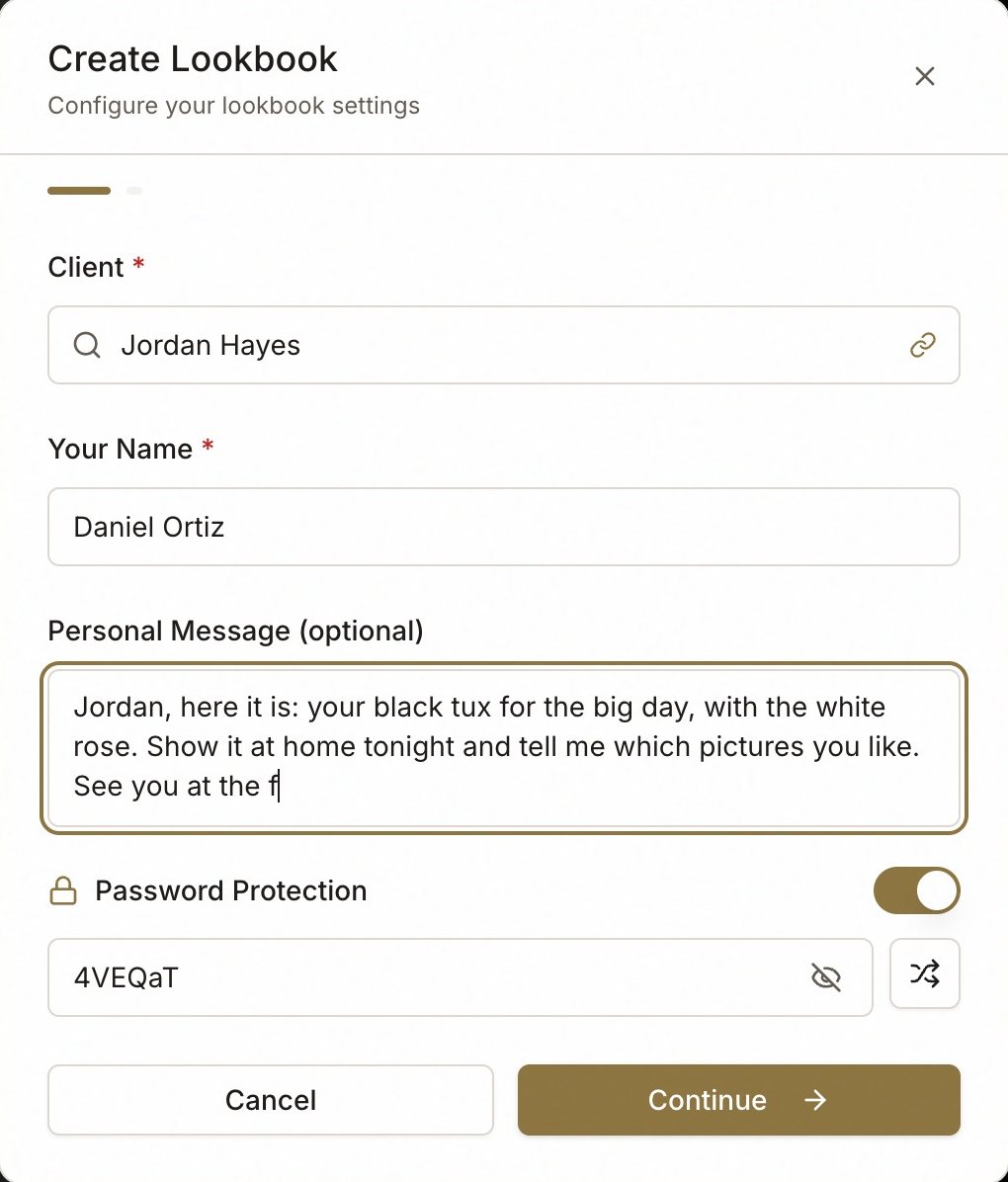
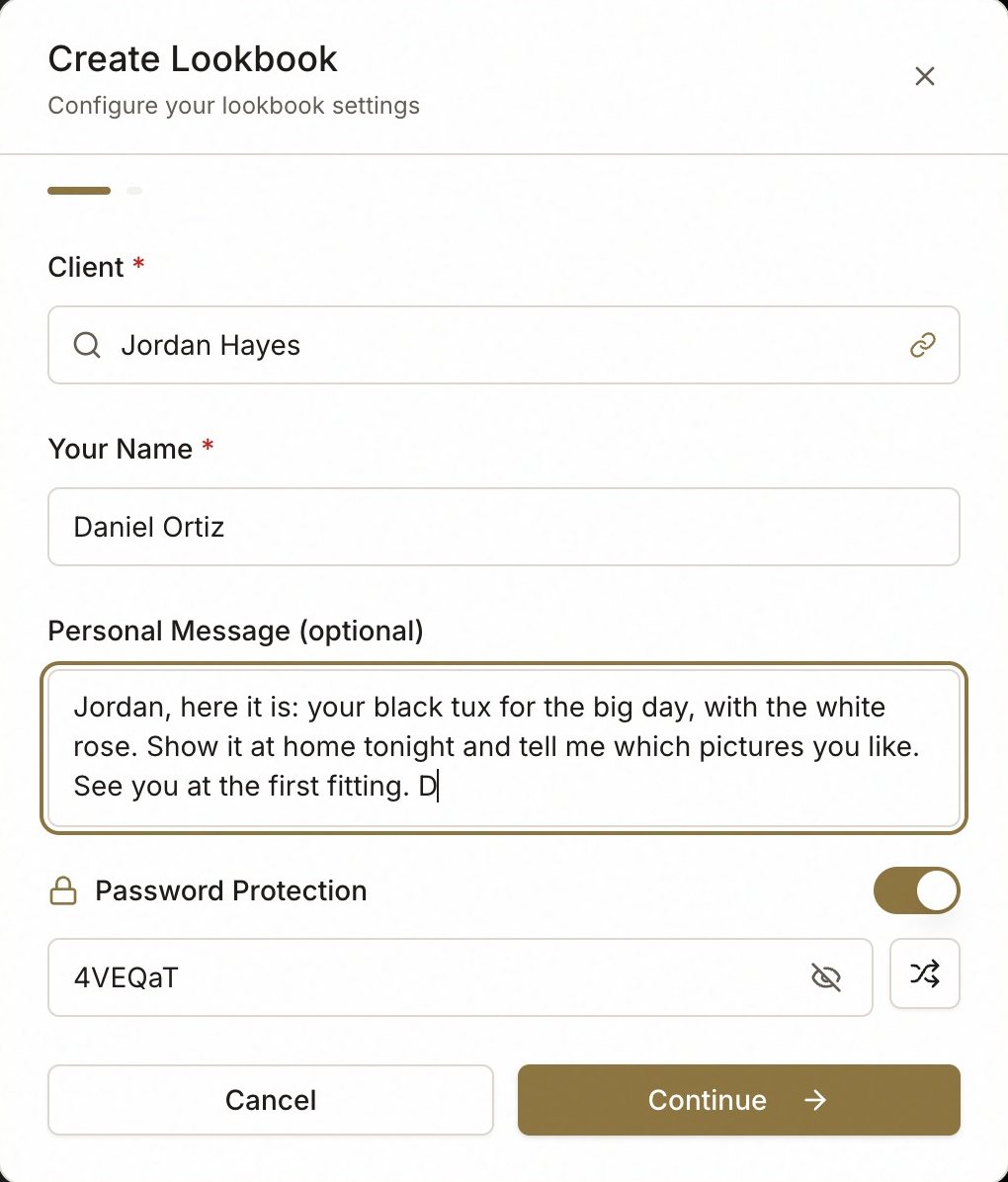
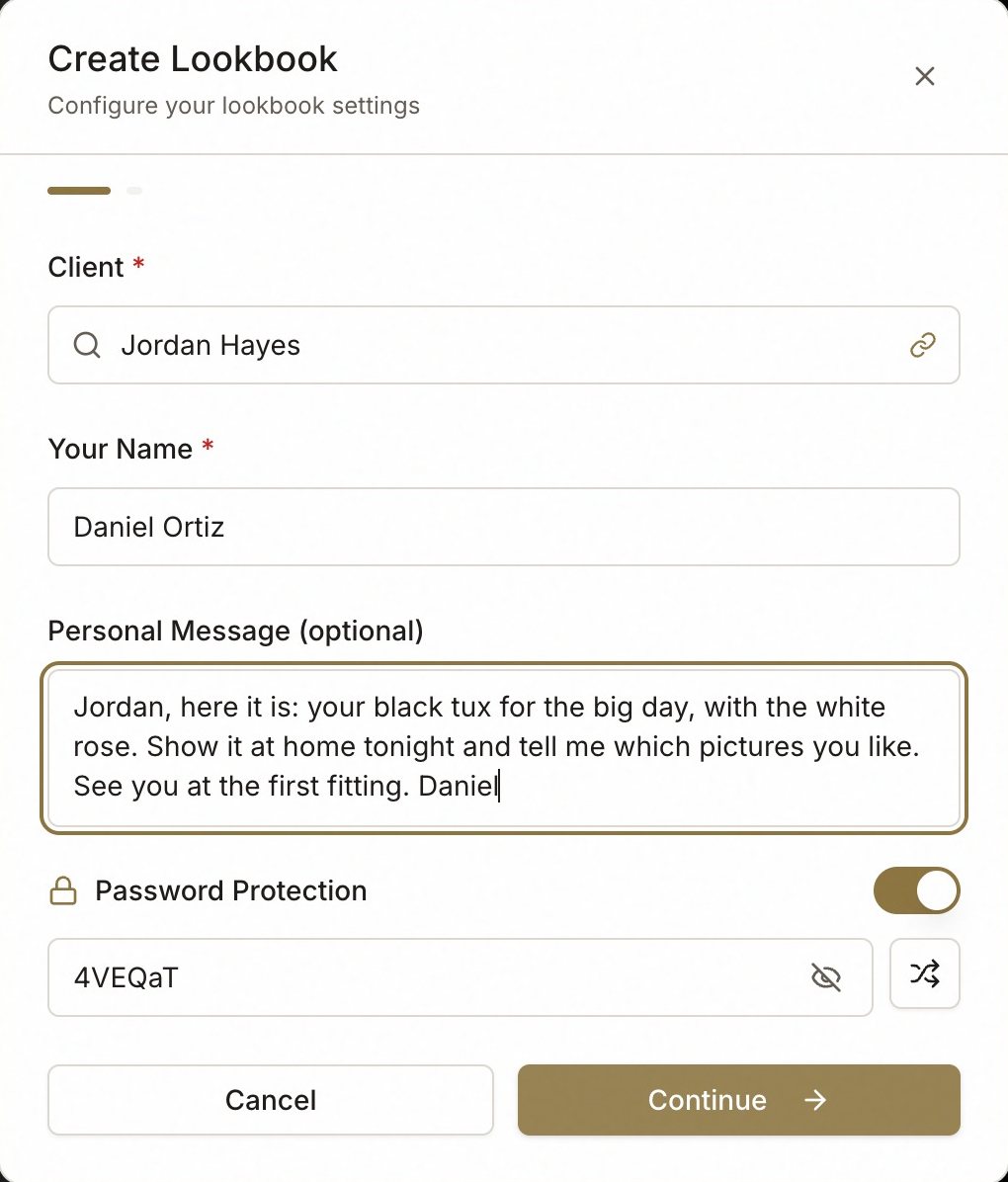
- Client — search your clients, or type a new name and create him there. The lookbook is filed under him.
- Your Name — how he will see you on the page.
- Personal Message — optional, and worth writing. It is the first thing he reads after the cover.
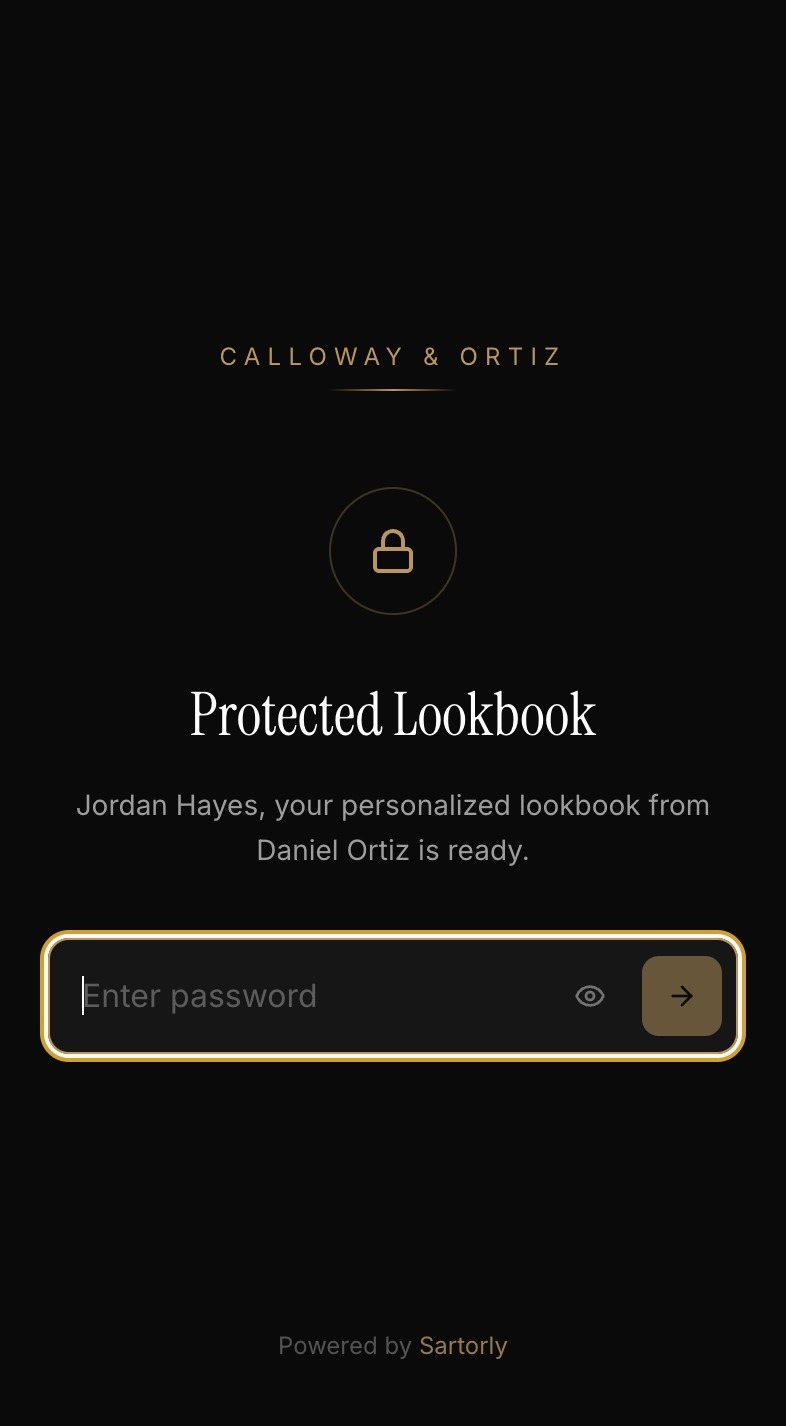
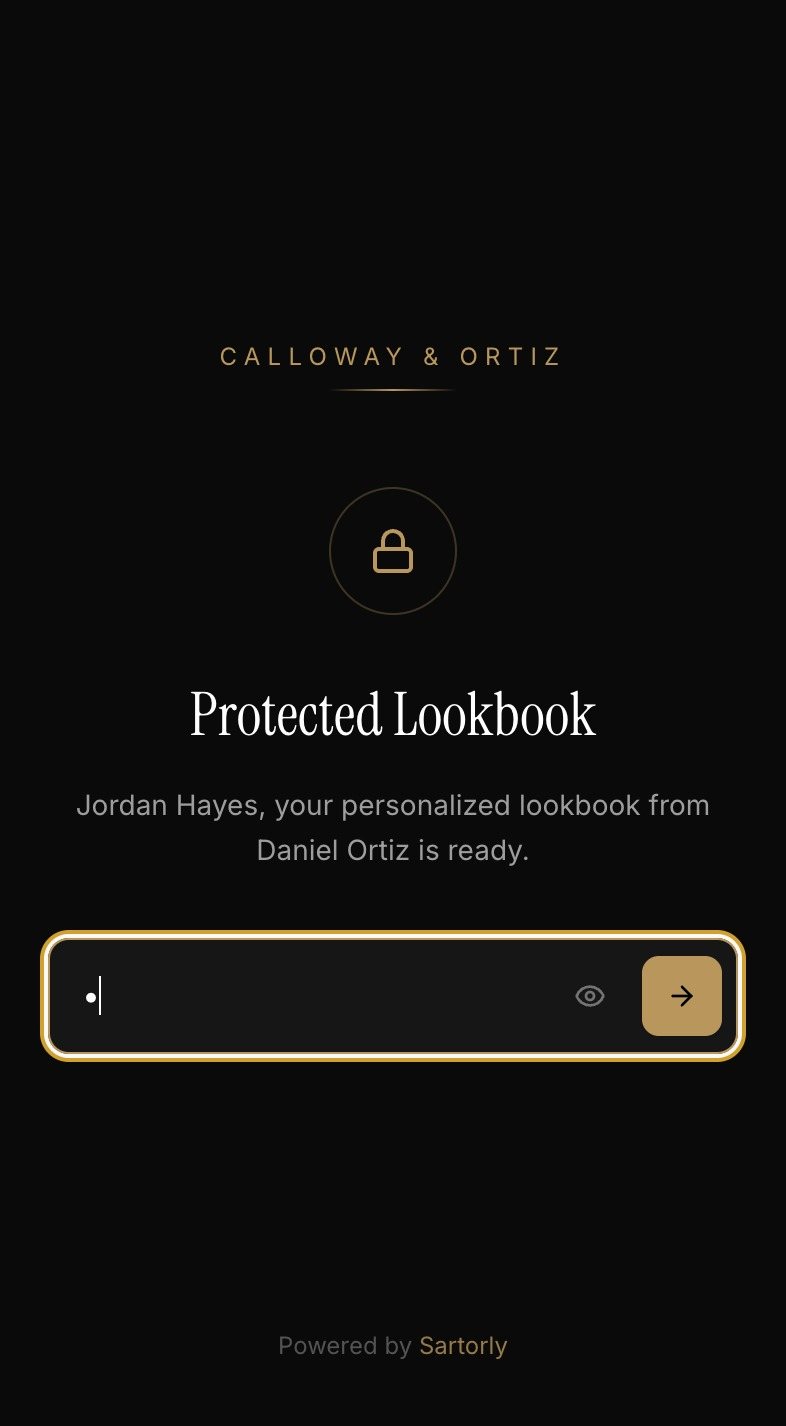
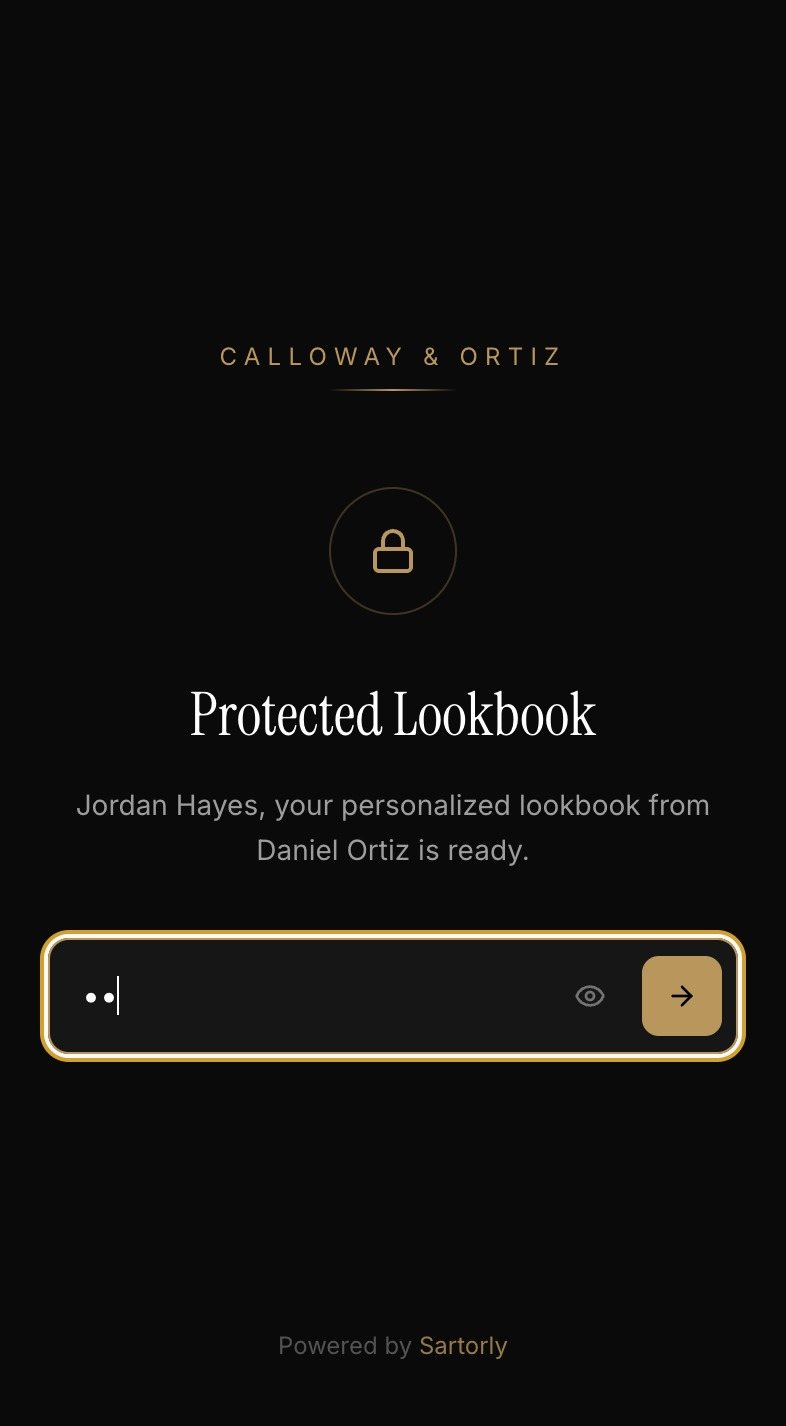
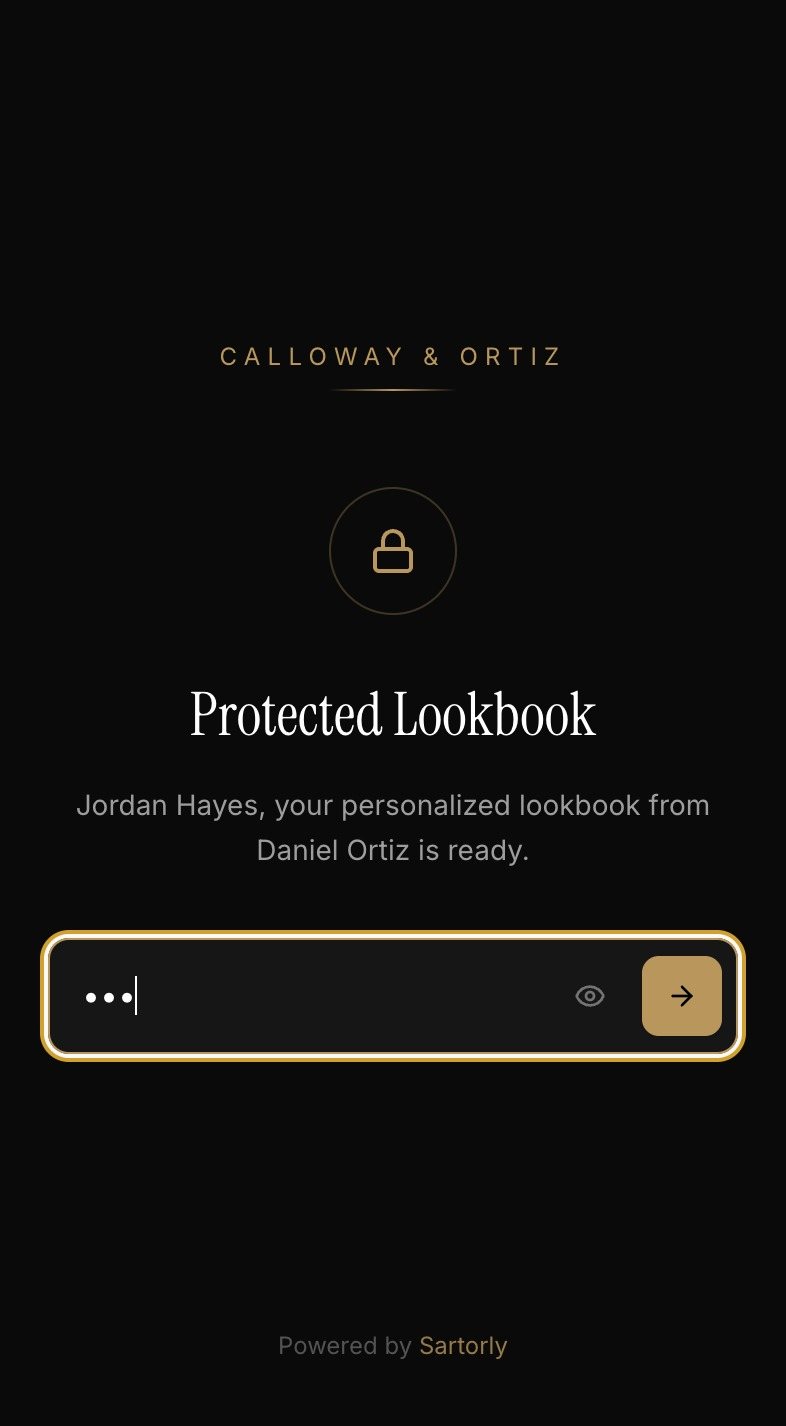
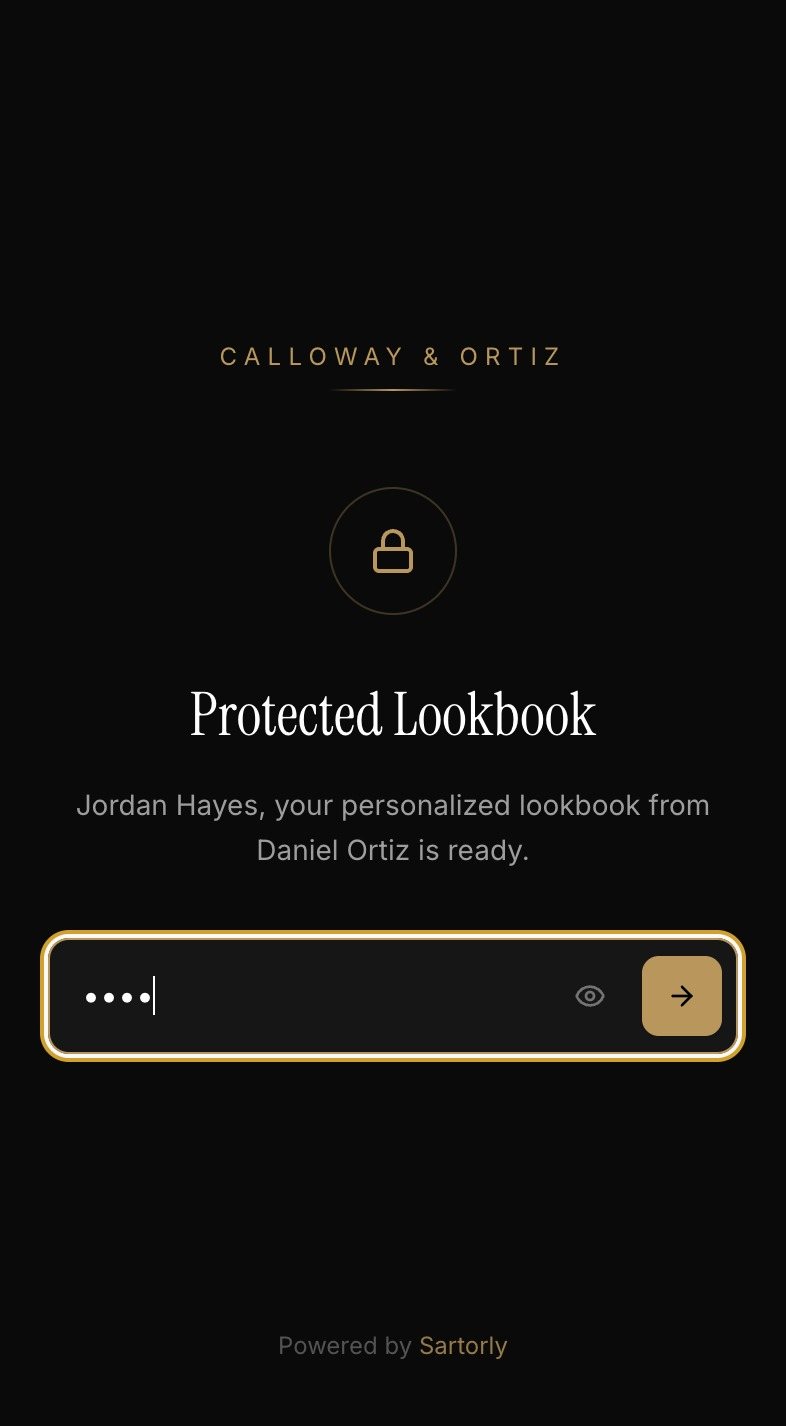
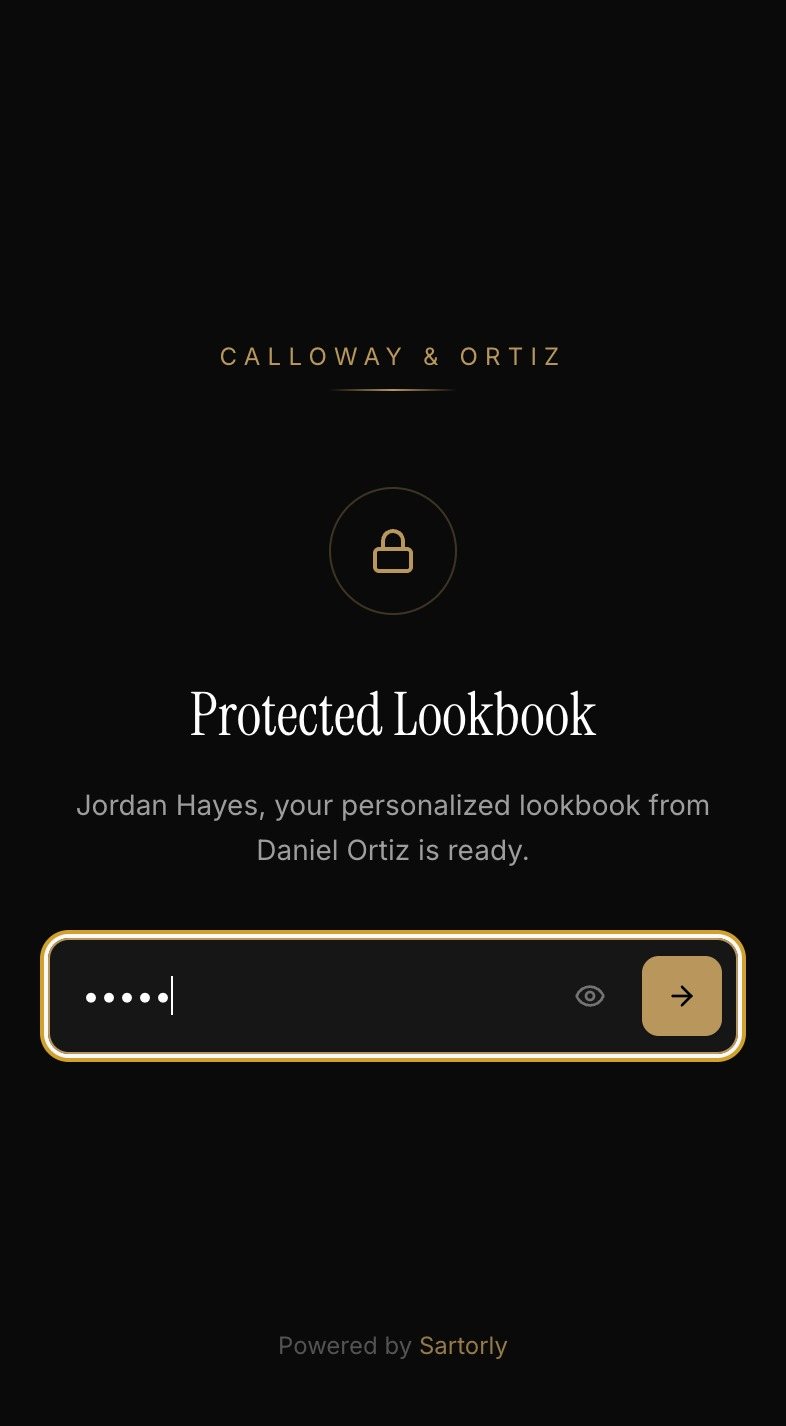
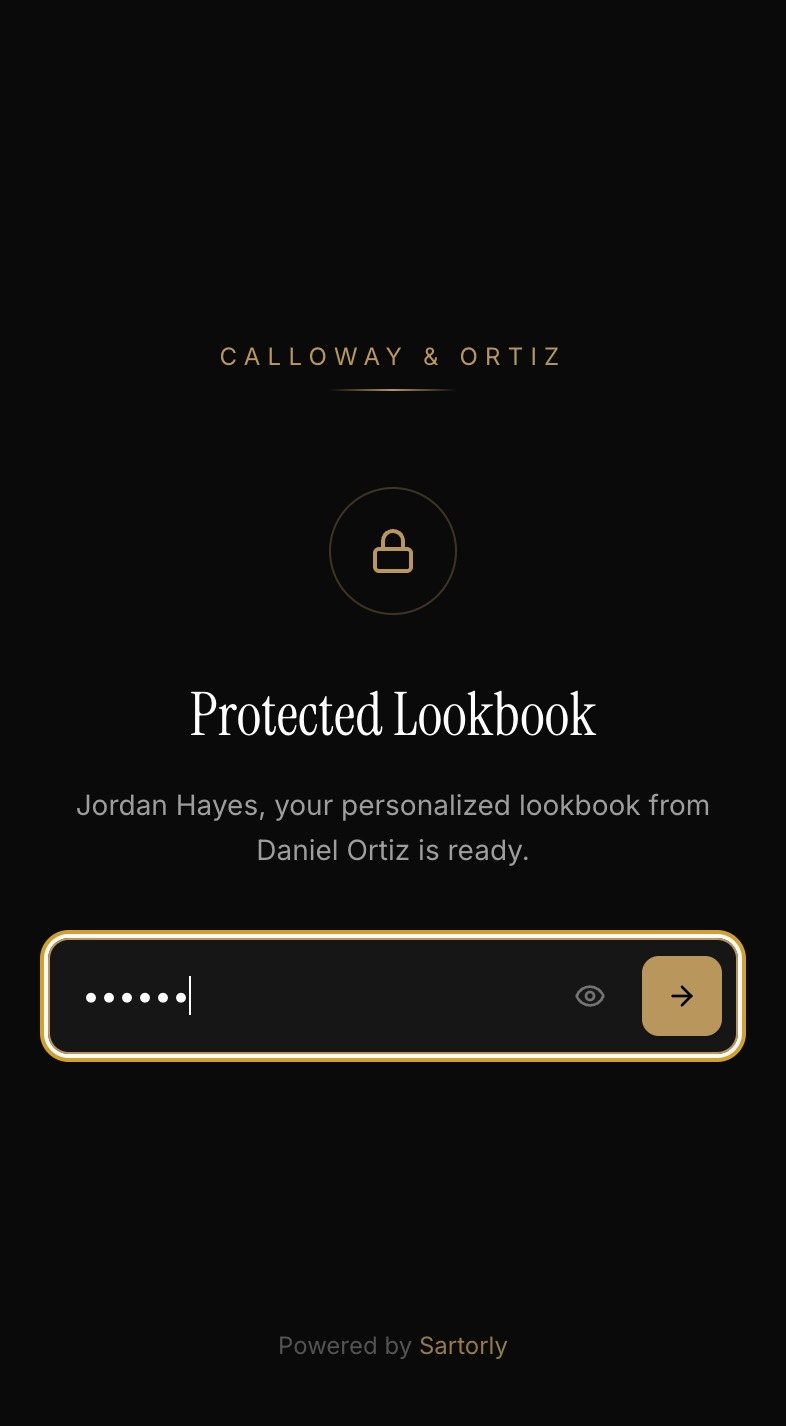
- Password Protection — on by default, with a random password you can change or regenerate.
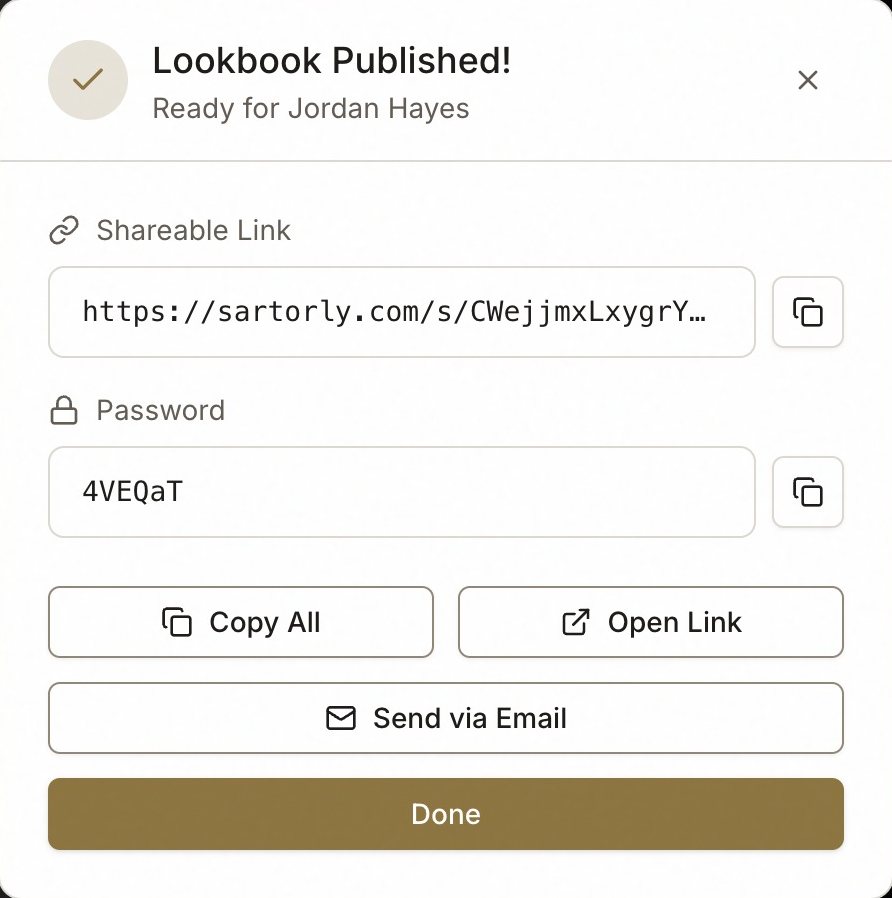
Then choose how it goes: Send via Email sends him a message with the link from Sartorly, or Copy Link gives you the link to send however you like: WhatsApp, iMessage, a text.
What He Sees
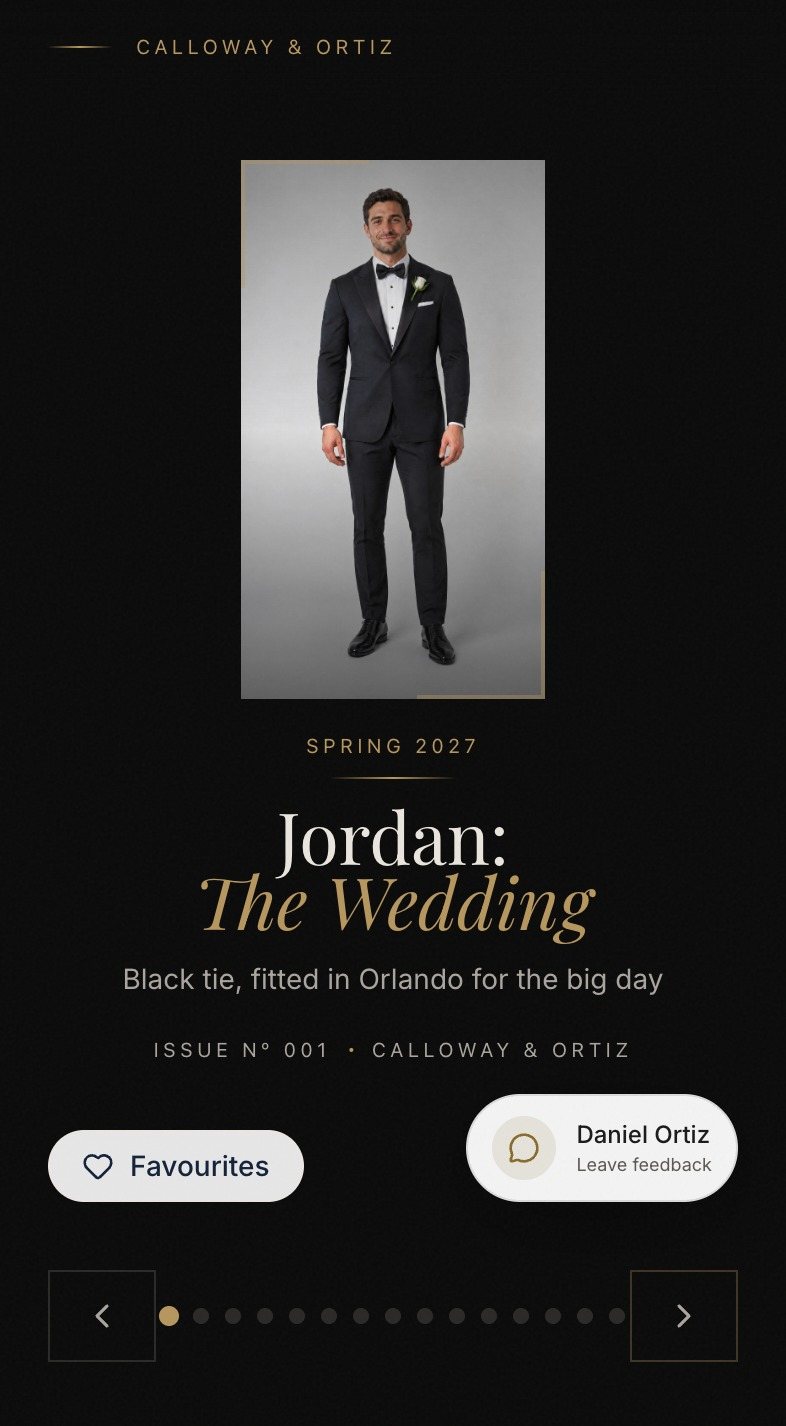
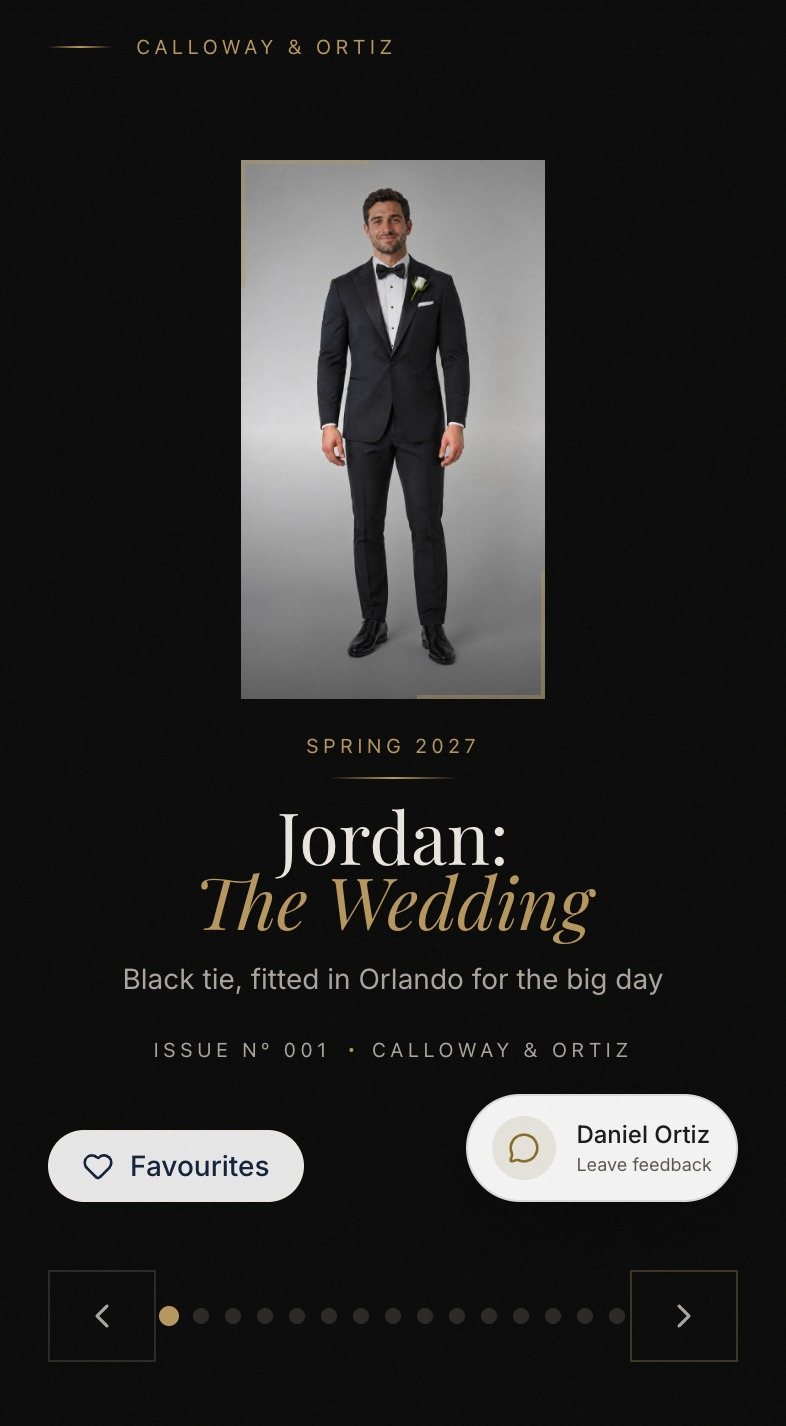
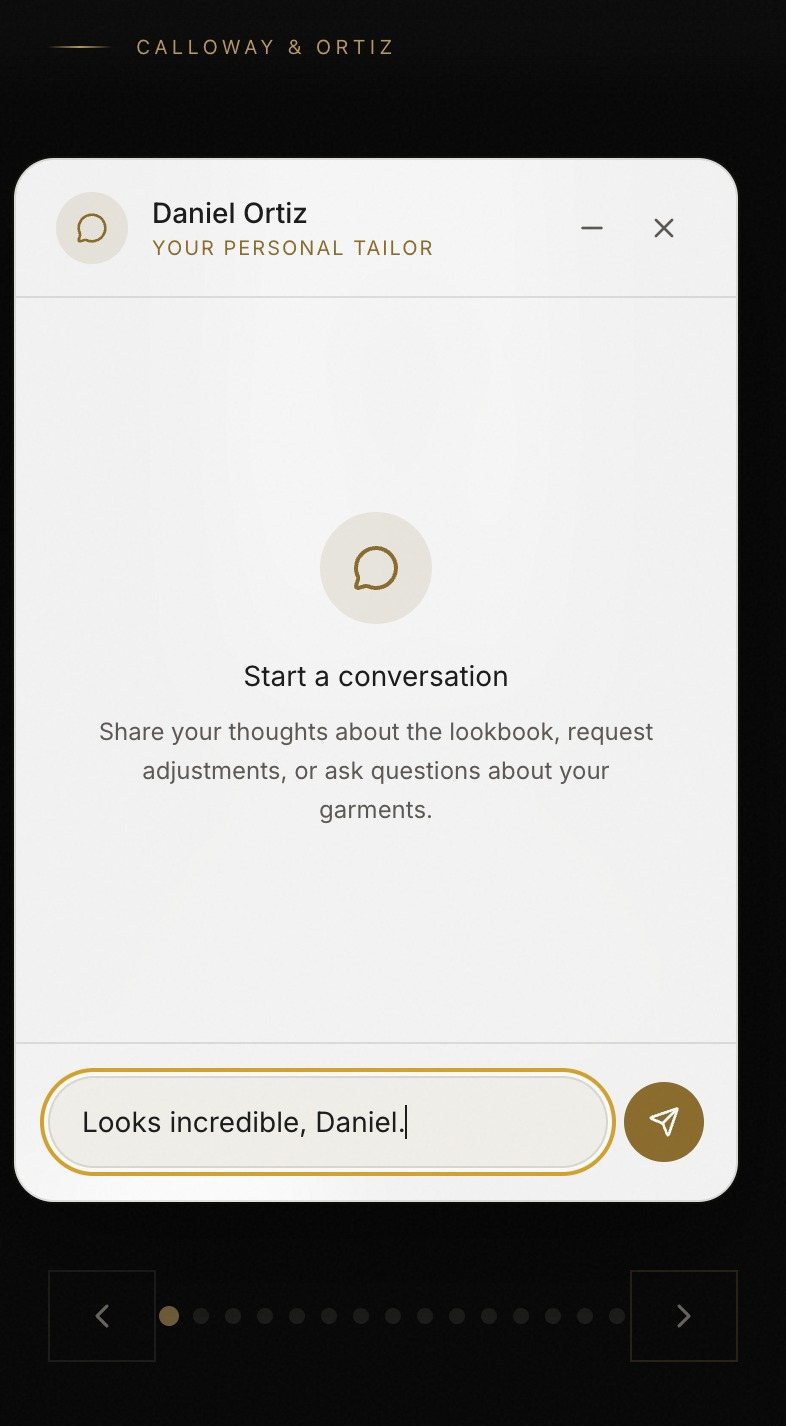
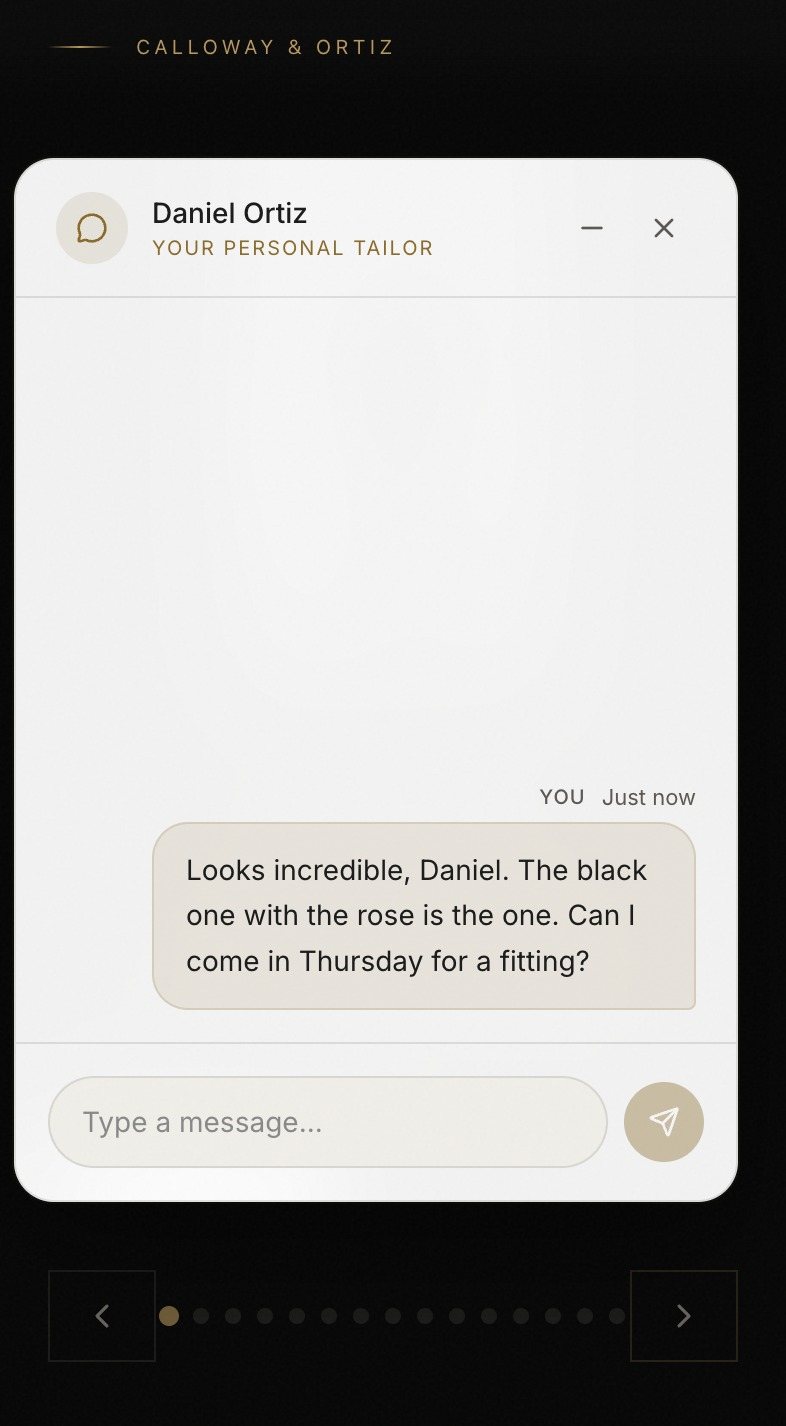
A page in the layout you chose, with your company name at the top. No app to download and no account to create. He can do two things there that matter to you:
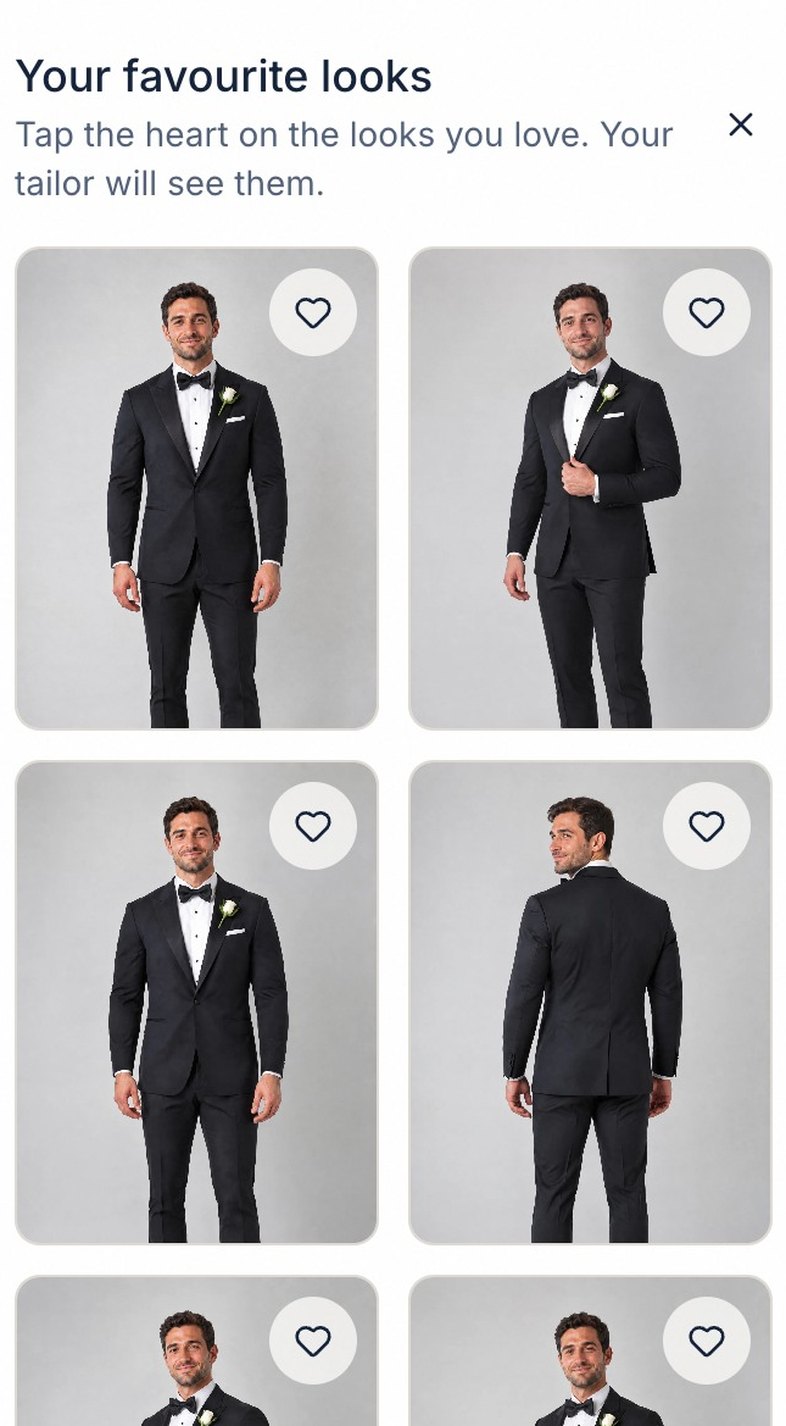
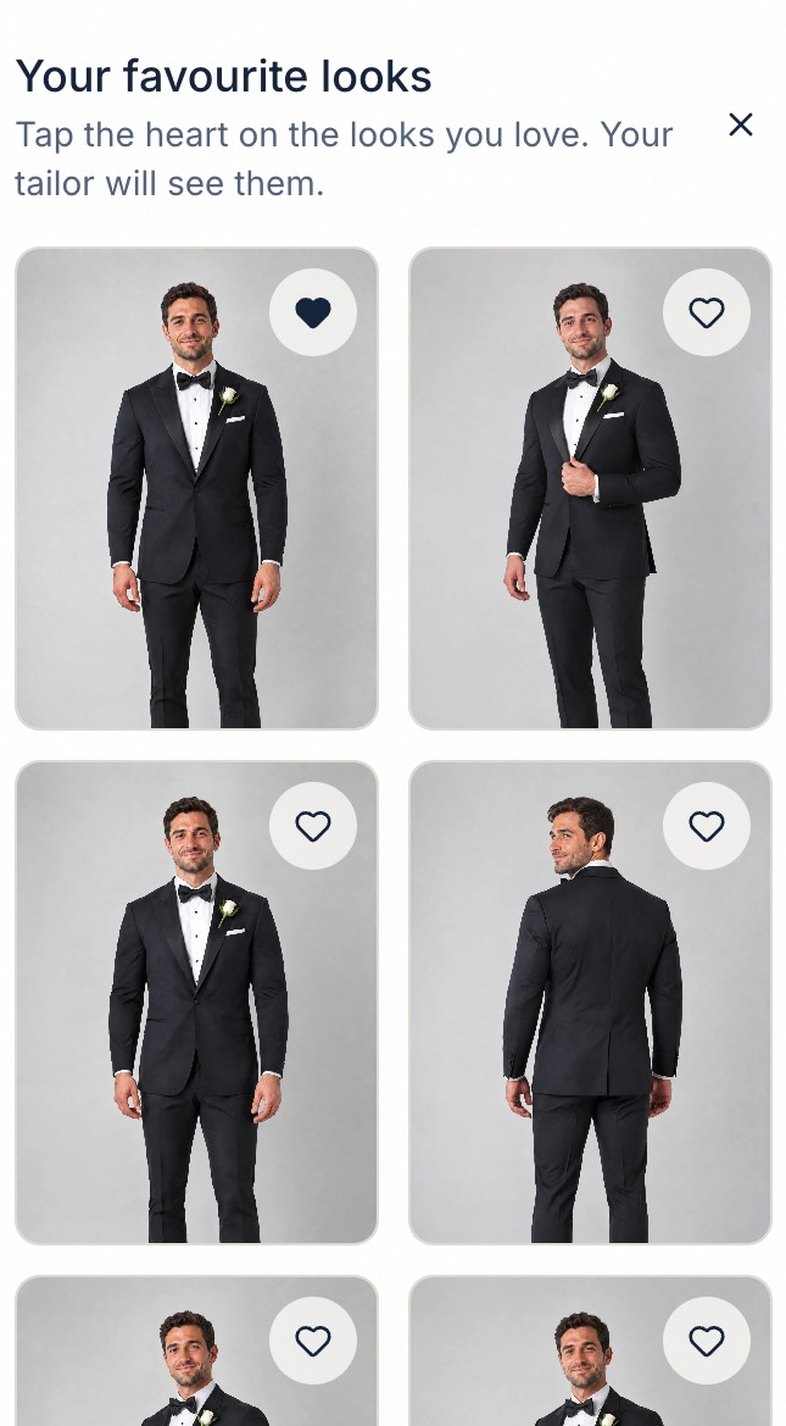
- Favourites. He taps the heart on the looks he likes. They stay hearted when he comes back, on any device.
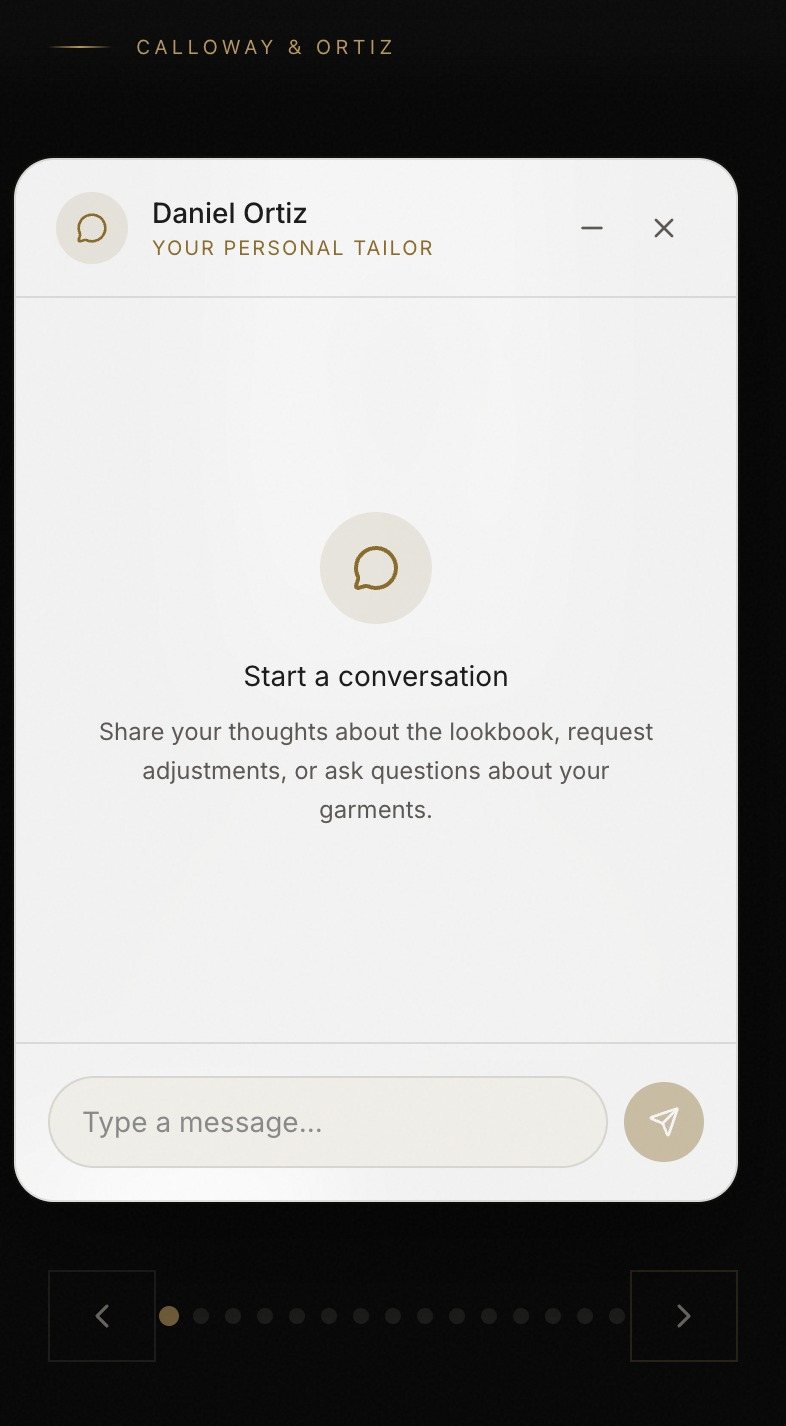
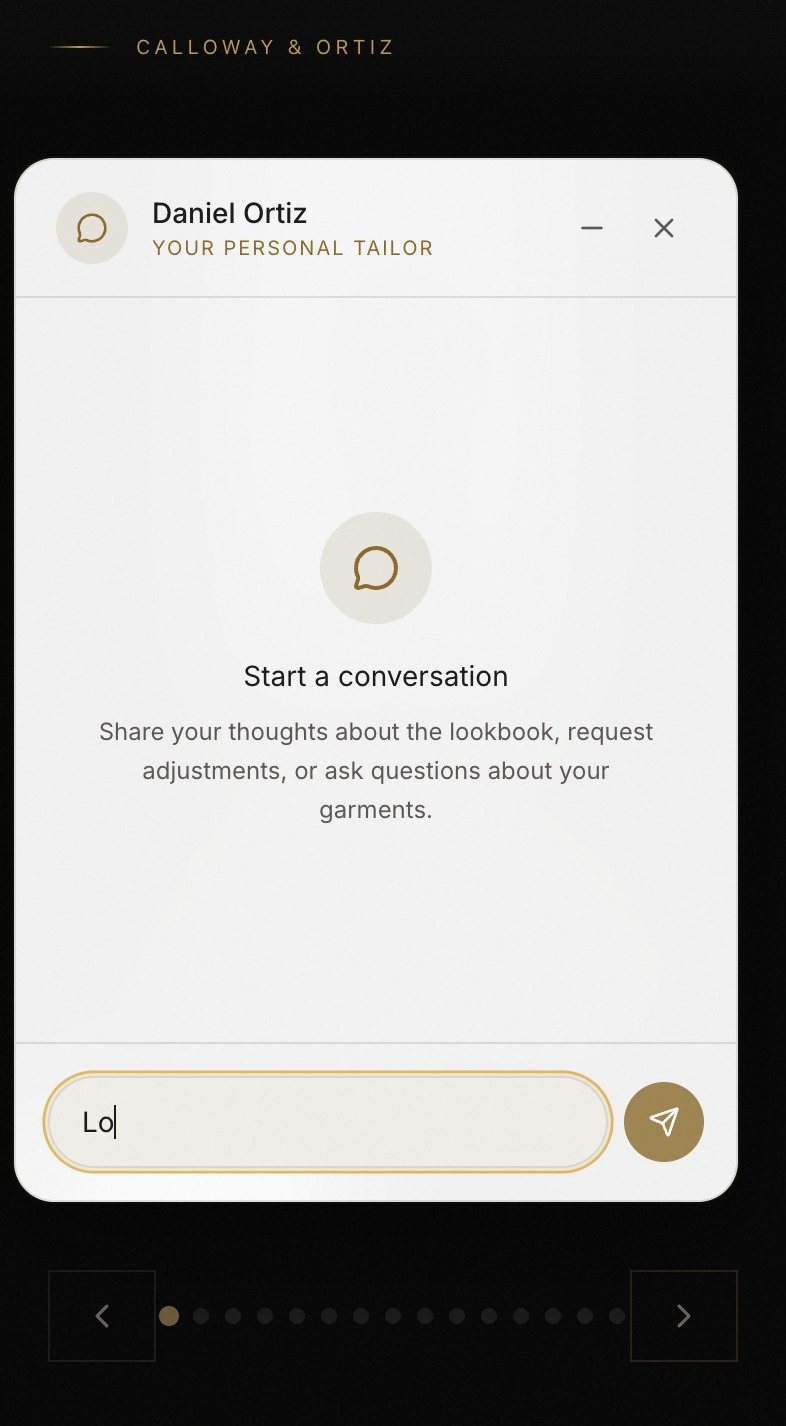
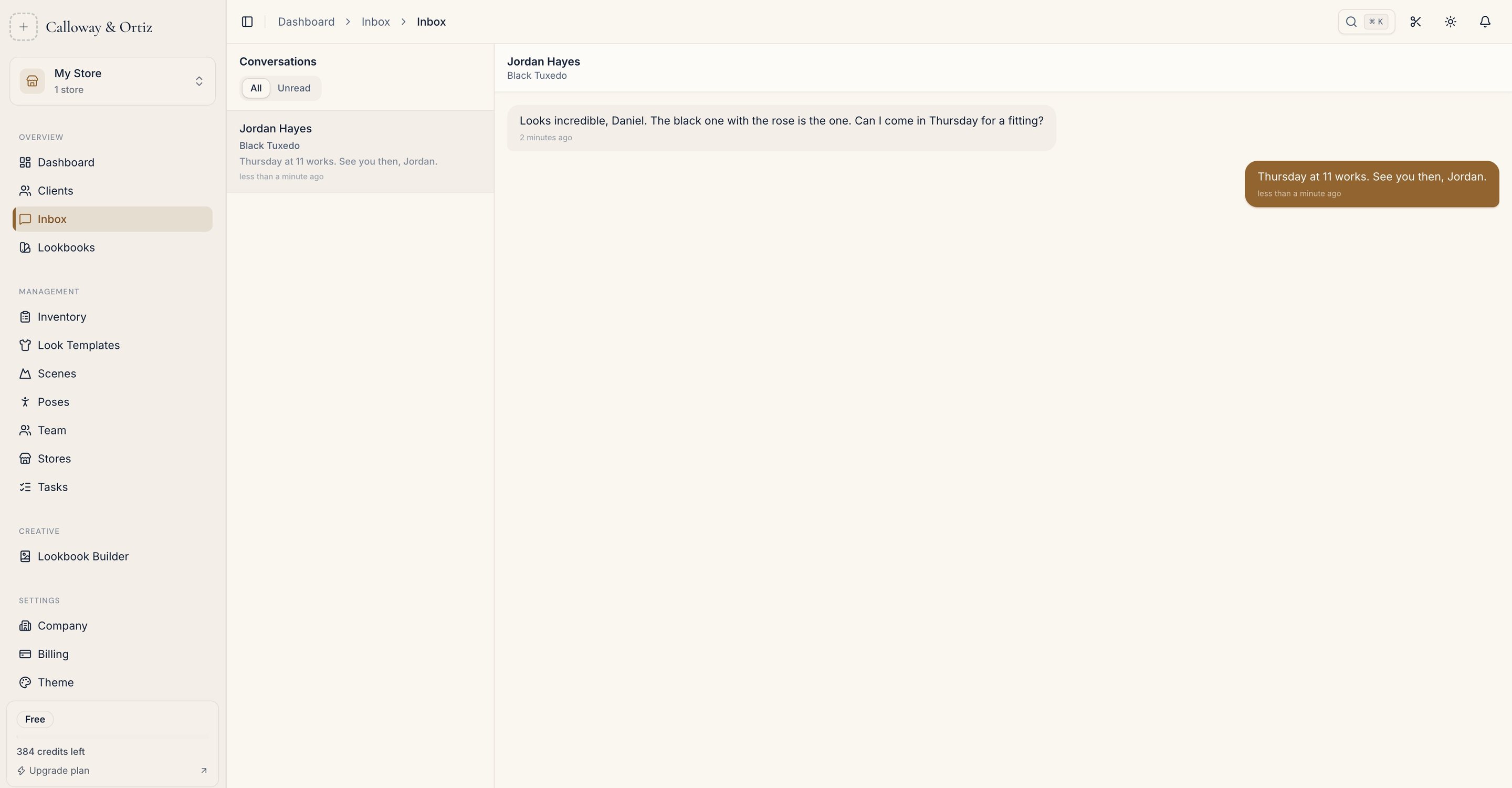
- Leave feedback. A chat with you, on the page. "Could we see it in charcoal?" arrives in your Inbox.
What Comes Back to You
His messages land in your Inbox, with a notification in the app. If you haven’t read one after five minutes, you get an email too. Your reply goes back to the chat on his page; if you sent the lookbook to his email address, he is emailed when he hasn’t seen it.
On the lookbook’s page, View Analytics shows how many times it has been opened and by how many people, and which looks he hearted, marked "Favourited by the client". The Lookbooks list has a Views column, so you can see at a glance who has opened theirs.
Following Up
| What you see | What it usually means | What to do |
|---|---|---|
| No views after two days | He hasn’t seen it | A short personal message with the link. Not a reminder email. |
| Several views, no hearts | He is looking, maybe showing someone | Call. Ask what he and his partner thought. |
| One or two looks hearted | He has a favourite | Build the next step around it: that cloth, that cut. |
| A message in the chat | He is ready to talk | Answer the same day. This is the sale. |
Views count people opening the link, not people deciding. Treat them as a reason to call, not a verdict.
After You Send It
- Change it. Rename the cover or reorder the looks in the layout preview, and the link he already has shows it within about thirty seconds. Remove a look on the poses page and send it again: the link stays the same.
- Stop sharing. One button on the lookbook’s page turns the link off. Sending again later gives a new link.
- Resend the email if it went to his spam folder, from the same page.